23
Installation and Wirin
Cha
ter 2
(Lens not available in market any more)
Lens
View range
(mm)
ANB 842
f=6.5 mm
ANM8808
ANM88081
f=8 mm
ANM8804
ANM88041
f=4 mm
ANM8828
ANM88281
f=2.8 mm
Resolution
µm/pixel
Ver. Hor. WD
Adapter
ring
WD
Adapter
ring
WD
Adapter
ring
WD
Adapter
ring
Ver. Hor.
1 1.1 2.1 2.1
2 2.1 4.2 4.2
3 3.2 6.3 6.2
4 4.3 8.3 8.3
5 5.3 10 10
7.5 8.0 16 16
10 10.7 21 21
12.5 13.3 26 26
15 16.0 31 31
20 21.3 31 0 42 42
30 32.0 42 5.5 54 0 63 62
40 42.7 60 5.5 76 0 33 0 83 83
50 53.4 79 5 99 0 44 0 104 104
75 80.1 124 5 155 0 72 0 45 0 156 156
100 106.8 170 5 211 0 101 0 64 0 208 208
150 160.2 262 5 324 0 157 0 104 0 313 313
200 213.6 353 5 436 0 213 0 143 0 417 417
250 267.0 445 5 549 0 270 0 183 0 521 521
300 320.4 536 5 663 0 326 0 222 0 625 625
350 373.8 628 5 774 0 382 0 262 0 729 729
400 427.2 719 5 887 0 438 0 301 0 833 833
450 480.6 811 5 1000 0 495 0 340 0 938 938
500 534.0 902 5 1112 0 551 0 380 0 1042 1042
600 640.8 1085 5 1337 0 664 0 459 0 1250 1250
700 747.6 1268 5 1563 0 776 0 537 0 1458 1458
800 854.4 1451 5 1788 0 889 0 616 0 1667 1667
900 961.2 1634 5 2013 0 1002 0 695 0 1875 1875
1000 1068.0 1817 5 2238 0 1114 0 774 0 2083 2083
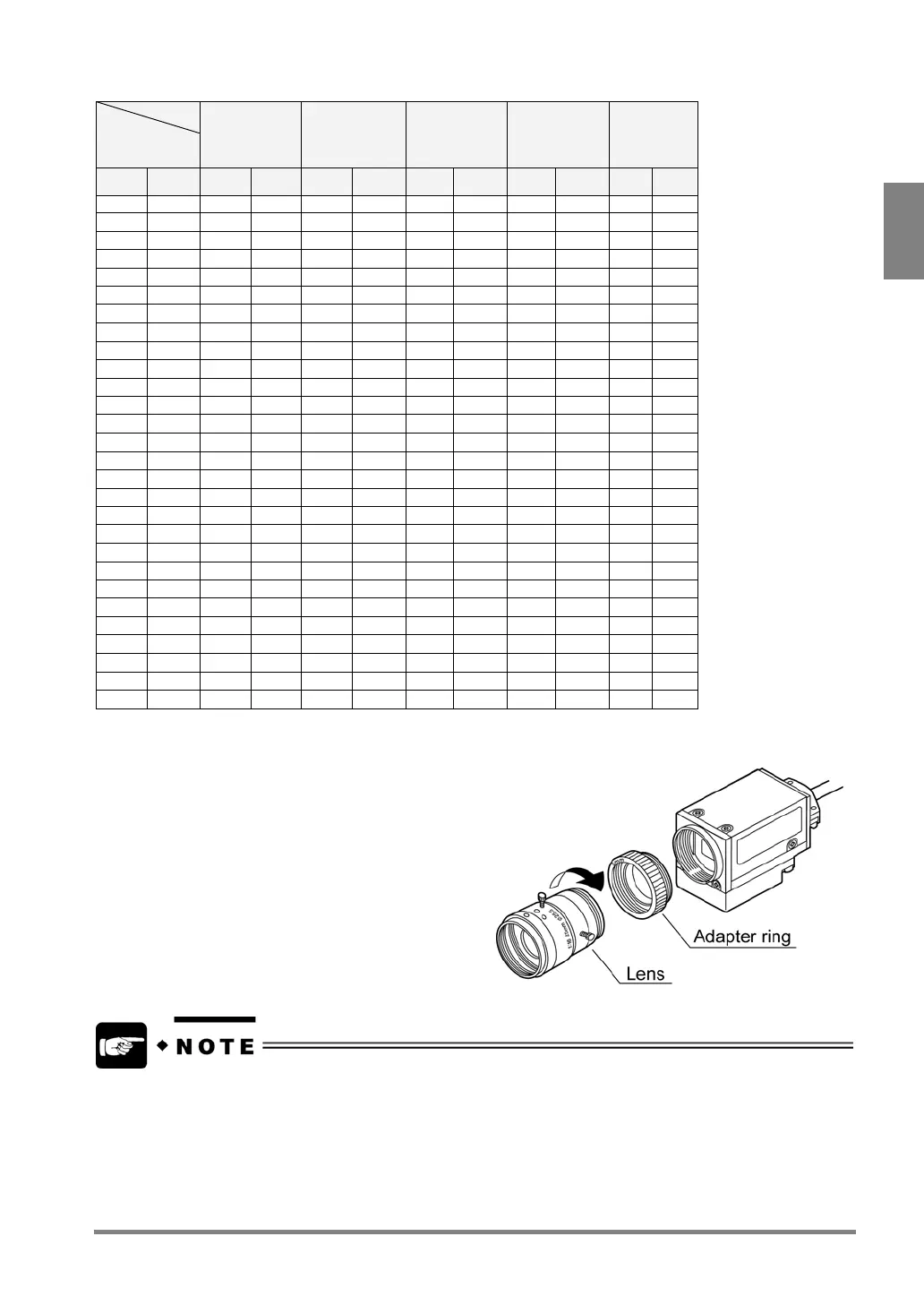
Attaching a Lens
Attach the lens selected from the view range table.
When you use adaptor rings, fix them between the lens and
the camera.
To attach 8 mm of adaptor rings, use a 5-mm ring and three 1-mm rings. When attaching them, however, you
cannot attach all of 1-mm rings between the 5-mm ring and the camera (or the 5-mm ring and the lens). Attach
separately in order to the thickness of the rings is 2 mm or less, such as two 1-mm rings between the 5-mm
ring and the camera while a 1-mm between the 5-mm and the lens.



 To Next Page