R&S
®
ZVA / R&S
®
ZVB / R&S
®
ZVT GUI Reference
Channel Menu
Operating Manual 1145.1084.12 – 30 376
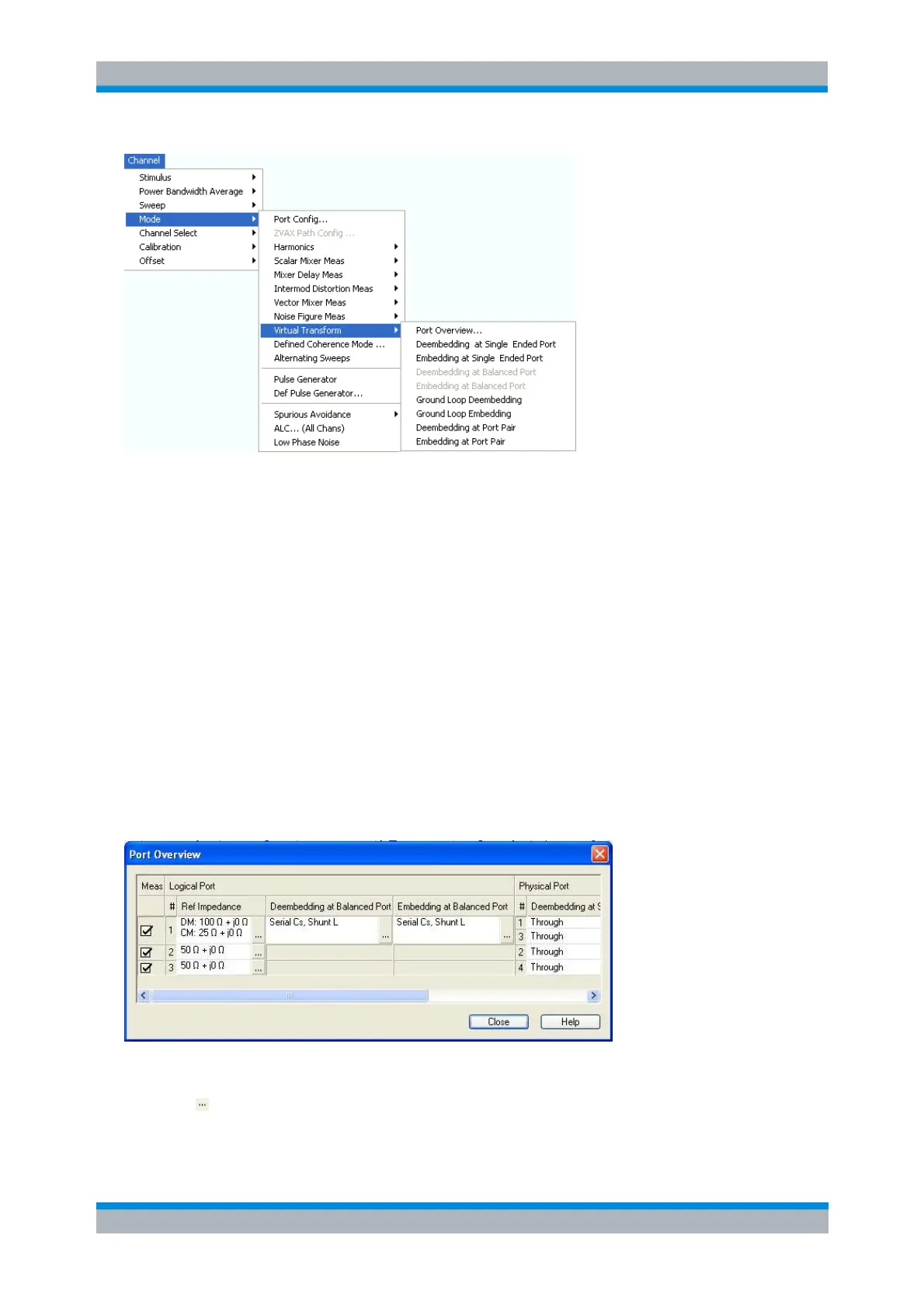
Port Overview... opens a dialog providing an overview of all analyzer ports with their reference
impedances and transformation networks.
Deembedding/Embedding at Single Ended Port opens the configuration dialog for the single
ended circuits and activates or deactivates (de-)embedding.
Deembedding/Embedding at Balanced Port opens the configuration dialog for the balanced port
circuits and activates or deactivates (de-)embedding. These commands are enabled only after a
balanced port configuration has been defined.
Ground Loop Deembedding/Embedding opens the configuration dialog for the ground loop circuits
and activates or deactivates (de-)embedding.
Deembedding/Embedding at Port Pair opens the configuration dialog for the port pair circuits and
activates or deactivates (de-)embedding.
Port Overview
Provides an overview of analyzer ports with their reference impedances and transformation networks (if
(de-)embedding is active).
Each row in the Port Overview table corresponds to one logical or physical analyzer port; the number of
rows in the different columns is equal to the number of balanced ports or physical test ports of the
analyzer. The buttons open different dialogs for test port configuration:
Reference Impedance defines complex impedances for balanced test ports.



 To Next Page