23.8A
ugmentedReality(AR)Troubleshooting
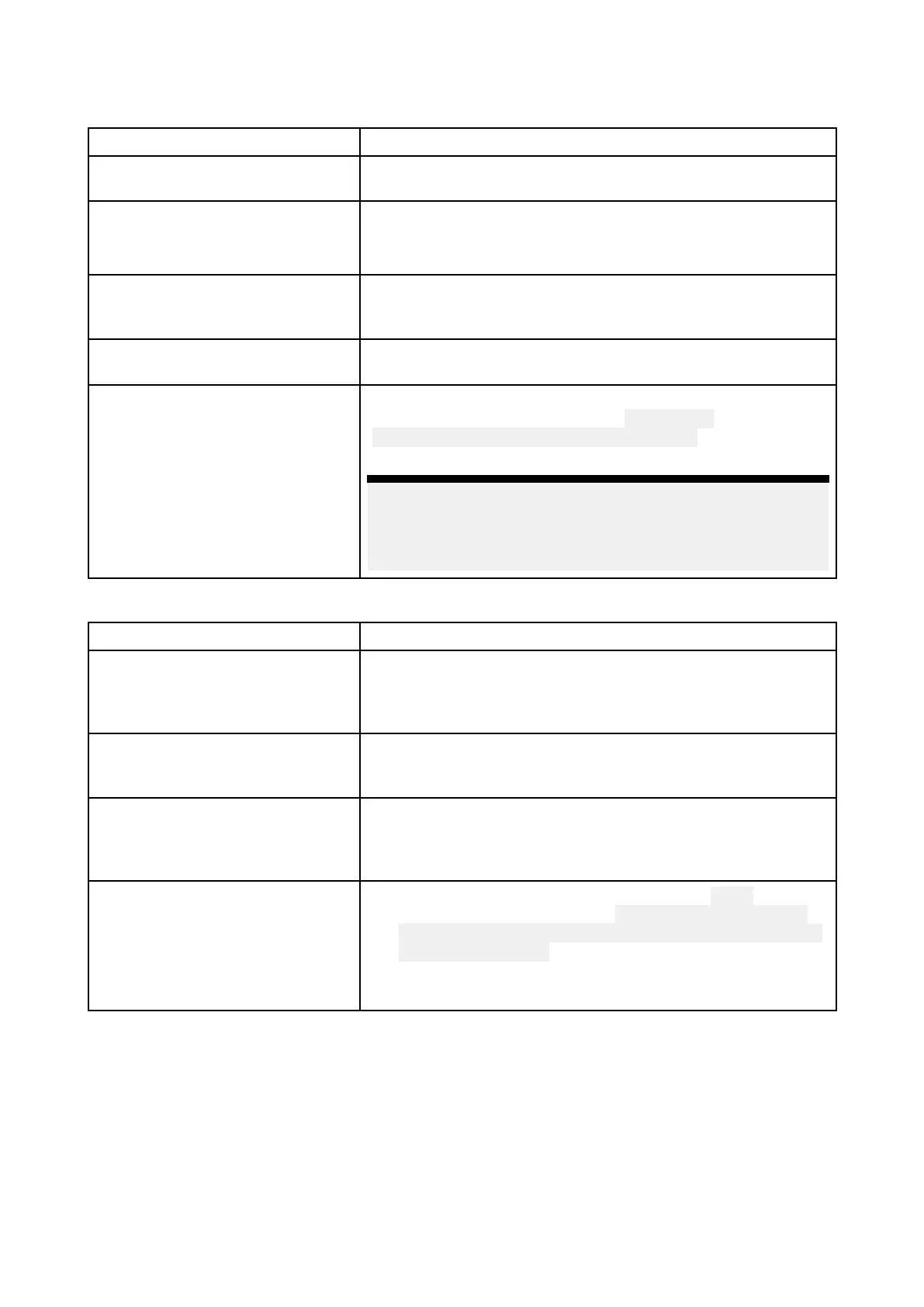
ARoptionsnotavailableinVideoapp
P
ossiblecausesPossiblesolutions
W
rongcameraselected.EnsurethatthecorrectAR-compatiblecamerahasbeen
selectedintheVideoappmenu.
Compatiblecameranotdetected.
1.EnsureyourcameraisARcompatible .
2.Ensureyourcameraiscorrectlyinstalledandnetworked
toyourMFD.
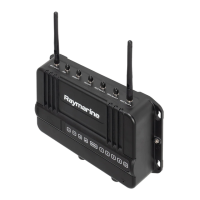
AR200notdetected.1.EnsureyourAR200iscorrectlyinstalledandonthesame
networkastheMFDfromwhichyouareusingtheAR
features.
IncorrectLightHouse™3software
version.
EnsurethatyourMFDisrunningLightHouse™3version3. 7
orabove.
ARoptionsturnedoff .TheCompassbar,AIS,WaypointandChartobjectflagscan
beenabledanddisabledfromthe ClearCruisesettingspage
(Videoapp>Menu>Settings>ClearCruise).Ensurerelevant
optionsareenabled.
Note:
ForAISflagstobedisplayed,compatibleAIShardware
mustbeoperationalandconnectedtothesamenetwork
asyourMFD.
ARflagsdonotappeardirectlyaboveon-screentarget
P ossiblecausesPossiblesolutions
AISupdaterateDependingontheclassificationofthetarget’ sAIShardware,
transmittedpositionupdatesmaybesentupto3minutes
apartandthereforetheflagmayappearupto3minutes
behindtheactualonscreentarget.
CameraFieldofView(FO V)set
incorrectly.
EnsurethattheFOVsettingreflectsyourcamera’shorizontal
FOV.Checkyourcamera’sdocumentationforFOV
specifications.
AR200interferenceIfyourAR200isinstalledinalocationwhichincludesa
sourceofmagneticinterferencelargeenoughtoaffectAR
flagplacement,youmayneedtore-installtheAR200ina
differentlocation.
Deviationtoohigh
1.R esettheAR200calibrationbyselecting
Resetfrom
theAR200calibrationpage: Homescreen>Settings>
Network>Datasources>Heading>RaymarineAR200
Attitude>Calibrate.
2.Iftheproblempersists,youmayneedtomoveyour
AR200toalocationwithlessmagneticinterference.
T roubleshooting
415


 To Next Page