Ops 7–20 • Keying Vision Operator’s Manual (v12.0 MD)
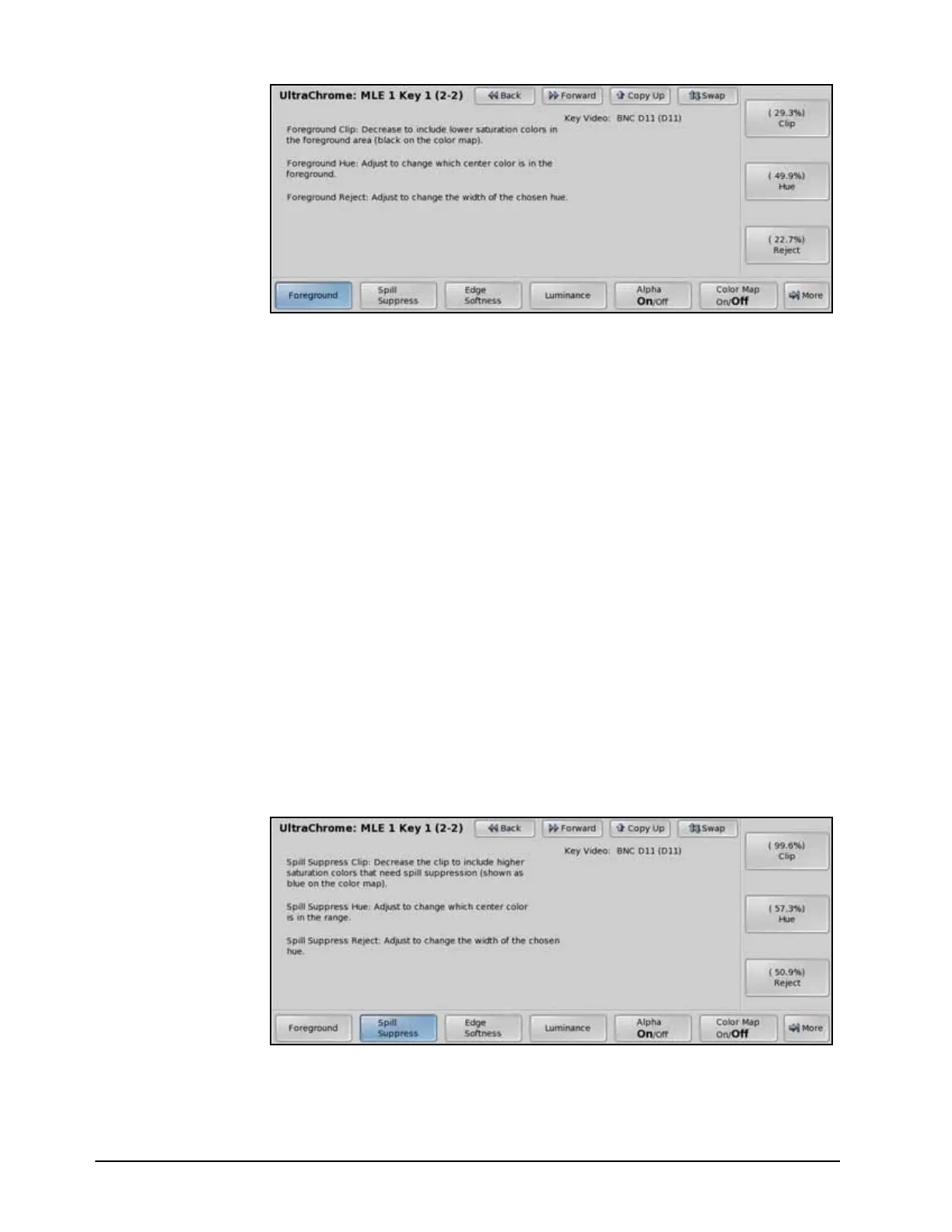
Foreground — UltraChrome Menu 2-2
•Use the Clip knob on the UltraChrome Menu 2-2 to adjust the foreground
clipping as follows:
› Increasing the Clip value removes lower-saturated colors from the Foreground
image.
› Decreasing the Clip value includes lower-saturated colors in the Foreground
image.
•Use the Hue knob on the UltraChrome Menu 2-2 to select the central, or base,
color for the foreground as follows:
› Increasing the Hue value moves counter-clockwise around the color wheel to
select a base color.
› Decreasing the Hue value moves clockwise around the color wheel to select a
base color.
•Use the Reject knob on the UltraChrome Menu 2-2 to include or reject hues
adjacent to the base color as follows (Figure 7.8):
› Increasing the Reject value decreases the amount of adjacent hues that are
included in the foreground.
› Decreasing the Reject value increases the amount of adjacent hues that are
included in the foreground.
7. Adjust the amount of background color that is spilling over into the foreground (green
color cast on the foreground from a green-screen for example) as follows:
• Press Spill Suppress on the UltraChrome Menu 2-2.
Spill Suppress — UltraChrome Menu 2-2
•Use the Clip knob on the UltraChrome Menu 2-2 to adjust spill suppress clipping
as follows:



 To Next Page