Set Up Dial-Up Connection via PPP
SICAM RTUs, User Manual SICAM CMIC 381
DC8-001-2.09, Edition 08.2016
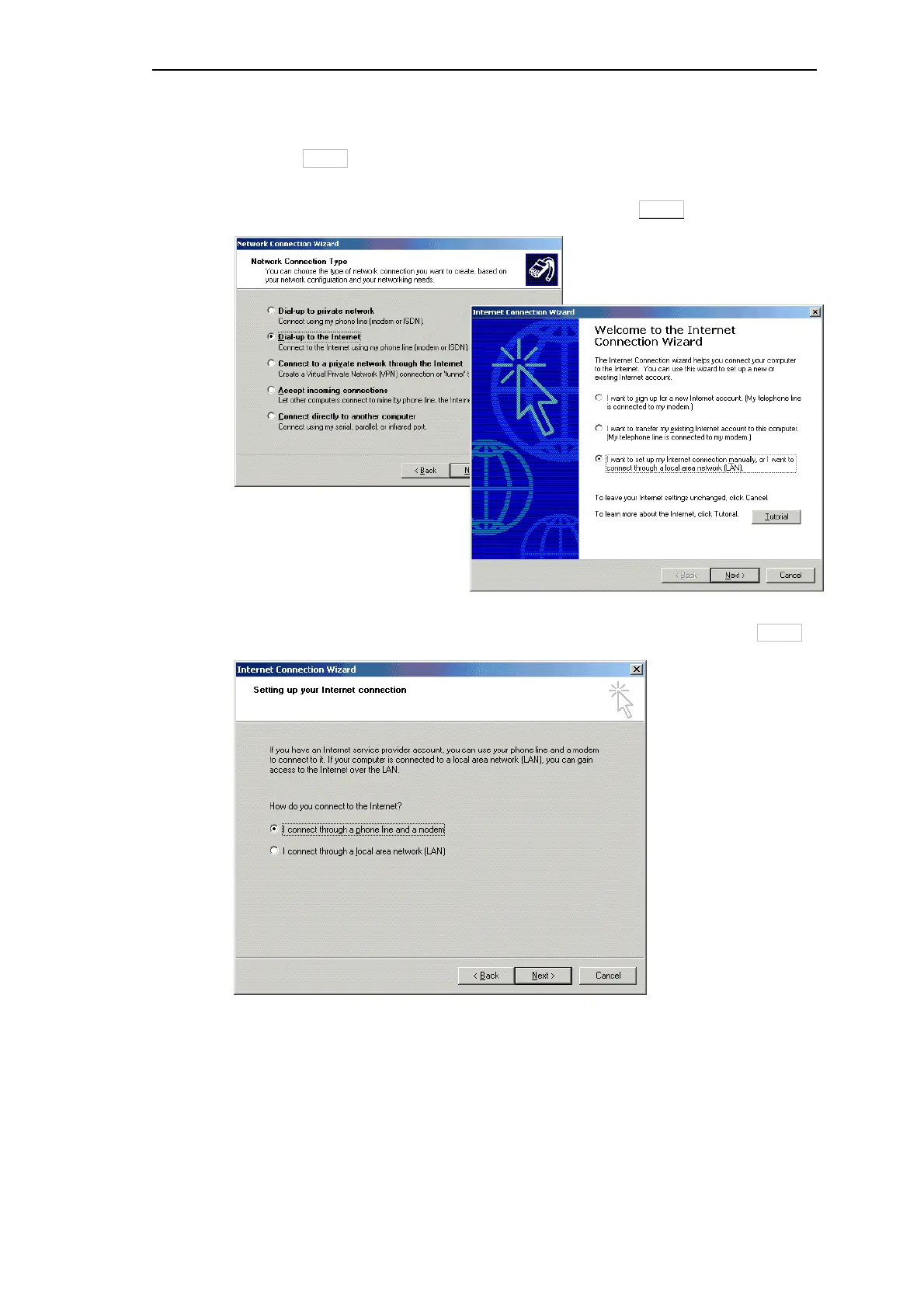
In the following window select the item Dial-up to the Internet as network connection type.
Then go to Next>.
For the next step select the setting I want to set up my Internet connection manually, or I
want to connect through a local area network (LAN) and click Next>.
Select the option I connect through a phone line and a modem and continue with Next>.



 To Next Page
 Loading...









