Chapter 4 — Configuring the Library Configuring Optional Library Settings
November 2016 User Guide—Spectra T950 Library
140
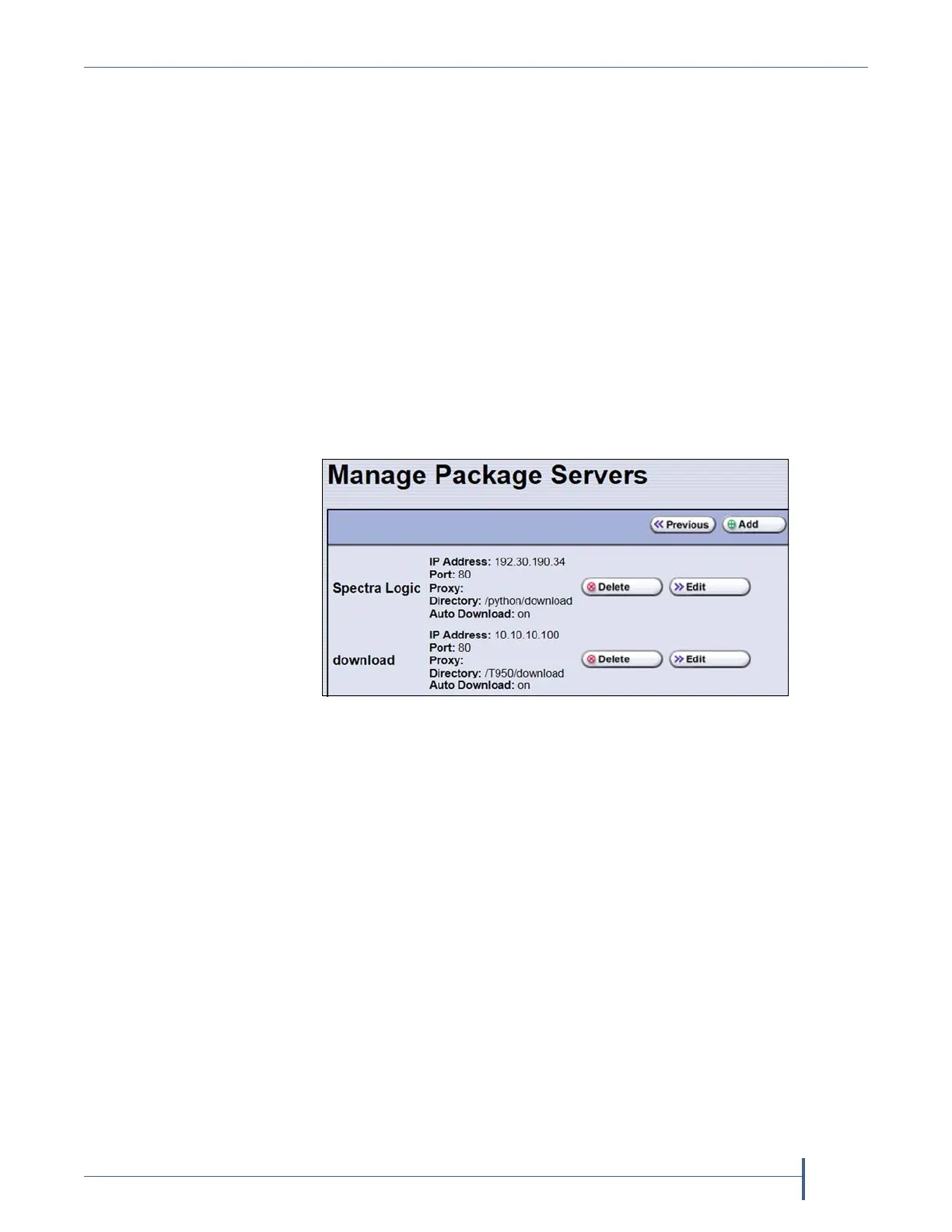
4. ClickManage Package Servers.TheManagePackageServersscreen
displays,andprovidesthefollowinginformationforeachcurrently
configuredpackageserver:
Servername—Nameassignedtotheserverwhenitwasadded.
Serverconfigurationsettings—IncludestheIPaddressofthe
packageserver,theport,theIPaddressoftheproxyserver(if
configured),andthedirectorywhereBlueScalepackagesarestored.
AutoDownloadsetting—IndicateswhetherAutoDownloadis
configured.Ifconfigured(SeeAddapackageserveronpage141),
thelibrarychecksthepackageserveronceaweekforalibrary
updatepackageanddrivefirmwarepackagenewerthanwhatthe
libraryiscurrentlyrunning.Ifanewpackageisavailable,the
librarydownloadsit,generatesasystemmessage,anddisplaysan
icononthestatusbartoindicatetheupdateisavailable(seeAuto
DownloadIcononpage87).Tomodifyautodownloadoptions,see
ModifyAutoDownloadOptionsonpage142.
Figure 75 The Manage Package Servers screen.



 To Next Page