Chapter 11 — Configuring and Using AutoSupport Configuring AutoSupport
November 2016 User Guide—Spectra T950 Library
334
Configure AutoSupport Profiles
Usethefollowingstepstocreateormodifyaprofileforeachperson
assignedtoworkwithSpectraLogicTechnicalSupporttotroubleshoot
problemswiththelibraryordrives.
1. Logintothelibraryasauserwithsuperuseroradministrator
privileges.
2. Ifnotalreadycompleted,configurethemailrecipientswhoshould
receiveAutoSupportinformation(seeConfigureMailRecipientson
page333).
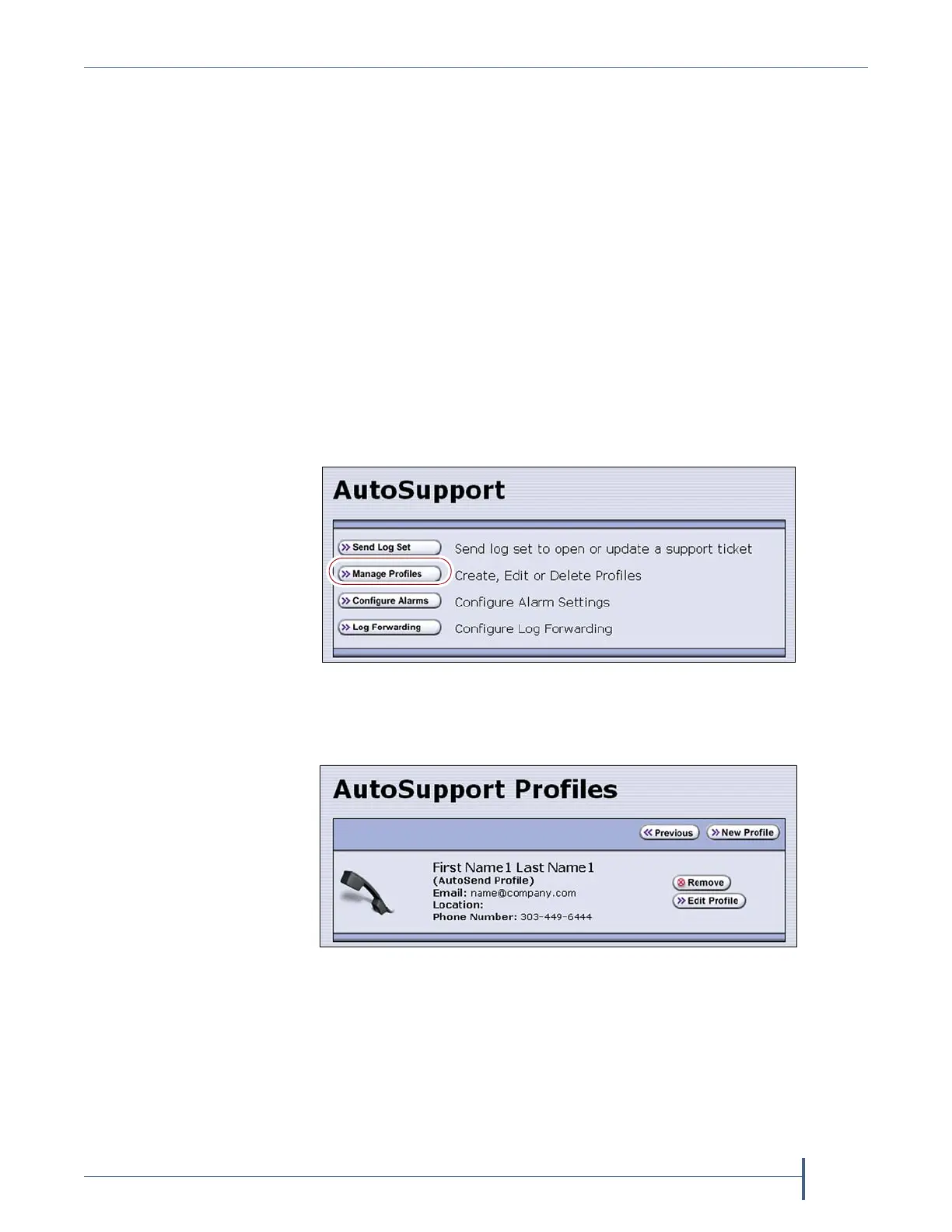
3. Fromthetoolbarmenu,selectMaintenance > AutoSupport.The
AutoSupportscreendisplays.
Note: IfyoudidnotyetconfigureanAutoSupportprofile,theSend
Log Setbuttonisgrayedout.Ifyoudidnotconfigureaprofile
forAutoSend,theConfigure Alarmsbuttonisgrayedout.
4. ClickManage Profiles.TheAutoSupportProfilesscreendisplays.
Figure 204 Click Manage Profiles to create or edit an
AutoSupport profile.
Figure 205 Use the AutoSupport Profiles screen to manage
profiles.



 To Next Page