Chapter 14 — Maintaining the Library Updating the BlueScale Software and Library Firmware
November 2016 User Guide—Spectra T950 Library
437
Check the Library BlueScale Software Version
UsethefollowingstepstodeterminetheBlueScalesoftwareversion
currentlyrunningonthelibrary.
1. Logintothelibraryasauserwithsuperuseroradministrator
privileges.
2. DeterminetheBlueScalesoftwareversioncurrentlyrunningonthe
library.
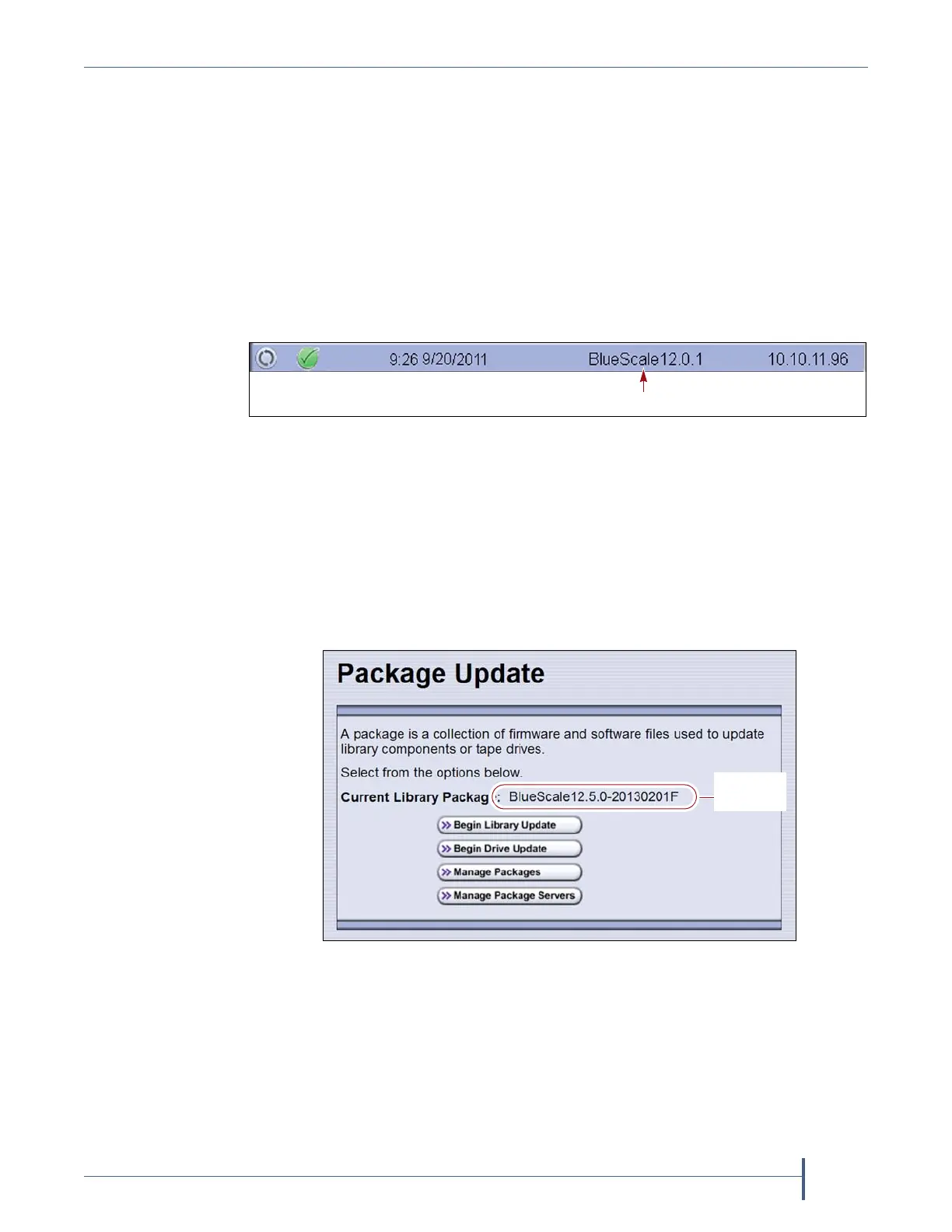
ThestatusbaratthebottomofeachBlueScalescreenshowsthe
BlueScaleversionrunningonthelibrary.
—OR—
SelectMaintenance > Package Updatefromthetoolbarmenuto
viewthecurrentBlueScalepackageversiononthePackageUpdate
screen.
Note: IfthelibrarynotifiesyouthatyourBlueScaleSoftware
Supportkeyexpired,seeRenewingtheBlueScale
SoftwareSupportKeyonpage434.
Figure 273 The BlueScale version shown on the status bar.
Figure 274 The BlueScale version shown on the Package
Update screen.



 To Next Page