Chapter 8 — Using the Cartridge Inventory Viewing and Downloading the Cartridge Inventory
November 2016 User Guide—Spectra T950 Library
258
View the Cartridge Inventory for a Location
Note: Youcanalsoviewthecartridgeinventoryforaspecificlocation
usingtheMediaLifecycleManagementReportscreen(seeUsing
MLMReportingonpage308).
1. Logintothelibrary.
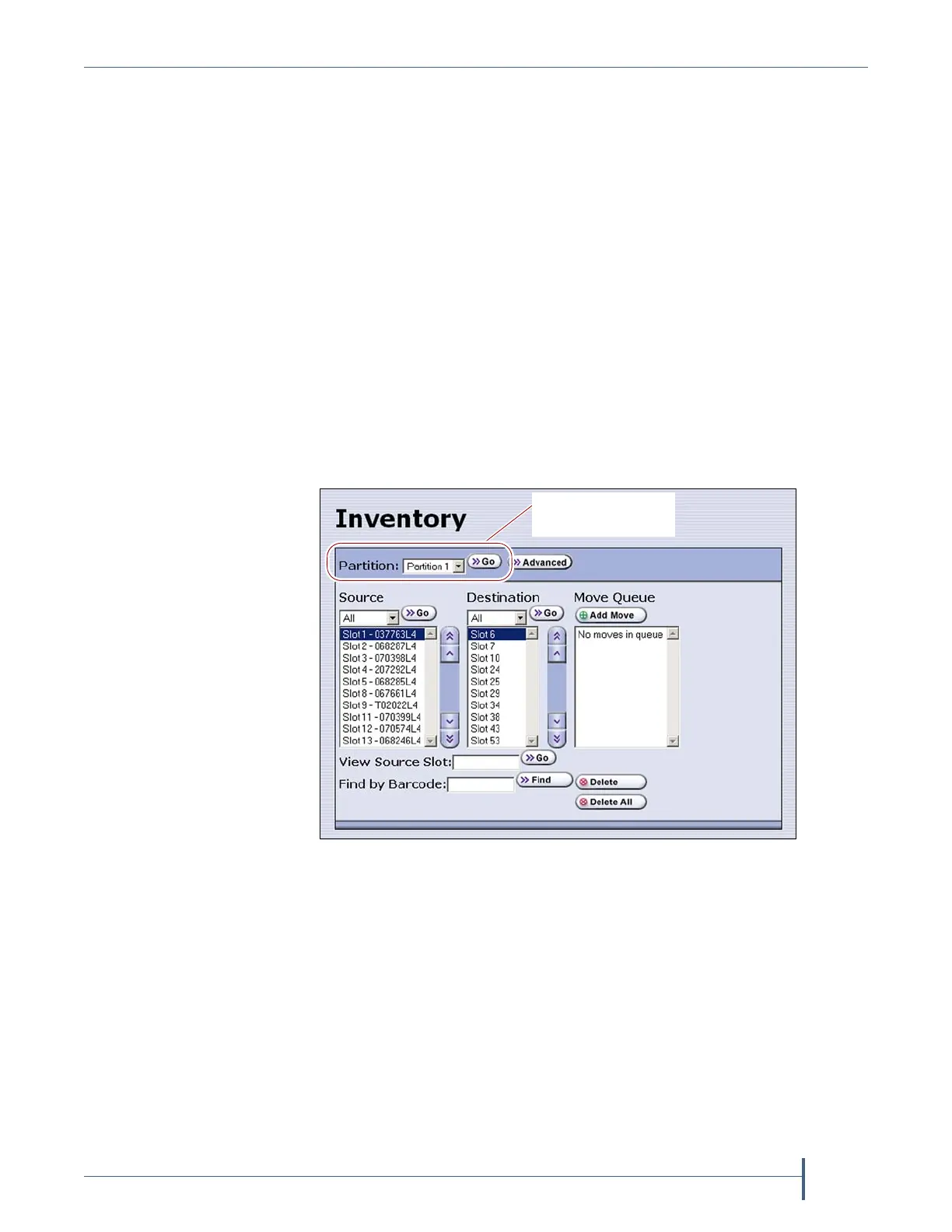
2. Fromthetoolbarmenu,selectGeneral> Inventory.TheInventory
screendisplays,showingtheinformationforthelastpartitionthatwas
viewedoneithertheImport/ExportTeraPackCasesscreenorthe
Inventoryscreen.
3. Selectthepartitionforwhichyouwanttoviewtheinventoryfromthe
Partitiondrop‐downlist,thenclickGo.Thescreenrefreshestoshowthe
cartridgeinventoryfortheSourcetypethatwasselectedthelasttime
theInventoryscreenwasviewed.
Note: TheDestinationlistshowsalloftheemptylocationsofthe
selectedtype.
Figure 161 The Inventory screen.
Select the partition
you want to view.



 To Next Page