Chapter 15 — Maintaining the Drives Updating Drive Firmware
November 2016 User Guide—Spectra T950 Library
488
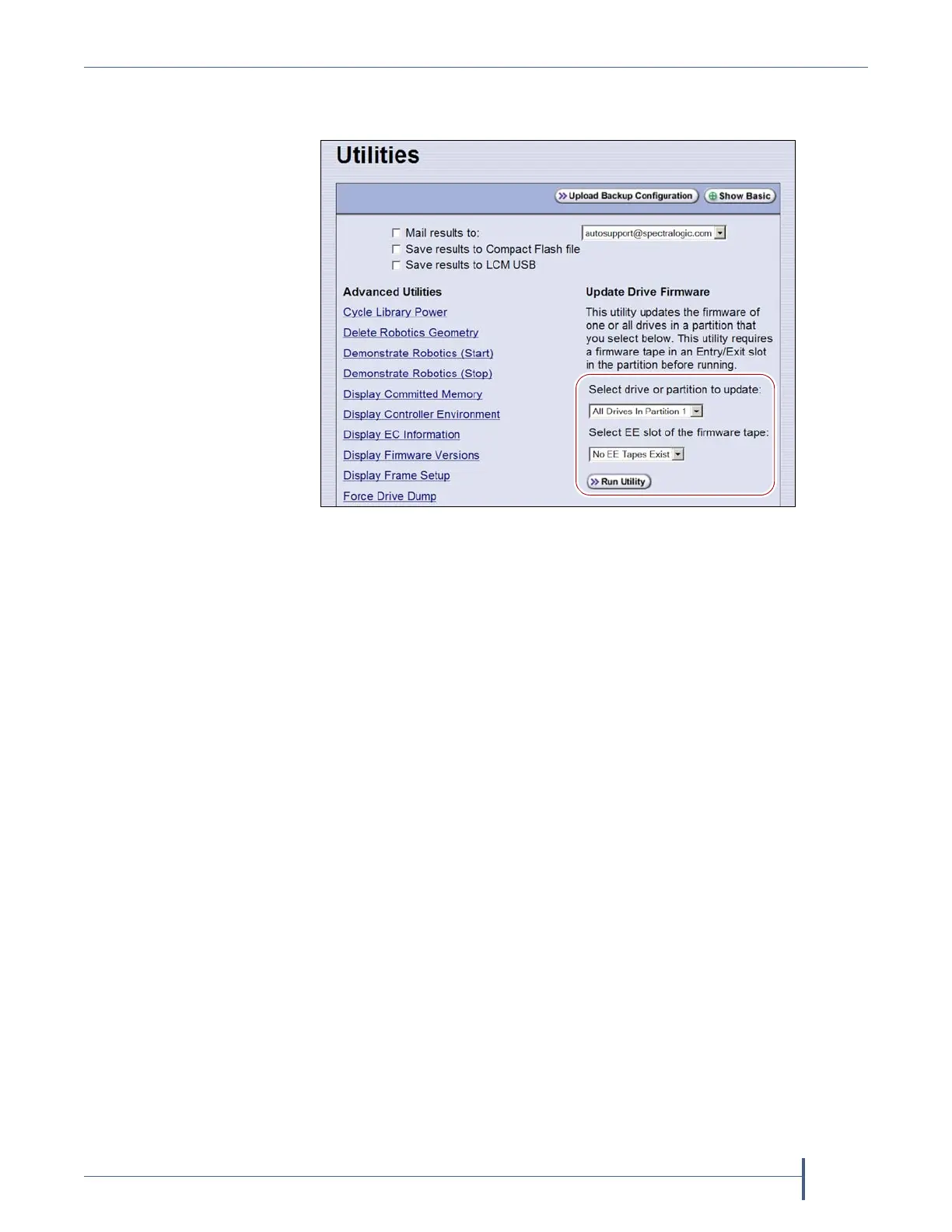
5. ScrollthroughthelistofadvancedutilitiesandselectUpdate Drive
Firmware.Thescreenrefreshestoshowthedetailsfortheutility.
6. UsetheSelect drive or partition to updatedrop‐downlisttoselectthe
drive(s)thatyouwanttoupdate.Youcanchooseto:
Updateallofthedrivesinapartition.
–OR–
Updateasingledrive(selectedbyitsBlueScaleidentifier).
Note: Drivesareidentifiedaccordingtotheirphysicallocationinthe
library.Forexample:FR1/DBA2/DRV4referstotheupperright
driveinDBA2offrame
1.SeeDriveIdentifiersonpage65for
additionalinformationaboutidentifiers.
7. UsetheSelect EE slot of the firmware tapedrop‐downlisttoselectthe
slotinthemagazinewherethefirmwareupdatetapeislocated.
Figure 315 Select the drive to update and the location of the
firmware tape.



 To Next Page