28 Oct
1997 21:57
CELL-DYN
®
3/35 Sample Loader TS Guide 9140234B-June 1997
VERIFICATION PROCEDURES
VP - 3.3 Platen Wall Adjustment
3 - 23
3
Search
Book TOC
Go Back
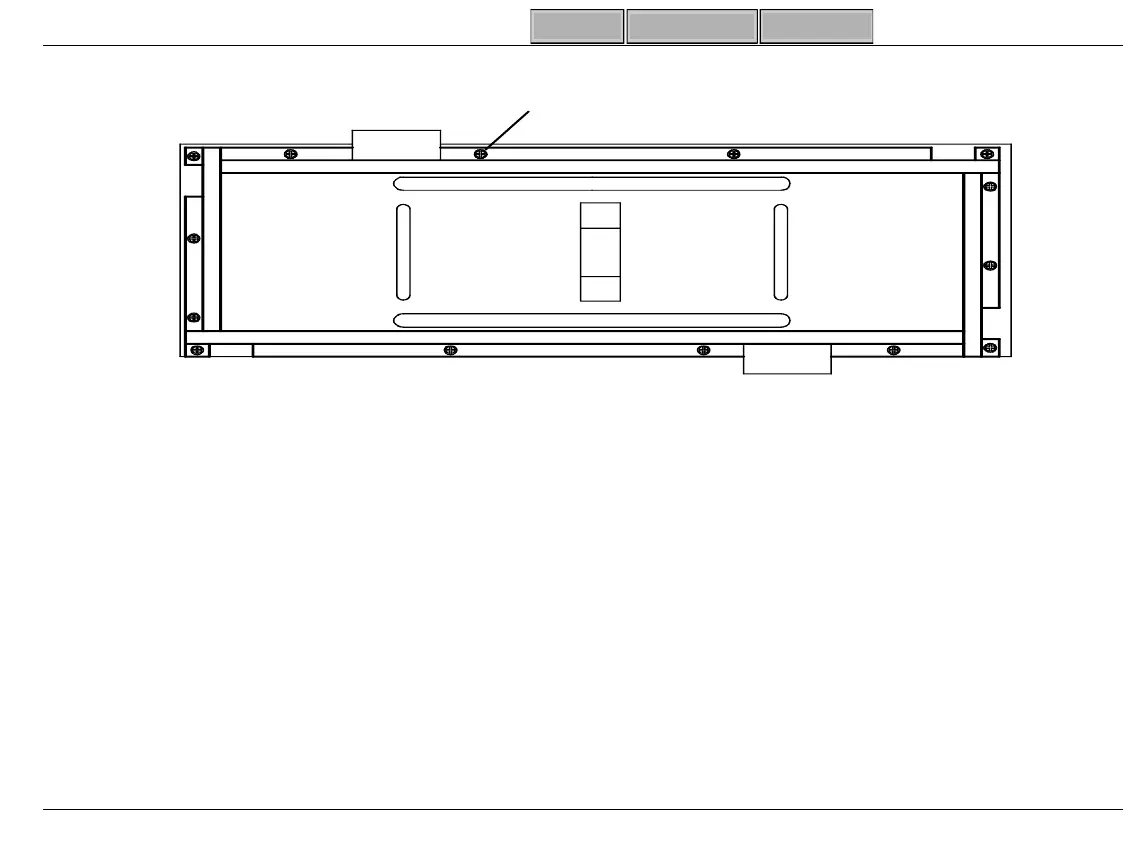
Figure 3-7 Non-Welded Platen
c. Move Rack Guide Ali
nment Tool and Adjust Positions (2), (3), and (4) the same way (Fi
ure
3-6, Pa
e-3-21).
d. It may be necessary to adjust the Rack Guide and/ or Beam Block for Tool to fit properly.
To Adjust Rack Guide:
- Loosen (2) screws attachin
Rack Guide to Platen.
- Insert Rack Guide Ali
nment Tool, adjust Rack Guide, and ti
hten hardware.
To Adjust Beam Block:
-Go to “VP - 3.5 Rack Clearance Adjustment” (Pa
e 3-28).
Platen Wall Hardware
(Non-Welded) 14 Places
SL-158A



 To Next Page