............................................................................................................................................................................................................................................................
To configure each server in a stackSystem Configuration
2-80
8AL90208USAD ed01
November 20, 2008
............................................................................................................................................................................................................................................................
........................................................................................................................................................................................................................
5 Click Save.
The server will now reboot in its new configuration.
........................................................................................................................................................
E ND OF STEPS
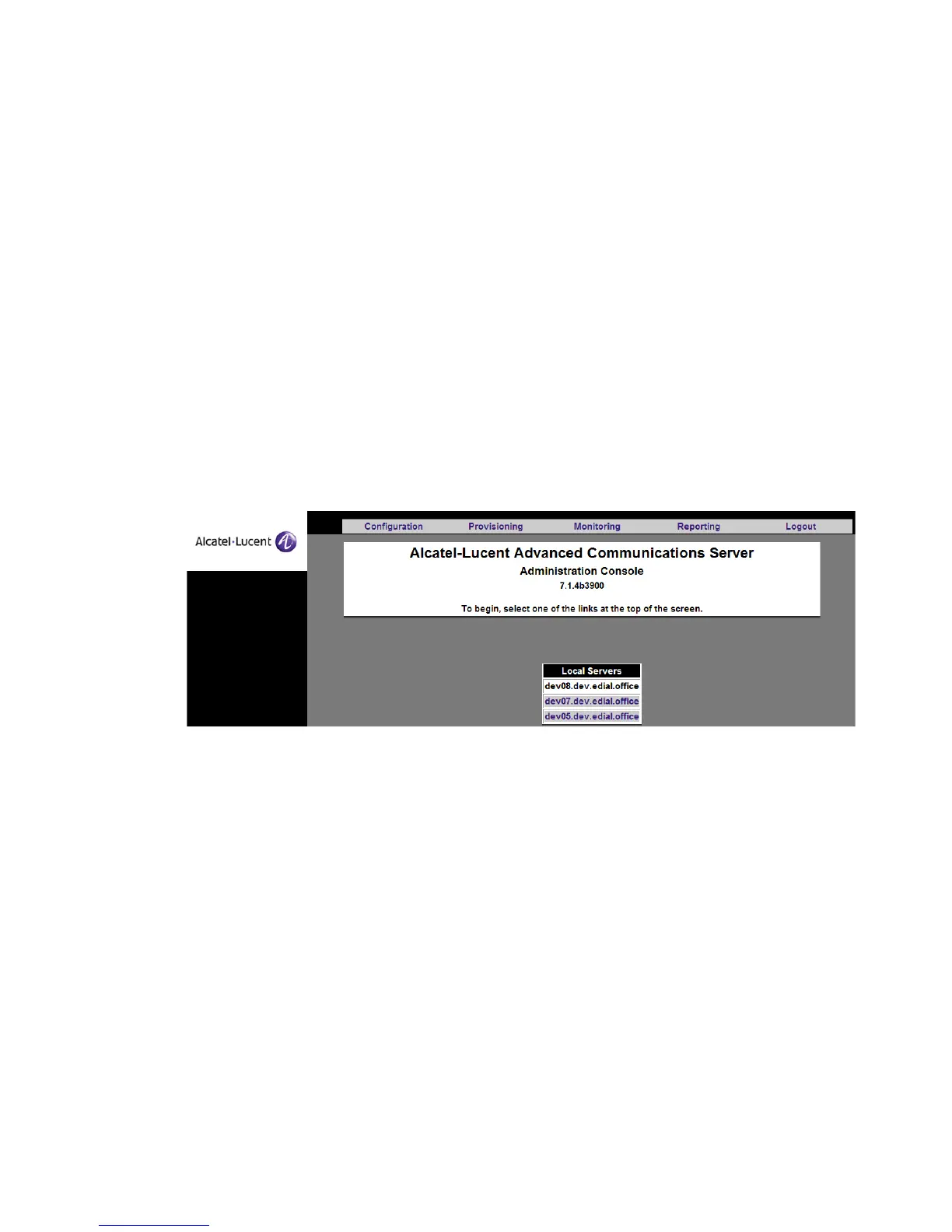
Note: When multiple servers are configured as a stack, the System Administrator’s
home page will show the names of the servers in the stack. To select which server you
want to administer, click the name of that server. For example, in the screen below,
the system administrator is logged into dev08.dev.edial.office (the server name is in
black, on a white background). To switch to dev07.dev.edial.office or
dev05.dev.edial.office, you must click that server’s name. It will change to black on a
white background, reflecting the fact that you are now administering it.
Figure 2-42 Servers in a Stack
Note:
To access the stack alias in a stack, set the Cluster FQDN to the stack alias
and the
Cluster IP Address for the group of stacked servers. The response order of the
servers is dependant on System Configuration. (see “Domains” (p. 2-39))
You should also choose a single name that will allow access to any of the servers in a stack.
This is the Server FQDN in the administration interface.
SSL certificates are given out by IP address. In order to avoid server name and certificate
name mismatches, each server is configured with two IP addresses:
• A specific server address
• A cluster server address
The DNS server should map the specific server name (for example,
alcatel1.company.com) onto the specific server address. In addition, the DNS server
should map the cluster server name onto all of the cluster server addresses. Users access












 To Next Page