............................................................................................................................................................................................................................................................
User AuthenticationSystem Configuration
2-44
8AL90208USAD ed01
November 20, 2008
............................................................................................................................................................................................................................................................
Note: Certificate authorities such as VeriSign, Thawte, and OpenCA need to
authenticate the certificate.
........................................................................................................................................................
E ND OF STEPS
User Authentication
OmniTouch ACS is capable of interfacing corporate directories for the purpose of user
authorization and auto provisioning.
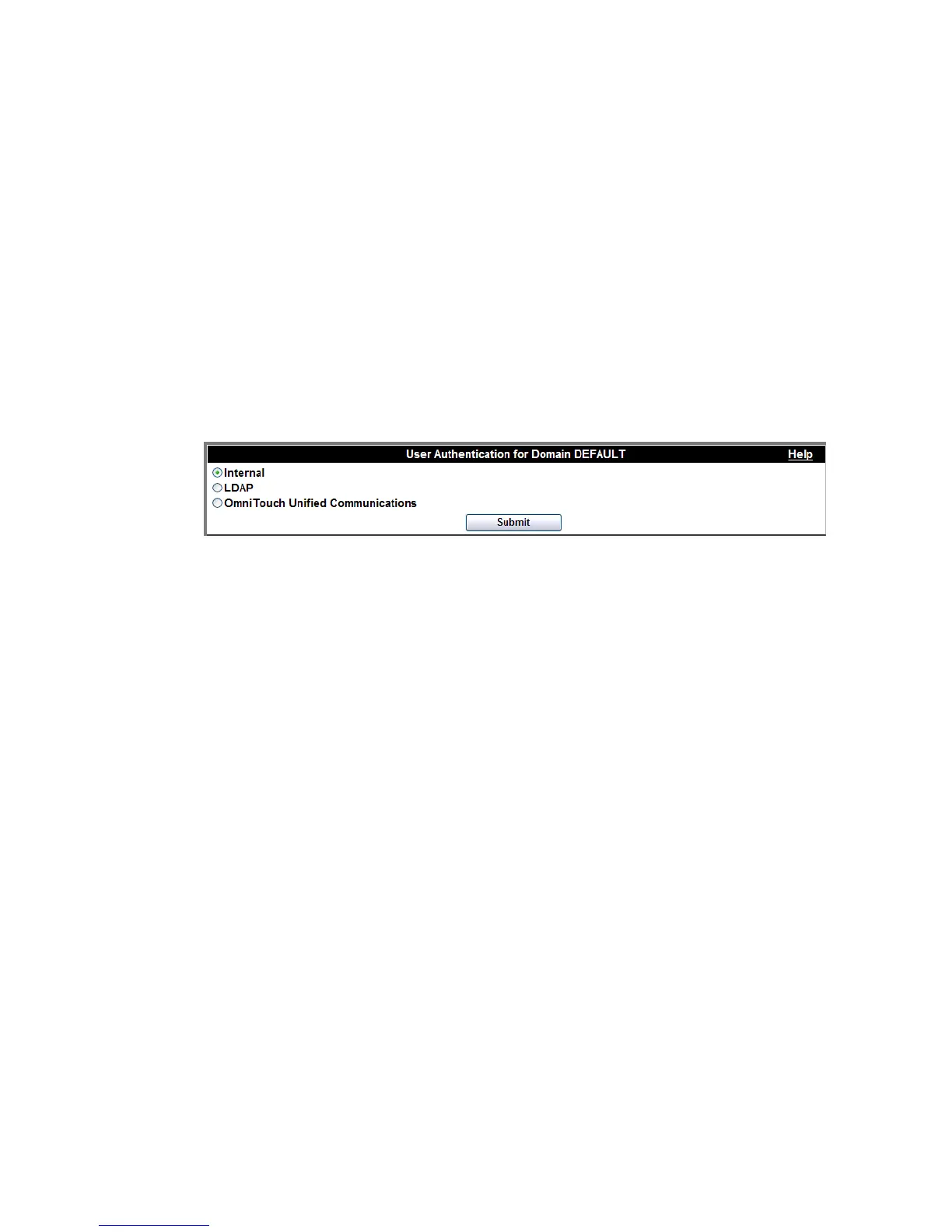
Figure 2-23 Domain User Authentication
Internal database
Select Internal database to query OmniTouch ACS’s own internal database to see if a
username and password are authorized.
LDAP configuration (Authentication and Auto Provisioning)
Select LDAP to use an LDAP query to authenticate a user. Rather than querying
OmniTouch ACS’s own internal database to see if the username and password are
authorized, an LDAP query will be launched against the corporate directory. If the
response back to the server indicates that the username and password combination is
legitimate, OmniTouch ACS will allow that user to access the system for scheduling and
placing calls.
Under this arrangement, the user’s password, if auto-provisioned, will not be stored on the
OmniTouch ACS, and you will not need to administer the user database on OmniTouch
ACS (except to change users who do not have default authorization levels for enhanced
service features).
OmniTouch ACS also uses the LDAP query process to enable auto provisioning. If the
LDAP query indicates that the username and password are legitimate but that username
has not yet been provisioned as an OmniTouch ACS user, then the server will
automatically establish an account for that user if auto-provisioning is set. The user will be












 To Next Page