............................................................................................................................................................................................................................................................
To provision for Alcatel-Lucent OmniTouch Land Mobile
Radio Conferencing and Collaboration (LMRCC)
Provisioning and Account Management
4-22
8AL90208USAD ed01
November 20, 2008
............................................................................................................................................................................................................................................................
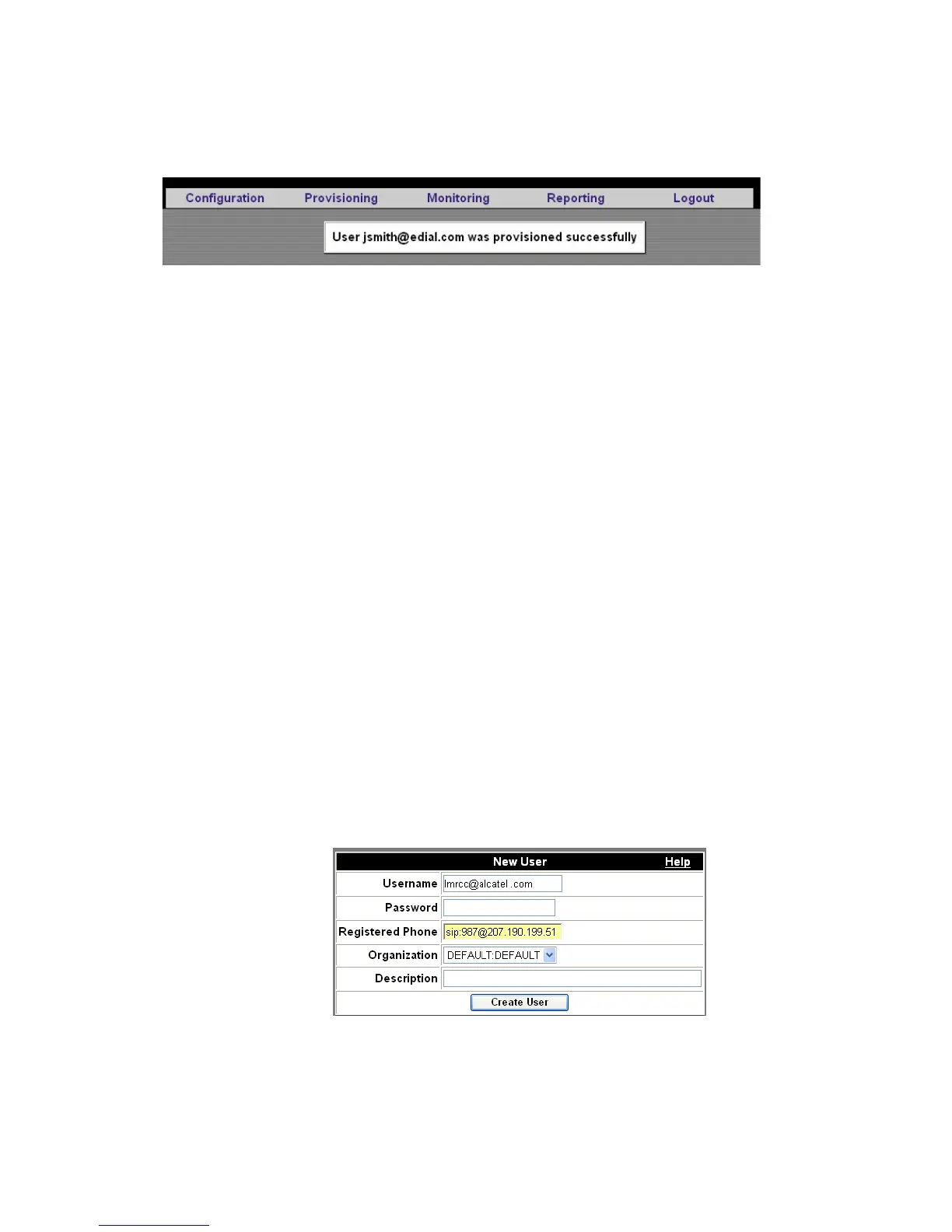
Figure 4-9 New User Confirmation
........................................................................................................................................................
E ND OF STEPS
To provision for Alcatel-Lucent OmniTouch Land Mobile
Radio Conferencing and Collaboration (LMRCC)
Users can be provisioned to interface with radio equipment and paging devices.
........................................................................................................................................................................................................................
1 Follow the instructions within the device documentation to configure it and register it as
an endpoint. (for example, the Raytheon JPS ARA-1 Radio-to-SIP Interface and the
WiPath ACU2000 Paging Alarm System)
Note: If you are using an Alcatel-Lucent Omni PCX Enterprise (OXE) or SIP
registrar, the endpoint is not the My Teamwork server.
........................................................................................................................................................................................................................
2 Create a user that points to the ARA (or ACU2000) at its SIP URI or registered phone
number.
Figure 4-10 Adding an Alcatel-Lucent OmniTouch Land Mobile Radio
Conferencing and Collaboration (LMRCC) User












 To Next Page