Initiating configurationSystem Configuration
............................................................................................................................................................................................................................................................
8AL90208USAD ed01
November 20, 2008
2-5
............................................................................................................................................................................................................................................................
Initiating configuration
To begin configuring OmniTouch ACS, access the Administration application using the
URL,
for example, https://yourserver1.yourcompany.com/admin/
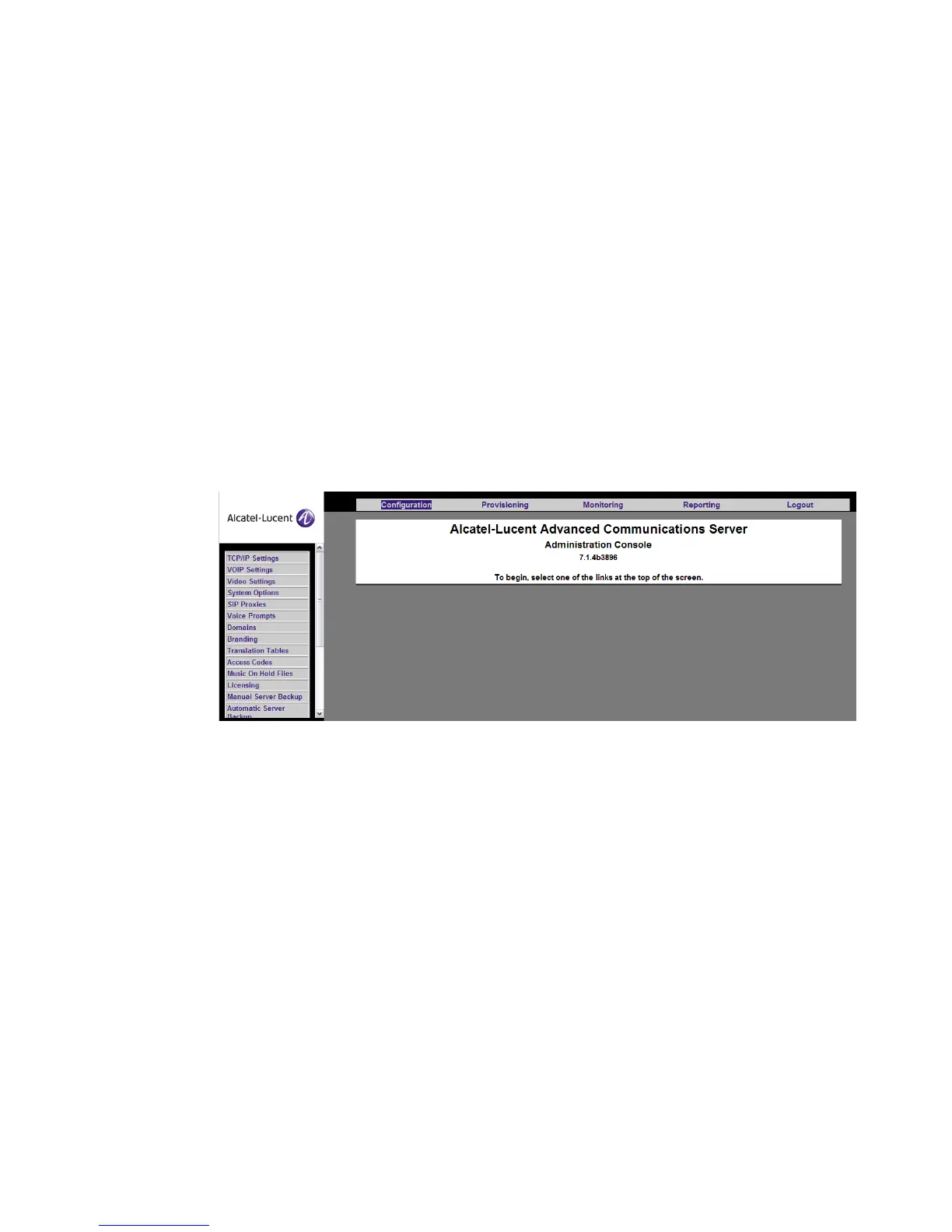
You will see a login screen. After you log in, a welcome screen appears. (Figure 2-1,
“Alcatel-Lucent Welcome Screen (Configuration Options)” (p. 2-5)) If the system you
access is part of a stack, you will see a menu in the center of the screen allowing you to
select which server you want to manage. If the system is not part of a stack, this area will
be blank, and you should select one of the menu items at the top of the screen.
Select Configuration on the top menu bar. The System Configuration choices appear in a
menu on the left.
Figure 2-1 Alcatel-Lucent Welcome Screen (Configuration Options)
The configuration menu choices are documented in this section in the order in which they
appear in the menu, except for those choices that result in immediate administrator
commands to the server. These actions are documented in Chapter 3, “Management
Actions”. For more details on Alcatel-Lucent’s product offerings, see Alcatel-Lucent’s
website at www.Alcatel-Lucent.com.
TCP/IP settings
This page allows the System Administrator to add or change the TCP/IP settings. You can
change IP address settings at any time by entering the new TCP/IP settings and clicking
the Save button. The new configuration automatically overwrites the original
configuration information, and takes effect the next time the server is restarted. Ensure
that the new settings are correct – incorrect IP settings can result in the server being












 To Next Page