............................................................................................................................................................................................................................................................
Configure alarm serverSystem Configuration
2-98
8AL90208USAD ed01
November 20, 2008
............................................................................................................................................................................................................................................................
Configure alarm server
In OmniTouch ACS, Release 7.1.4, alarms and alerts are sent in three ways:
• SMTP (E-mail)
• SNMP (traps)
• Alcatel-Lucent OmniTouch Unified Communications Alarm and Event Server
OmniTouch ACS alerts are sent to the OmniTouch Unified Communications alarm and
event server appropriately classified as either an alarm or an alert.
To enable OmniTouch ACS alerts to be sent to the UC alarm
and alert server
........................................................................................................................................................................................................................
1 Return to the Welcome Screen.
........................................................................................................................................................................................................................
2 Click the Configuration tab.
........................................................................................................................................................................................................................
3 Click the Advanced Settings item.
........................................................................................................................................................................................................................
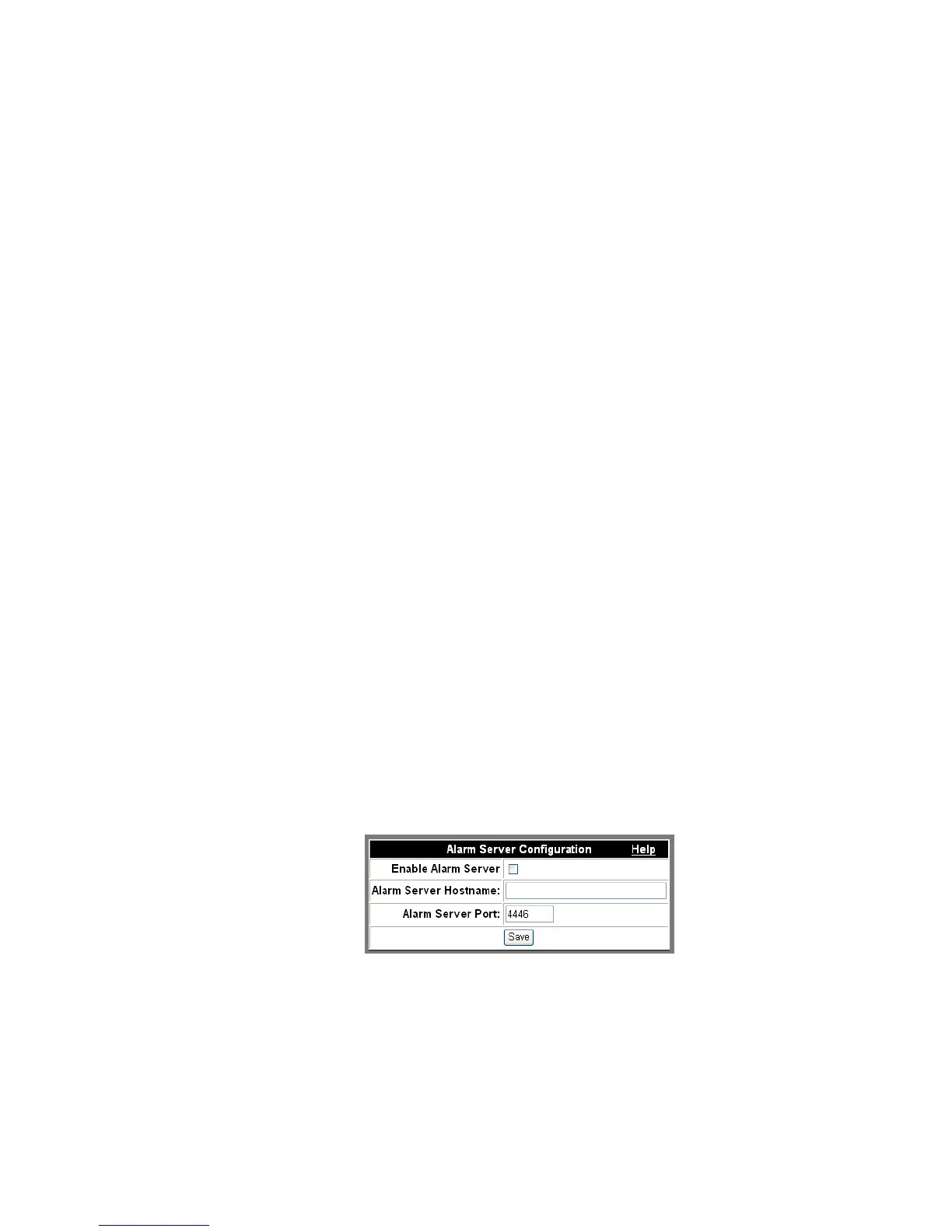
4 Click the Configure Alarm Server item.
Figure 2-53 Configure Alarm Server
........................................................................................................................................................................................................................
5 Check Enable Alarm Server.












 To Next Page