............................................................................................................................................................................................................................................................
Find a user in a stackProvisioning and Account Management
4-76
8AL90208USAD ed01
November 20, 2008
............................................................................................................................................................................................................................................................
Find a user in a stack
In a multi-server site, or in an installation where multiple systems are federated, you may
need to find out which server a particular user is registered on.
To find a user
........................................................................................................................................................................................................................
1 Click the Provisioning tab.
........................................................................................................................................................................................................................
2 Click the Find User item.
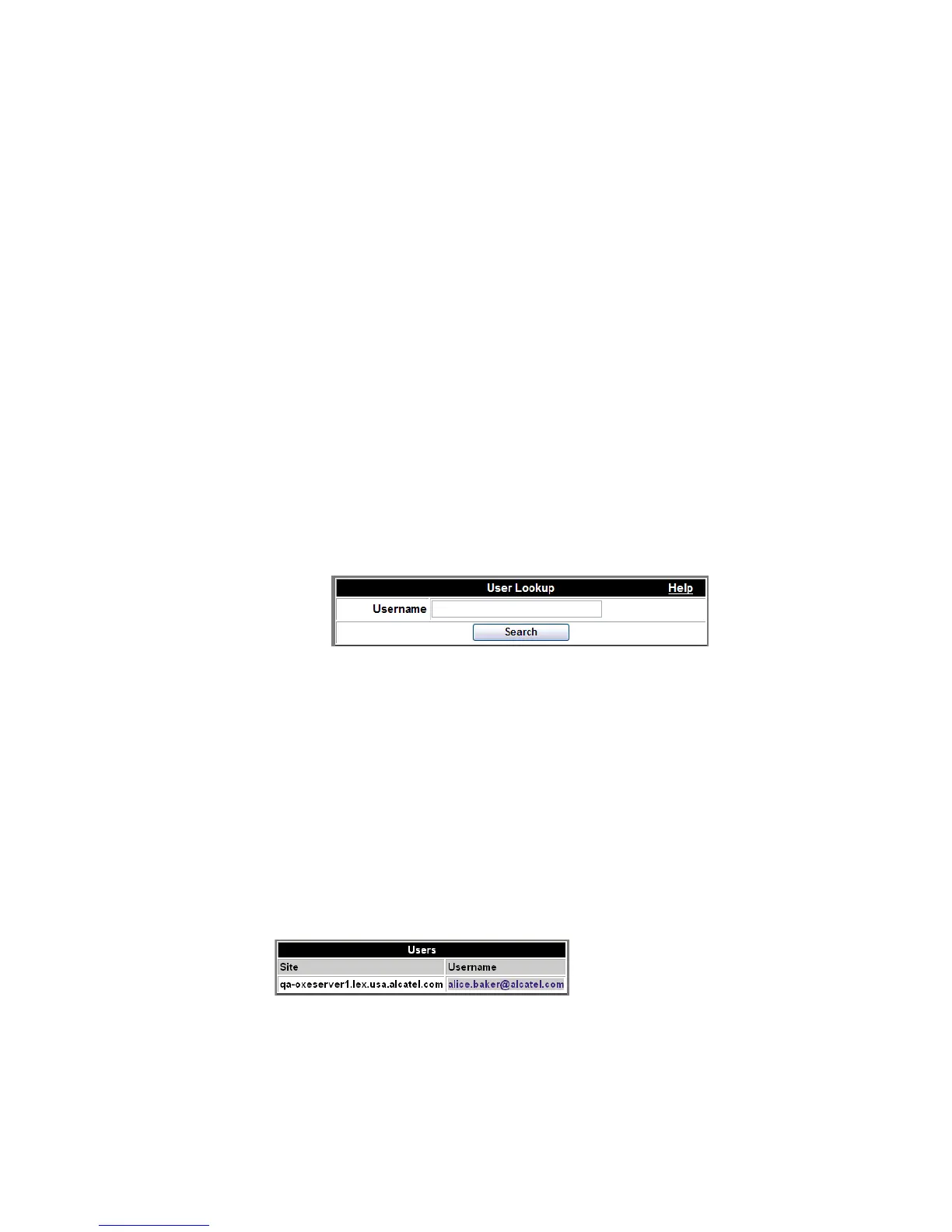
The User Lookup screen appears.
Figure 4-38 Find User
........................................................................................................................................................................................................................
3 Enter the complete user name in the text entry field.
........................................................................................................................................................................................................................
4 Click Search.
If that user name is registered on a server, the result will display the site/server and the
registered user name:
Figure 4-39 User Name












 To Next Page