............................................................................................................................................................................................................................................................
Viewing active usersMonitoring
5-8
8AL90208USAD ed01
November 20, 2008
............................................................................................................................................................................................................................................................
Viewing active users
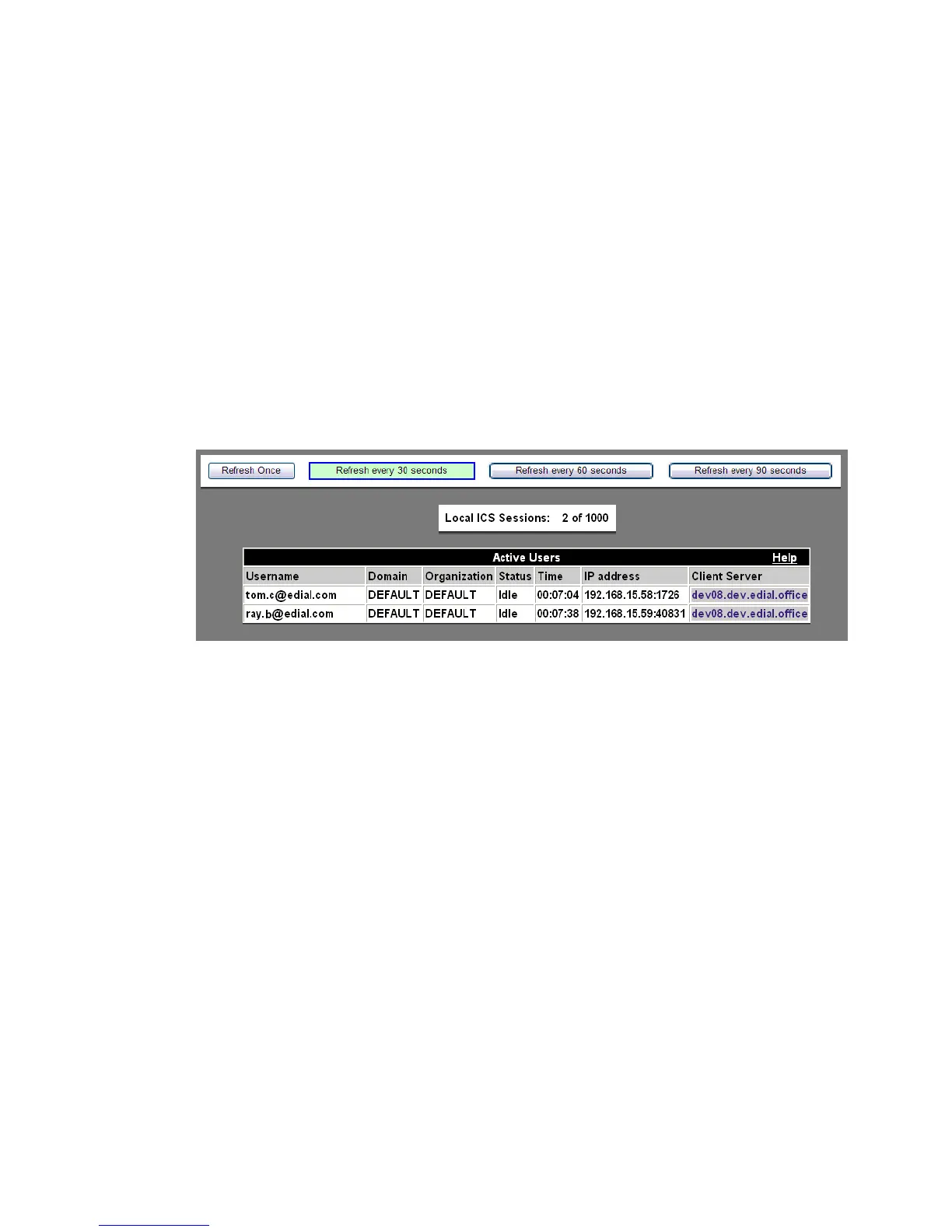
This screen shows the status of all active users.
The administrator can select the refresh frequency rate by selecting one of the following:
• Refresh Once – This creates a ‘snapshot’ of the active users at a moment in time. It is
helpful when you have a large group of users (more than 30) and are trying to locate
the activity of a specfic user.
• Refresh every 30 seconds
• Refresh every 60 seconds
• Refresh every 90 seconds
Figure 5-7 Active Users
To see a list of users who are currently logged in to the
system
........................................................................................................................................................................................................................
1 Click the Monitoring tab.
........................................................................................................................................................................................................................
2 Click the Active Users item.
A list of all active users and their current status appears.
........................................................................................................................................................
E ND OF STEPS












 To Next Page