............................................................................................................................................................................................................................................................
To restore configuration settings on the new serverManagement Actions
3-24
8AL90208USAD ed01
November 20, 2008
............................................................................................................................................................................................................................................................
........................................................................................................................................................................................................................
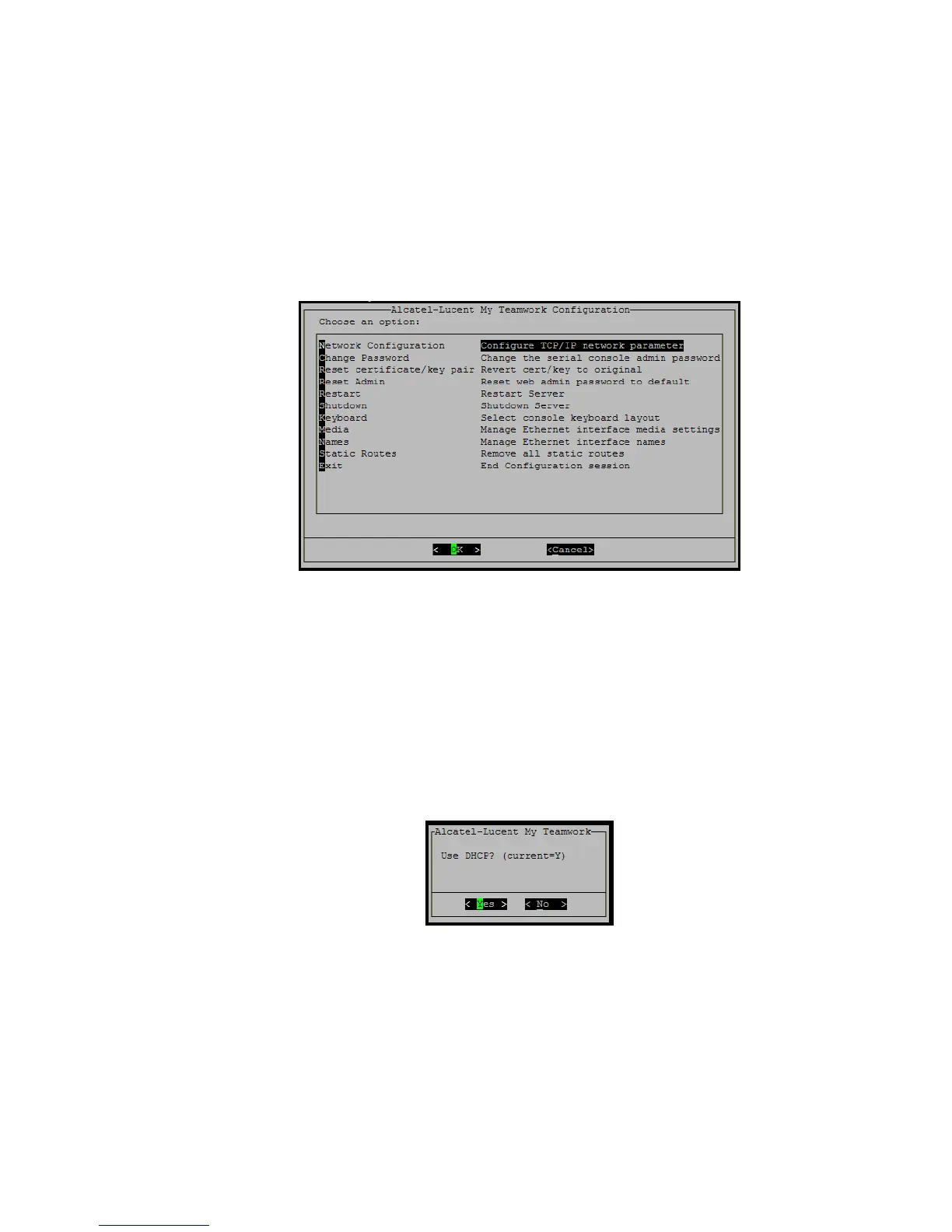
5 Log into the Serial Administration Console again.
Username: admin
Password: changeme
Figure 3-15 Serial Console
........................................................................................................................................................................................................................
6 Configure any required networking information.
a. Select Networking Configuration.
b. Select the Configure TCP/IP network parameter item.
c. Use DHCP appears. Select Yes or No and press Enter.
Figure 3-16 Use DHCP
d. Configure your Network appropriately.
e. Reboot the server.
........................................................................................................................................................................................................................
7 Log into the Web Administration page and upload any licenses obtained when the system
was purchased.












 To Next Page