............................................................................................................................................................................................................................................................
To configure the way phone numbers are displayedSystem Configuration
2-90
8AL90208USAD ed01
November 20, 2008
............................................................................................................................................................................................................................................................
the Perl language. Numerous tutorials for using regular expressions are available online.
The Phone Number Display Filter uses the Perl regular expression parser; all parsers
support the basic operators generally used in Alcatel-Lucent filters.
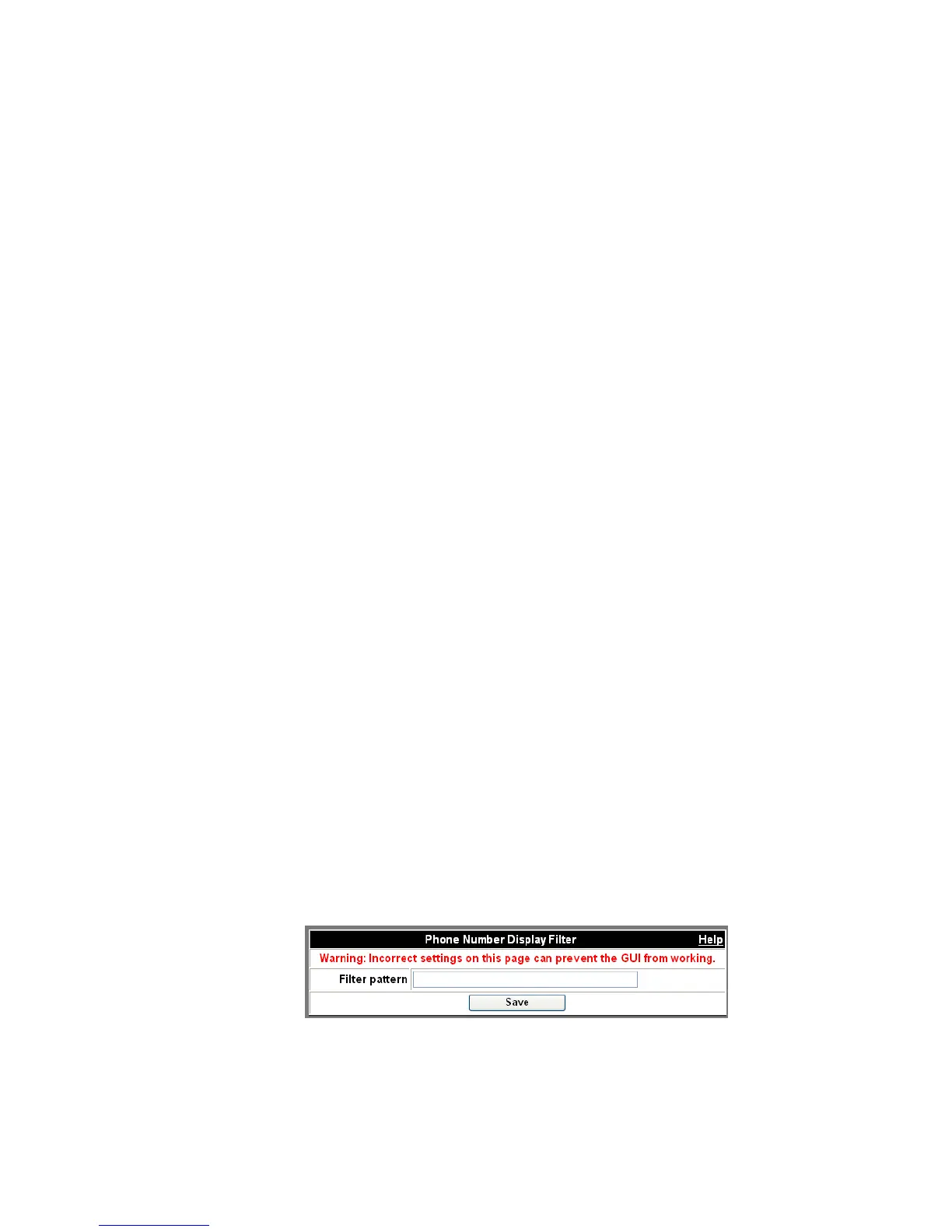
The Filter pattern field requires that you enter a string to match telephone numbers; if a
match is made, then the portion of the phone number text preserved inside the search
buffer (the text which is matched by the pattern inside the parentheses) will be displayed.
Only one set of parentheses may be used. Everything that is matched outside of the
parentheses will be removed in the resulting number.
Example:
In systems that are configured to support SIP phones, a Display Filter can be used to
display numbers that are sip:{phonenumber}@ipaddress as {phonenumber}. The default
filter below (^\+x\(.*)) strips leading “+x” strings from phone numbers.
To configure the way phone numbers are displayed
........................................................................................................................................................................................................................
1 Click the Configuration tab.
........................................................................................................................................................................................................................
2 Click the Advanced Settings item.
........................................................................................................................................................................................................................
3 Click the Phone Number Display Filter item.
Figure 2-49 Phone Number Display Filter
Initial Number +12657 +12657 +12657
Filter 2(6)5 265 3489
Displayed Number +167 +17 +12657












 To Next Page