............................................................................................................................................................................................................................................................
Bulk provision/modify user accountsProvisioning and Account Management
4-54
8AL90208USAD ed01
November 20, 2008
............................................................................................................................................................................................................................................................
........................................................................................................................................................................................................................
3 Click the Test rule button.
If the number will be blocked, the following appears:
“This number will be blocked.”
If the number will not be blocked, the following appears:
“This number will not be blocked.”
........................................................................................................................................................
E ND OF STEPS
Bulk provision/modify user accounts
This feature is used to create multiple user accounts in a single step. The account
information is read from an ASCII text file that you prepare in advance.
To bulk provision users
........................................................................................................................................................................................................................
1 Click the Provisioning tab.
........................................................................................................................................................................................................................
2 Click the Bulk Provision Users item.
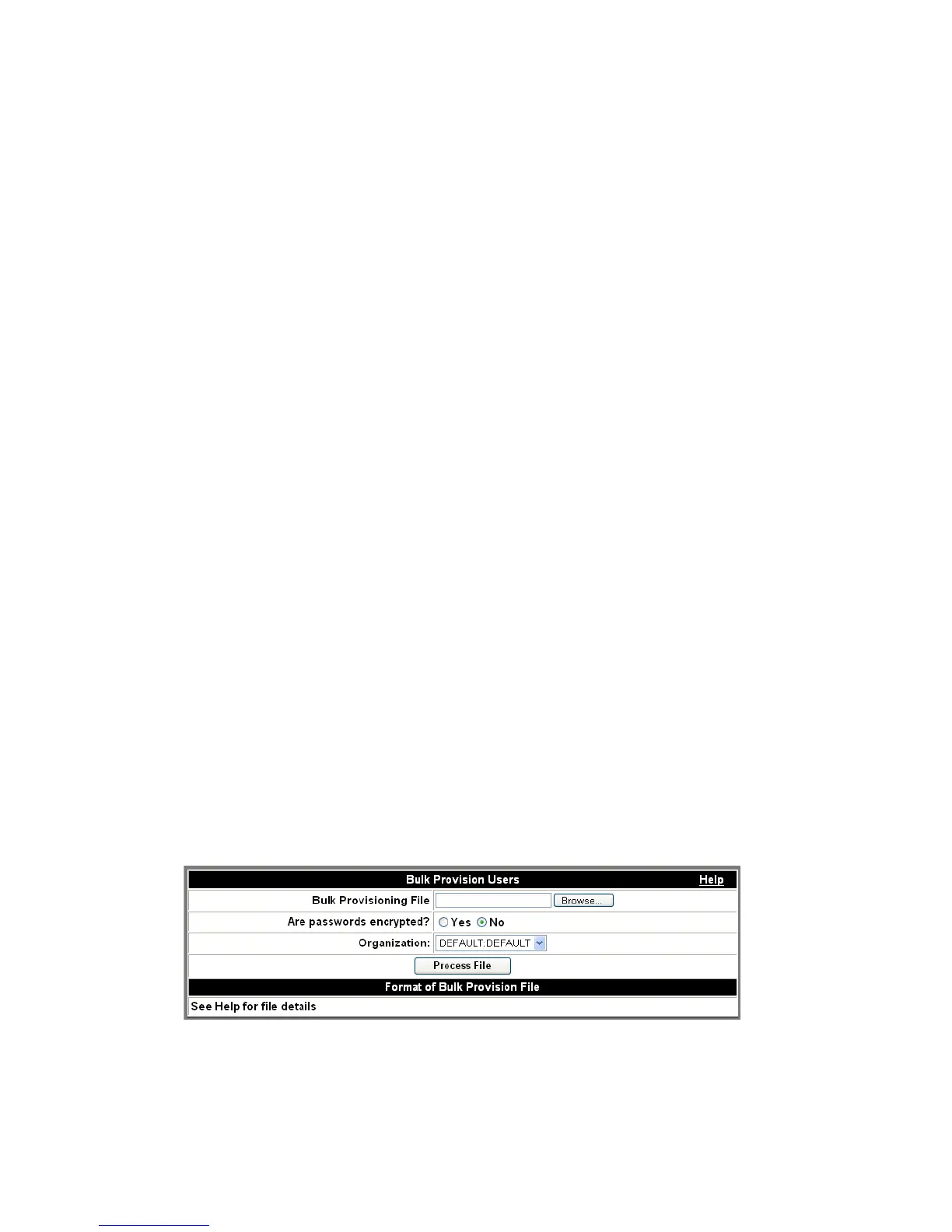
The
Bulk Provision Users screen appears.
Figure 4-29 Bulk Provision Users
........................................................................................................................................................................................................................
3 Click the Browse button to locate the text file with the user information.












 To Next Page