System commandsMonitoring
............................................................................................................................................................................................................................................................
8AL90208USAD ed01
November 20, 2008
5-19
............................................................................................................................................................................................................................................................
Provide this information to your support representative if you are asked for it.
The state of server processes will be indicated in the browser window, and may be
refreshed by selecting one of the following:
• Refresh Once – This creates a ‘snapshot’ of the server process state at a moment in
time. It is helpful when you have a large group of very active users and are trying to
locate information at a specific point in time.
• Refresh every 30 seconds
• Refresh every 60 seconds
• Refresh every 90 seconds
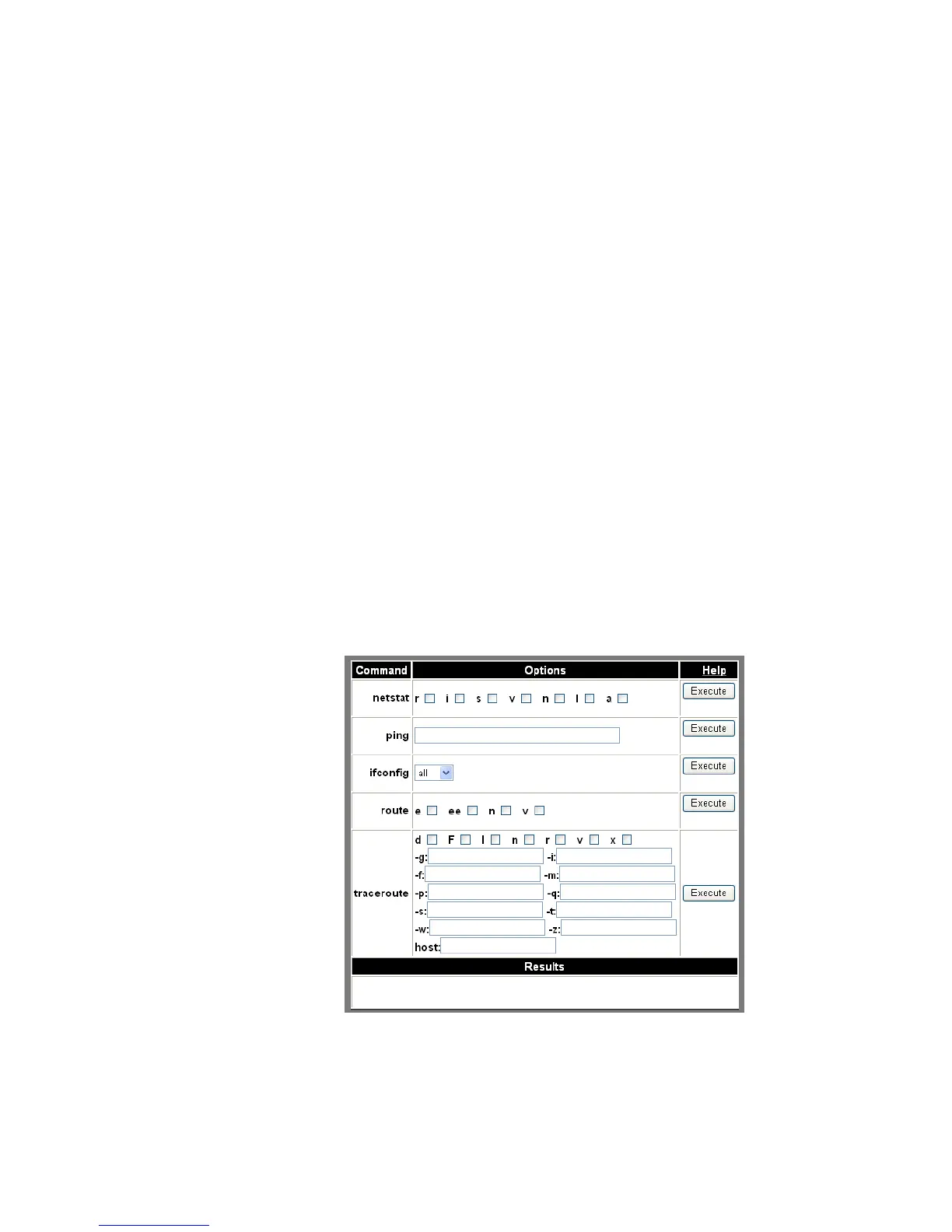
System commands
Alcatel-Lucent OmniTouch Advanced Communications Servers (ACS) display
troubleshooting information through selection of the System Commands item. The
resulting screen displays information such as which server to ping to test connectivity,
network interface information, and routing table information. This information is useful
when troubleshooting problems with support over the phone.
Figure 5-15 System Commands Information












 To Next Page