............................................................................................................................................................................................................................................................
Monitoring administrationMonitoring
5-2
8AL90208USAD ed01
November 20, 2008
............................................................................................................................................................................................................................................................
Procedures:
Monitoring administration
Alcatel-Lucent OmniTouch ACS includes a number of screens to allow administrators the
ability to monitor both the server itself and activities of system users. (The Trunk Status
item appears only if there are active Trunks.)
Note: System-wide Administrators are the only administrators with access to the
Monitoring menu.
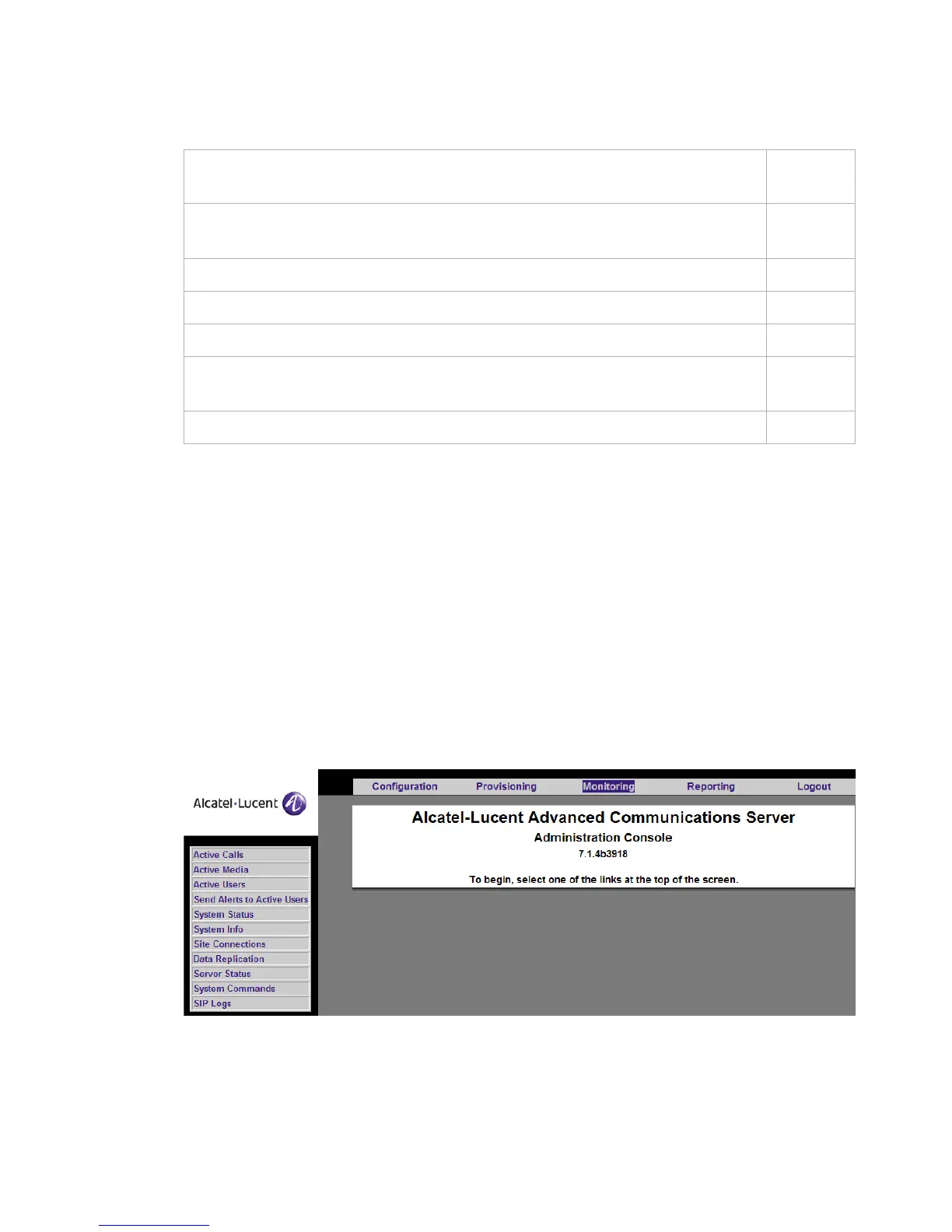
Figure 5-1 Monitoring
To view all conferences on the controlling (primary) server which are currently
up on all systems in a stack
5-3
To see media (calls; application sharing; video) that are currently up on a
particular server
5-4
To see a list of users who are currently logged in to the system 5-8
To see the system disk status 5-10
To monitor data replication state 5-15
To determine which server processes may need to be restarted and to check the
server process status
5-18
To generate a SIP log 5-20












 To Next Page