To construct document conversion VMSystem Configuration
............................................................................................................................................................................................................................................................
8AL90208USAD ed01
November 20, 2008
2-105
............................................................................................................................................................................................................................................................
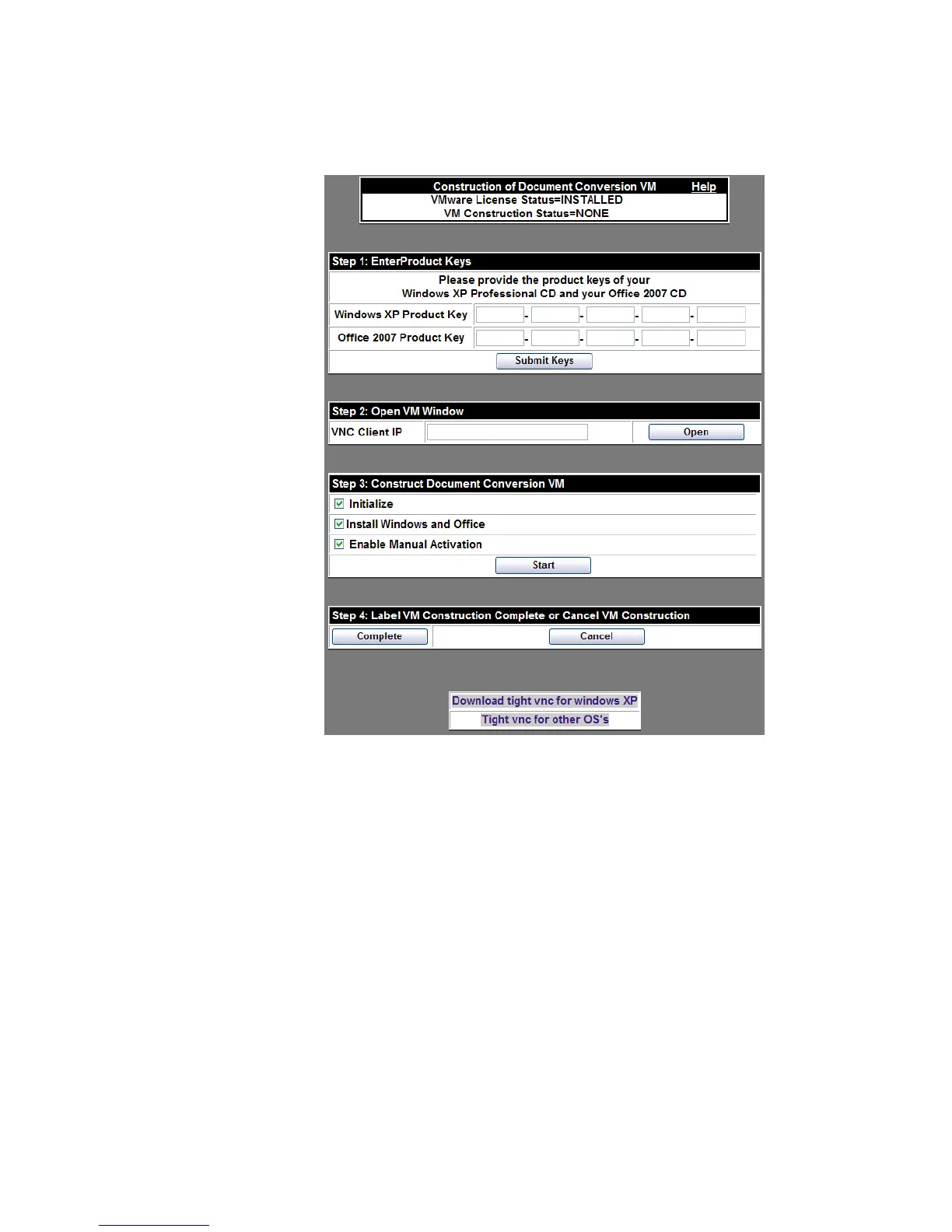
Figure 2-58 Document Conversion VM
b. Locate the box labeled Step 1: Enter Product Keys and enter the product keys for
your copies of Windows and Office. Click the
Submit Keys button and the OK
button in the resulting dialog box.
c. After you submit the keys, the screen will refresh and the new values will appear in
the boxes referenced in step a.
Important! Make certain you accurately enter the keys. If errors are made, they will
impact the process later, requiring a restart of this procedure.
........................................................................................................................................................................................................................
2 Start a TightVNC session between the OmniTouch ACS and your client workstation.
Note: You may need to set your client workstation’s firewall to allow VNC to
connect.
a. Start a VNC client listener on your client workstation.












 To Next Page