............................................................................................................................................................................................................................................................
To edit Domain settingsSystem Configuration
2-40
8AL90208USAD ed01
November 20, 2008
............................................................................................................................................................................................................................................................
To edit Domain settings
........................................................................................................................................................................................................................
1 Click Edit in the Settings column next to the Domain Name.
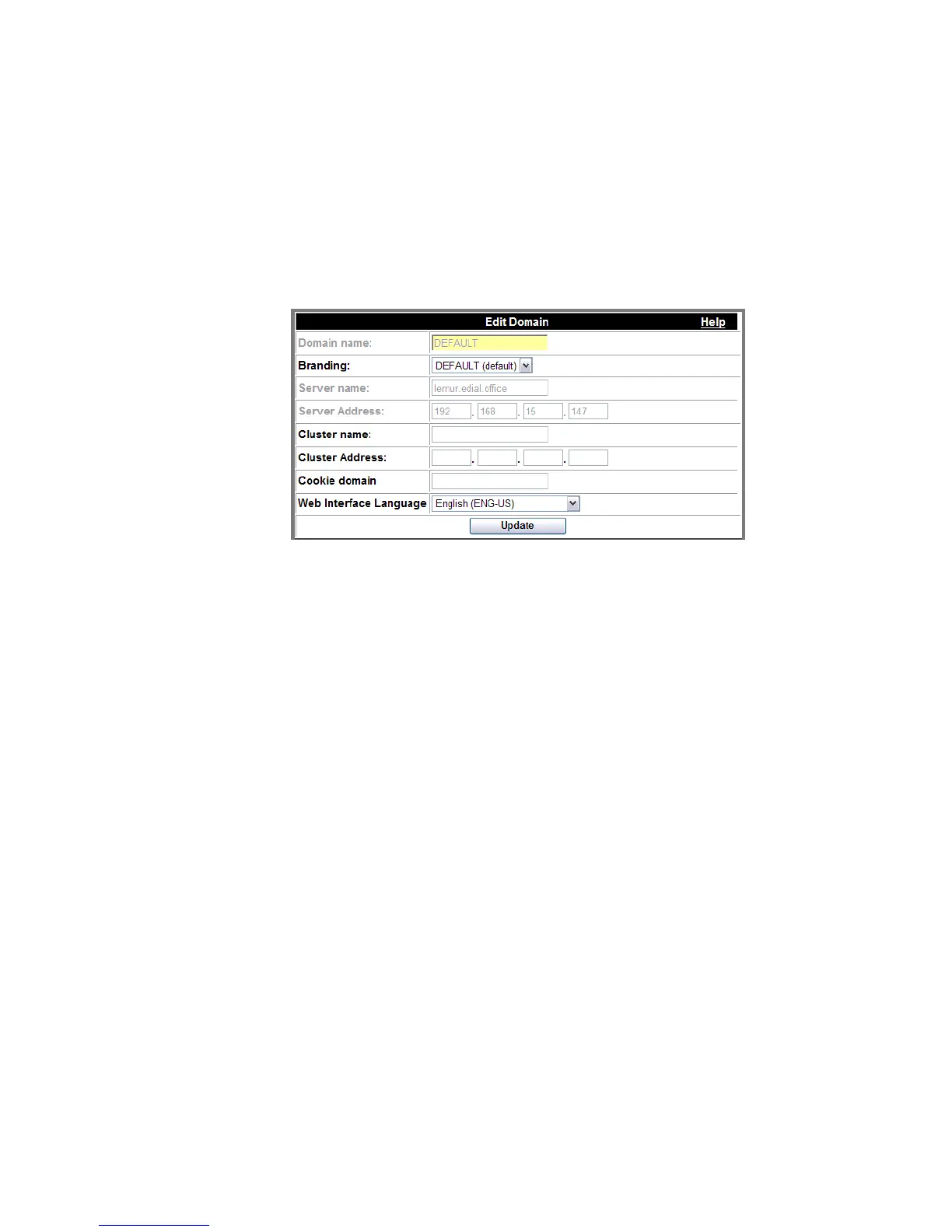
Figure 2-20 Edit Domain
........................................................................................................................................................................................................................
2 Complete the following fields.
Table 2-8 Domain Fields
Domain Name This is the current name of the Domain. You
can change the name by deleting the old name
and typing a new name in the box.
Branding This is the current branding used. If licensed,
you (system-wide administrator) can change the
branding by selecting another branding file from
those available in the drop-down list.
Server Name This is the name of the server where the domain
resides.
Server Address This is the Server IP Address.
Cluster Name This is the current name (FQDN) of the cluster
(multiple servers). You can change the name by
deleting the old name and typing a new name in
the box. (see “Stacking” (p. 2-75))
Example: mtw.company.com












 To Next Page