............................................................................................................................................................................................................................................................
To view a user’s scheduled conferencesProvisioning and Account Management
4-40
8AL90208USAD ed01
November 20, 2008
............................................................................................................................................................................................................................................................
To view a user’s scheduled conferences
........................................................................................................................................................................................................................
1 Click View Scheduled Conferences. (Figure 4-15)
........................................................................................................................................................................................................................
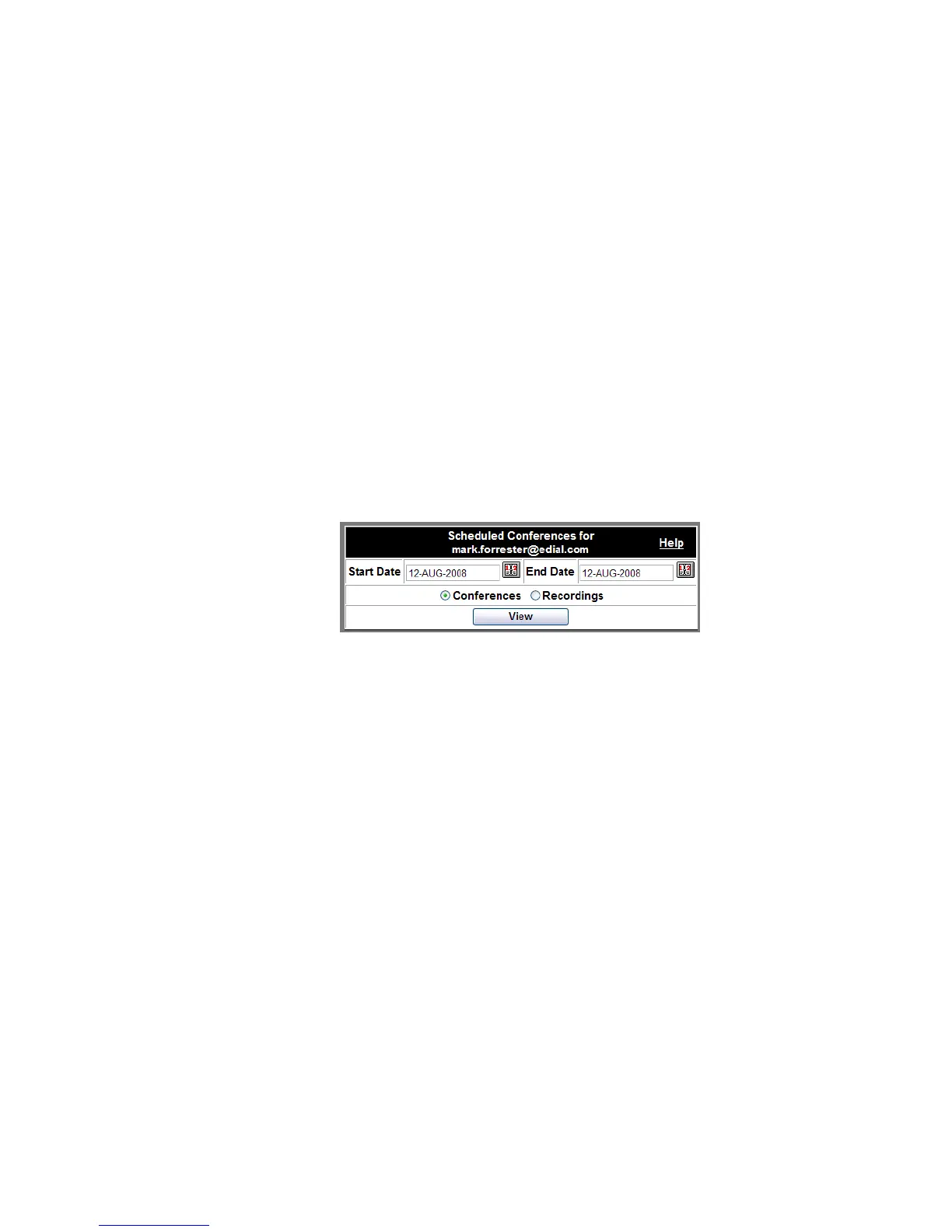
2 Select the dates you are interested in from the calendar dialog boxes.
........................................................................................................................................................................................................................
3 Select the radio button associated with either Conferences or Recordings.
........................................................................................................................................................................................................................
4 Click View.
Figure 4-19 View Scheduled Conferences
The result is a table showing either the Scheduled Conferences or Recordings for that
user during that time period, including conference subjects, dates, times, access codes, and
billing and department codes, if any.












 To Next Page