............................................................................................................................................................................................................................................................
Manage delegatesProvisioning and Account Management
4-48
8AL90208USAD ed01
November 20, 2008
............................................................................................................................................................................................................................................................
Manage delegates
A delegate is a user who can view and change another user’s call schedule. Delegates are
often administrative assistants, but may be any registered user on the system.
To add a delegate for a user
........................................................................................................................................................................................................................
1 Click Manage Delegates. (Figure 4-15).
........................................................................................................................................................................................................................
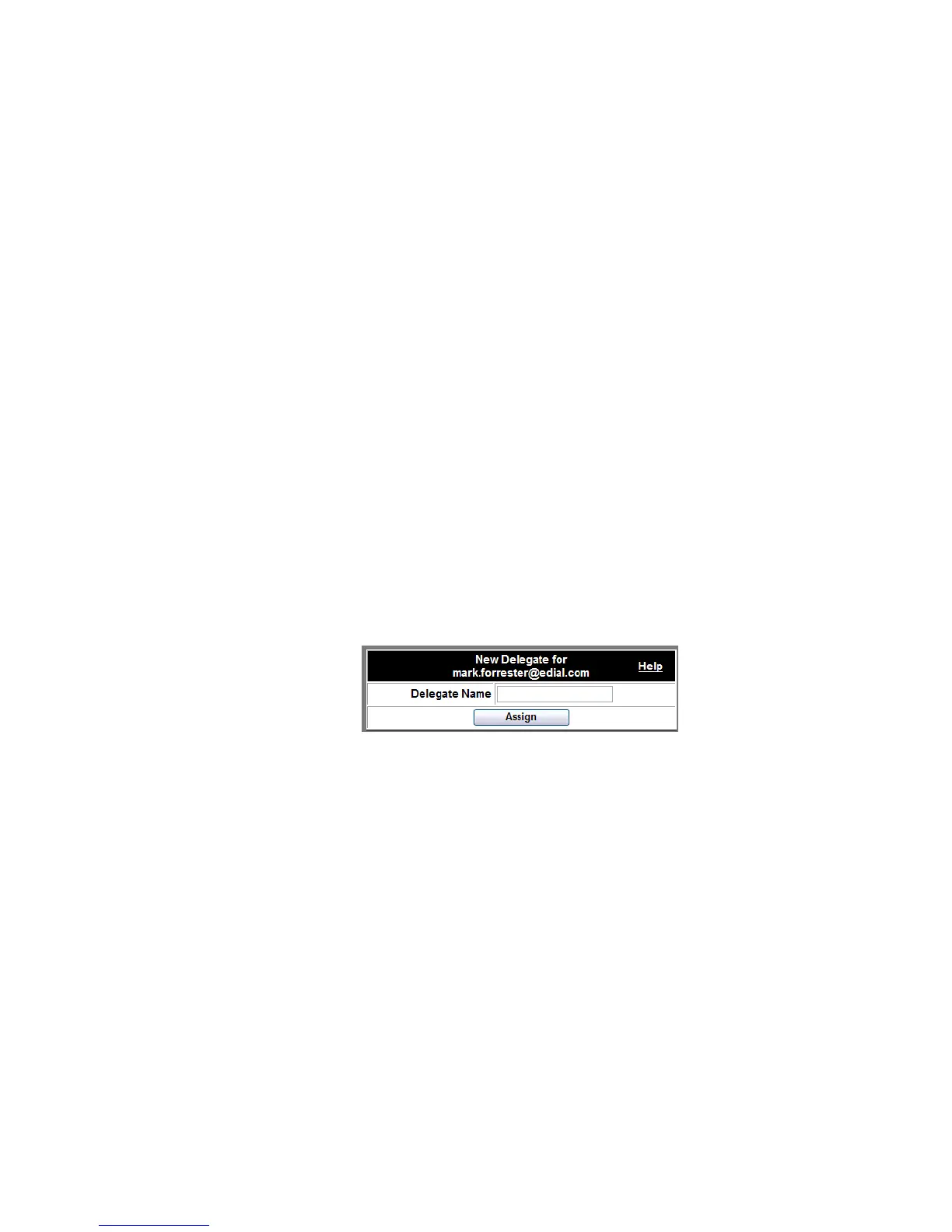
2 In the resulting window, enter the Delegate’s username.
........................................................................................................................................................................................................................
3 Click the Assign button.
The List of Delegates appears with the newly added Delegate.
Figure 4-24 Assigning a Delegate
........................................................................................................................................................
E ND OF STEPS












 To Next Page