To generate Call Detail ReportsServer Reporting
............................................................................................................................................................................................................................................................
8AL90208USAD ed01
November 20, 2008
6-3
............................................................................................................................................................................................................................................................
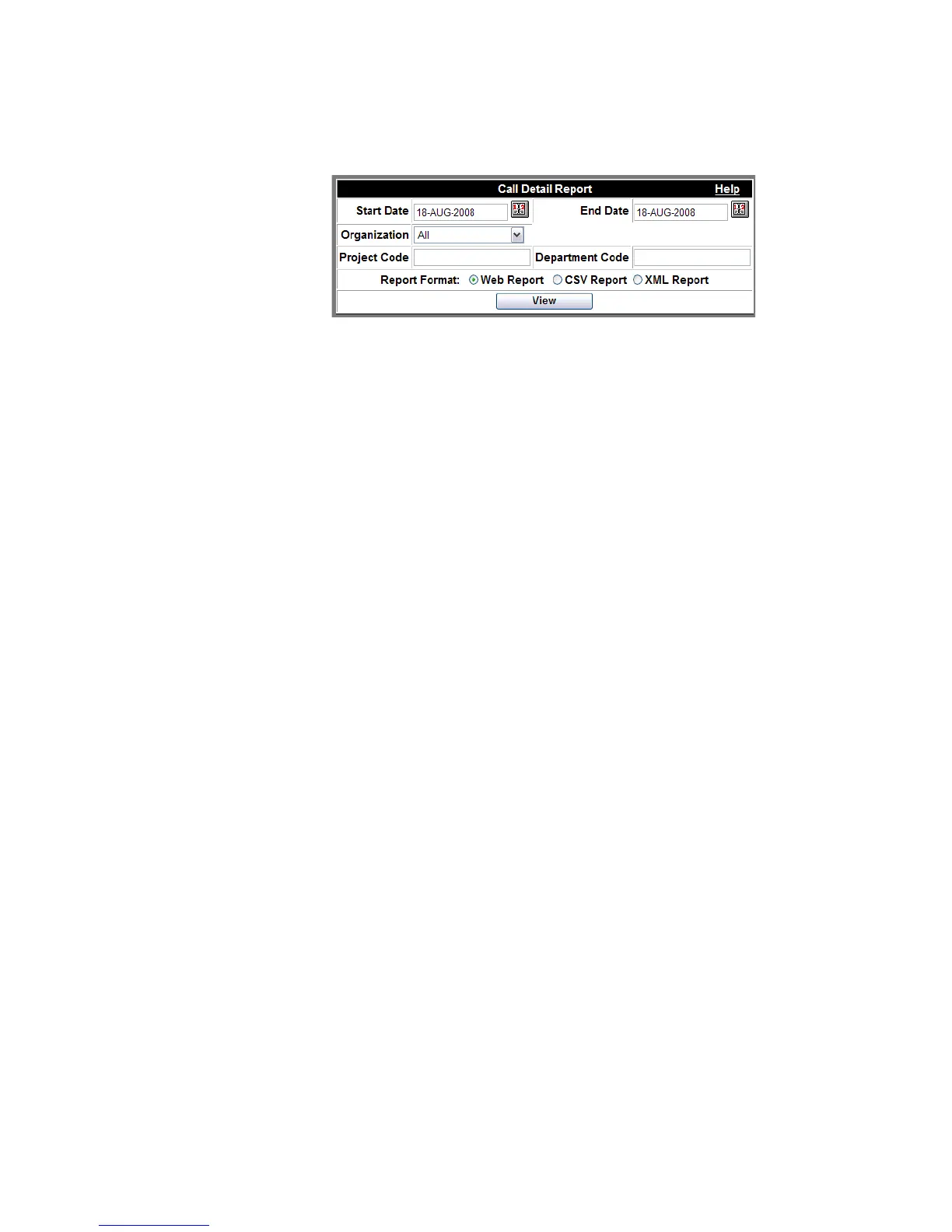
Figure 6-2 View Call Details
........................................................................................................................................................................................................................
3 Select the day(s) from which the report is to be generated.
........................................................................................................................................................................................................................
4 Select an organization from the drop-down list.
........................................................................................................................................................................................................................
5 Enter a Project Code or Department Code if you want to view only system usage
associated with those codes.
........................................................................................................................................................................................................................
6 Select the Report Format.
Note: For definitions of the report fields, see View Call Detail Report.
........................................................................................................................................................................................................................
7 Click the View button.
A report screen appears.
........................................................................................................................................................
E ND OF STEPS












 To Next Page