To view a history logServer Reporting
............................................................................................................................................................................................................................................................
8AL90208USAD ed01
November 20, 2008
6-11
............................................................................................................................................................................................................................................................
To view a history log
........................................................................................................................................................................................................................
1 Click the Reporting tab.
........................................................................................................................................................................................................................
2 Click the Install History Log item.
........................................................................................................................................................................................................................
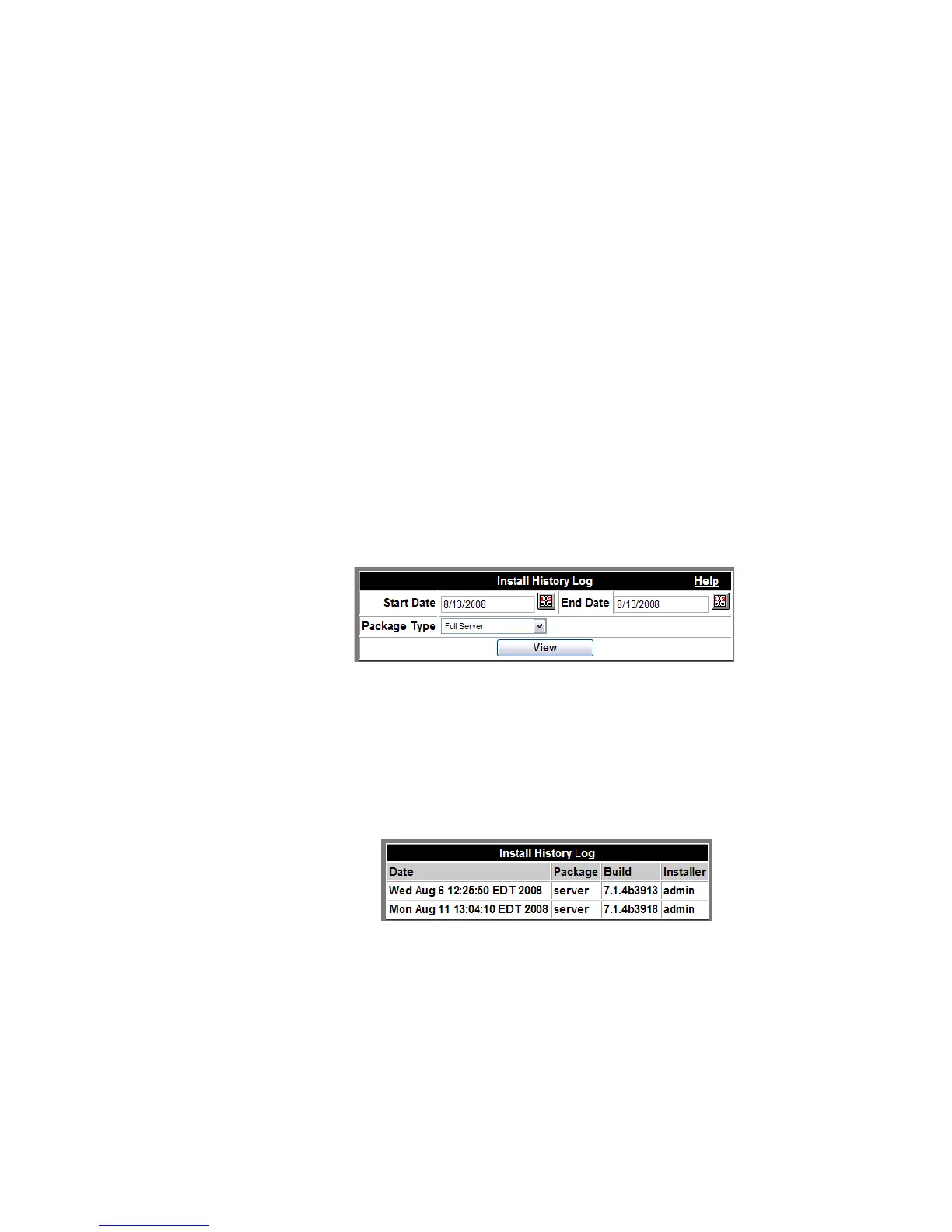
3 Select the Start Date and End Date.
........................................................................................................................................................................................................................
4 Click the View button.
........................................................................................................................................................
E ND OF STEPS
Figure 6-12 Install History Selection
A list of software installations, similar to the one shown below appears. The Package Type
option would normally only be used if requested by a customer support representative. It
provides more detail about individual components of the system.
Figure 6-13 Install History Results












 To Next Page