To edit the prompt setSystem Configuration
............................................................................................................................................................................................................................................................
8AL90208USAD ed01
November 20, 2008
2-37
............................................................................................................................................................................................................................................................
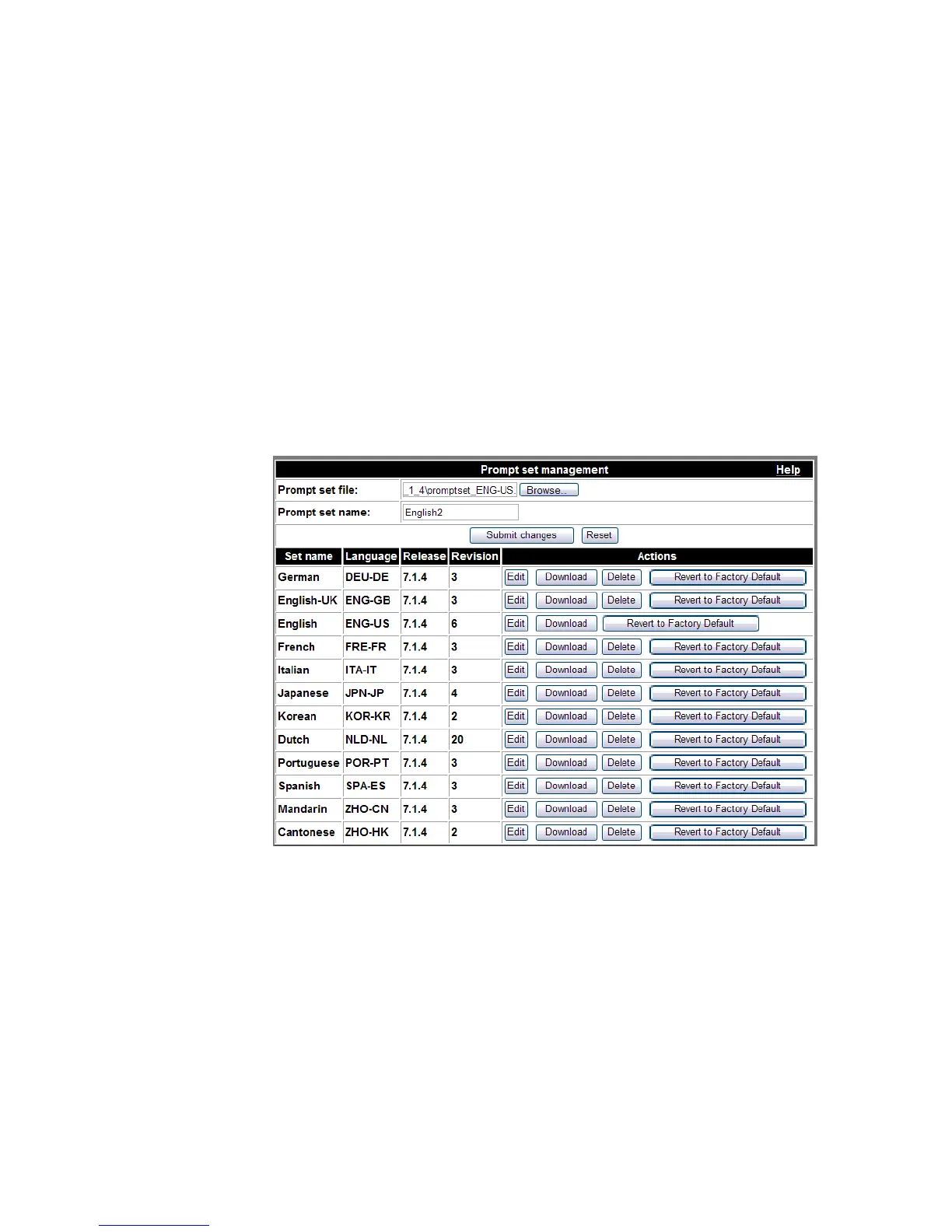
All voice prompt sets are displayed after they have been added.
........................................................................................................................................................
E ND OF STEPS
To edit the prompt set
........................................................................................................................................................................................................................
1 Click the Edit button next to that prompt set.
This places the Prompt set name in the text box in the upper portion of the page.
Figure 2-18 Edit Prompt Set
........................................................................................................................................................................................................................
2 Click the Browse button to locate the ZIP file that contains the changed prompts.
........................................................................................................................................................................................................................
3 Click the Submit Changes button.
........................................................................................................................................................
E ND OF STEPS












 To Next Page