............................................................................................................................................................................................................................................................
To clear the Secondary server’s database in preparation
for synchronization
System Configuration
2-84
8AL90208USAD ed01
November 20, 2008
............................................................................................................................................................................................................................................................
........................................................................................................................................................................................................................
4 Enter the host name (Database backup server) of the intended Primary server, and its
Node ID in the stack (see Stacking).
........................................................................................................................................................................................................................
5 Click Save.
........................................................................................................................................................
E ND OF STEPS
To clear the Secondary server’s database in preparation for
synchronization
Disable (uncheck) the Enable Data Replication box in the Configuration Data
Replication screen PRIOR to bringing a new primary or secondary server online into an
existing stack configuration. This will clear any existing information in the replication
queue of the server that is currently online and it will freeze replication.
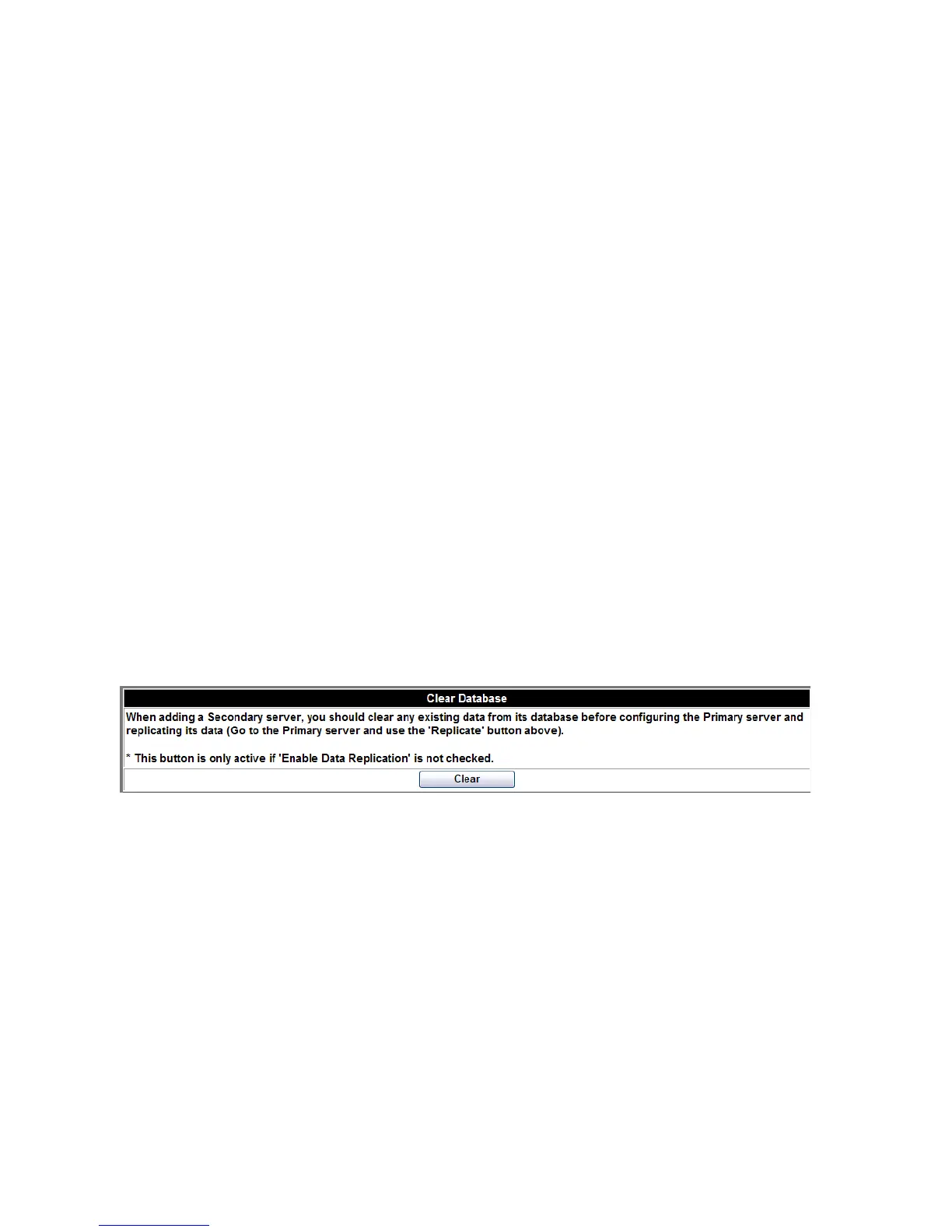
In the same screen you used to set the server as Secondary, go to the bottom section, and
click the Clear button.
Figure 2-45 Clear Database
To initiate synchronization between the Primary and
Secondary servers’ databases
........................................................................................................................................................................................................................
1 Check the Enable Data Replication box for the Primary and click the Save button.
........................................................................................................................................................................................................................
2 Check the Enable Data Replication box for the Secondary and click the Save button.












 To Next Page