............................................................................................................................................................................................................................................................
Restart servers (restart OmniTouch ACS processes)Management Actions
3-28
8AL90208USAD ed01
November 20, 2008
............................................................................................................................................................................................................................................................
Applying the upgrade will terminate calls in progress.
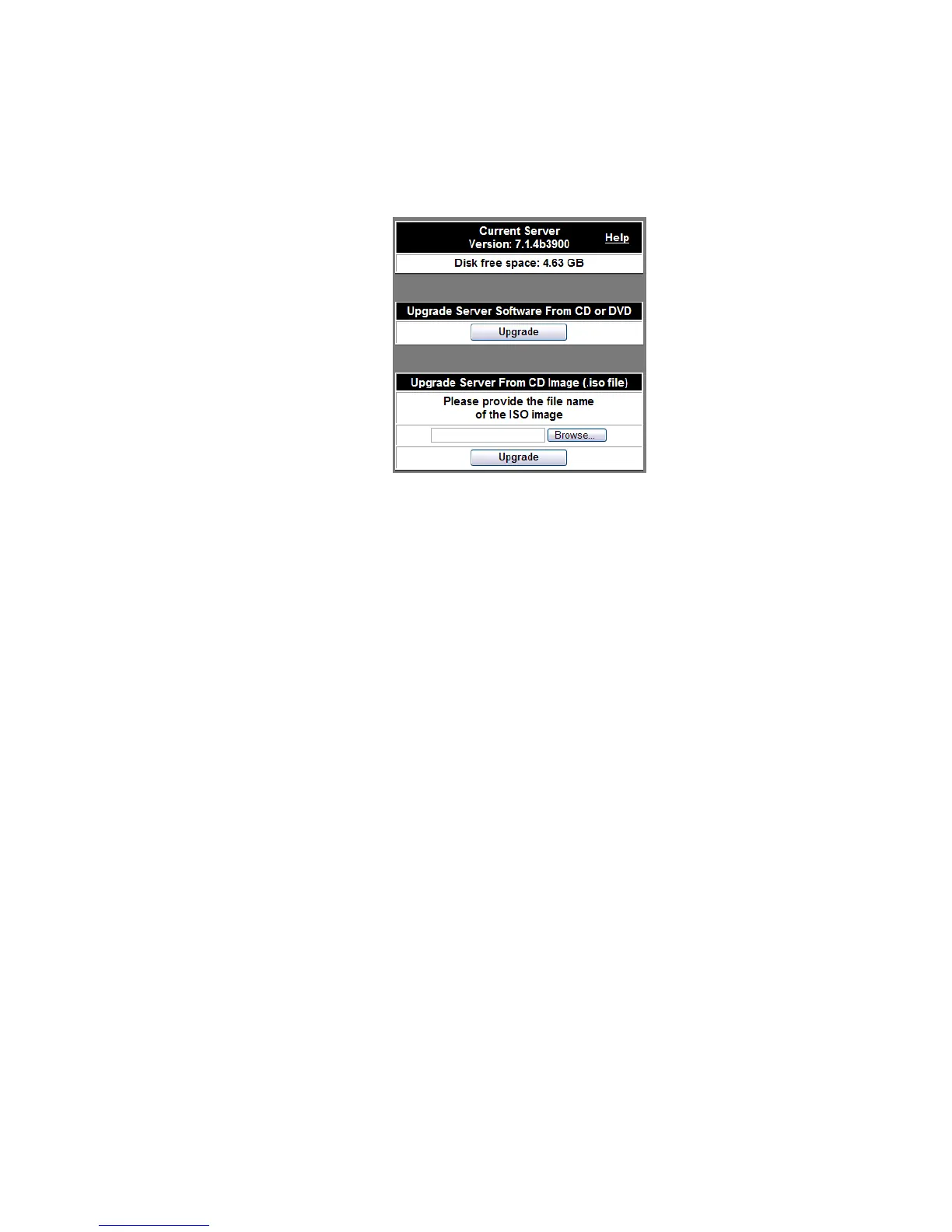
Figure 3-19 Upgrade Software Using CD or DVD
Restart servers (restart OmniTouch ACS processes)
This option is available through the Advanced Settings screen in the Configuration
menu.
For specific maintenance purposes, it may be necessary to restart specific server software
processes. This screen allows you to select which processes to restart.
Important! Restarting services can interrupt calls and other user features. It is
strongly recommended that you restart processes only under the direction of your
customer support representative.












 To Next Page