............................................................................................................................................................................................................................................................
To monitor data replication stateMonitoring
5-16
8AL90208USAD ed01
November 20, 2008
............................................................................................................................................................................................................................................................
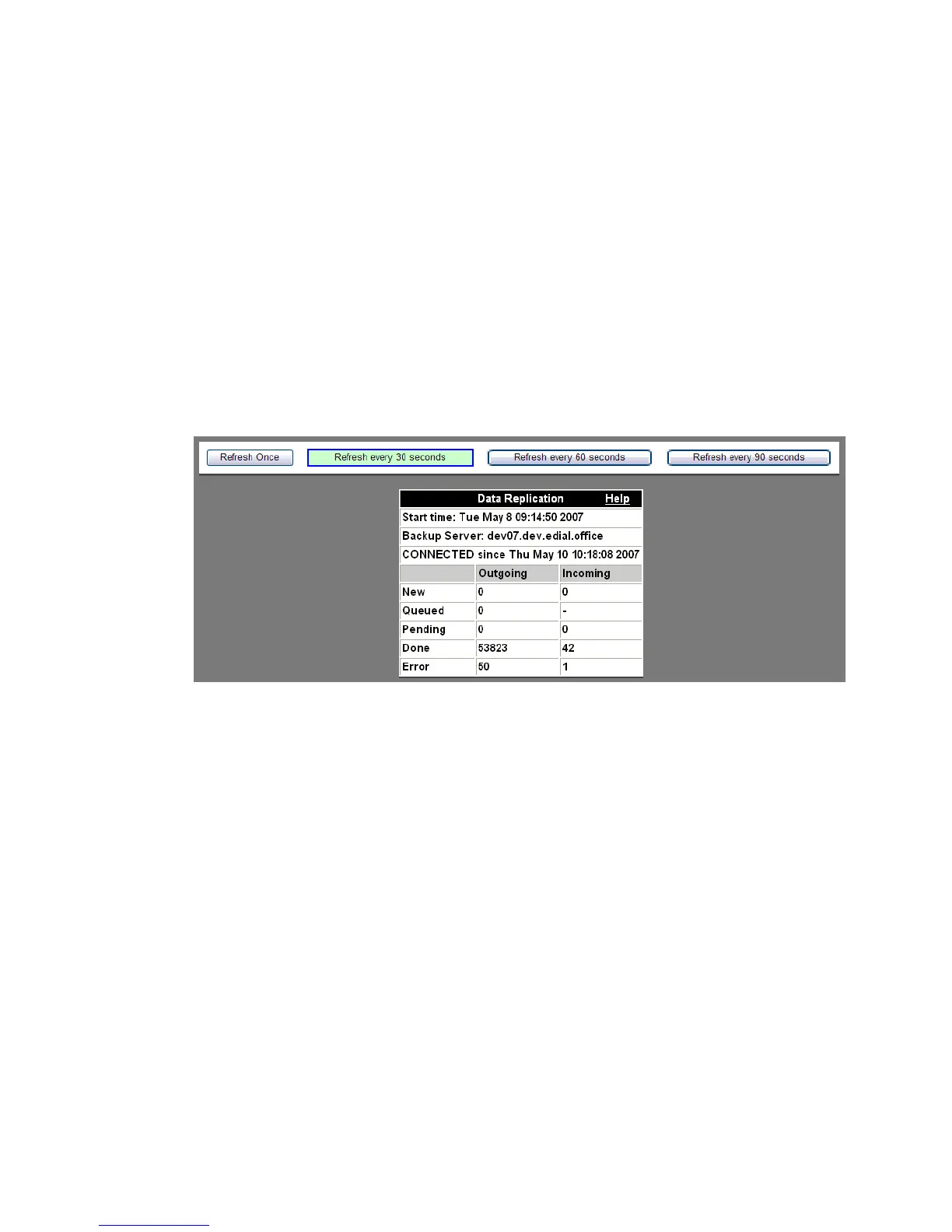
A screen like the following appears. The state of data replication will be indicated in the
browser window, and may be refreshed by selecting one of the following:
• Refresh Once – This creates a ‘snapshot’ of the data state at a moment in time. It is
helpful when you have a large group of very active users and are trying to locate
information at a specific point in time.
• Refresh every 30 seconds
• Refresh every 60 seconds
• Refresh every 90 seconds
........................................................................................................................................................
E ND OF STEPS
Figure 5-13 Data Replication Status
The field headings in this table are as follows:
Start time – This is the date and time when the data replication was started.
Backup Server – This is the server that is accepting the replicated data.
CONNECTED/IN PROGRESS/NOT CONNECTED – This is the state of the replication.












 To Next Page