Editing phonesProvisioning and Account Management
............................................................................................................................................................................................................................................................
8AL90208USAD ed01
November 20, 2008
4-11
............................................................................................................................................................................................................................................................
Editing phones
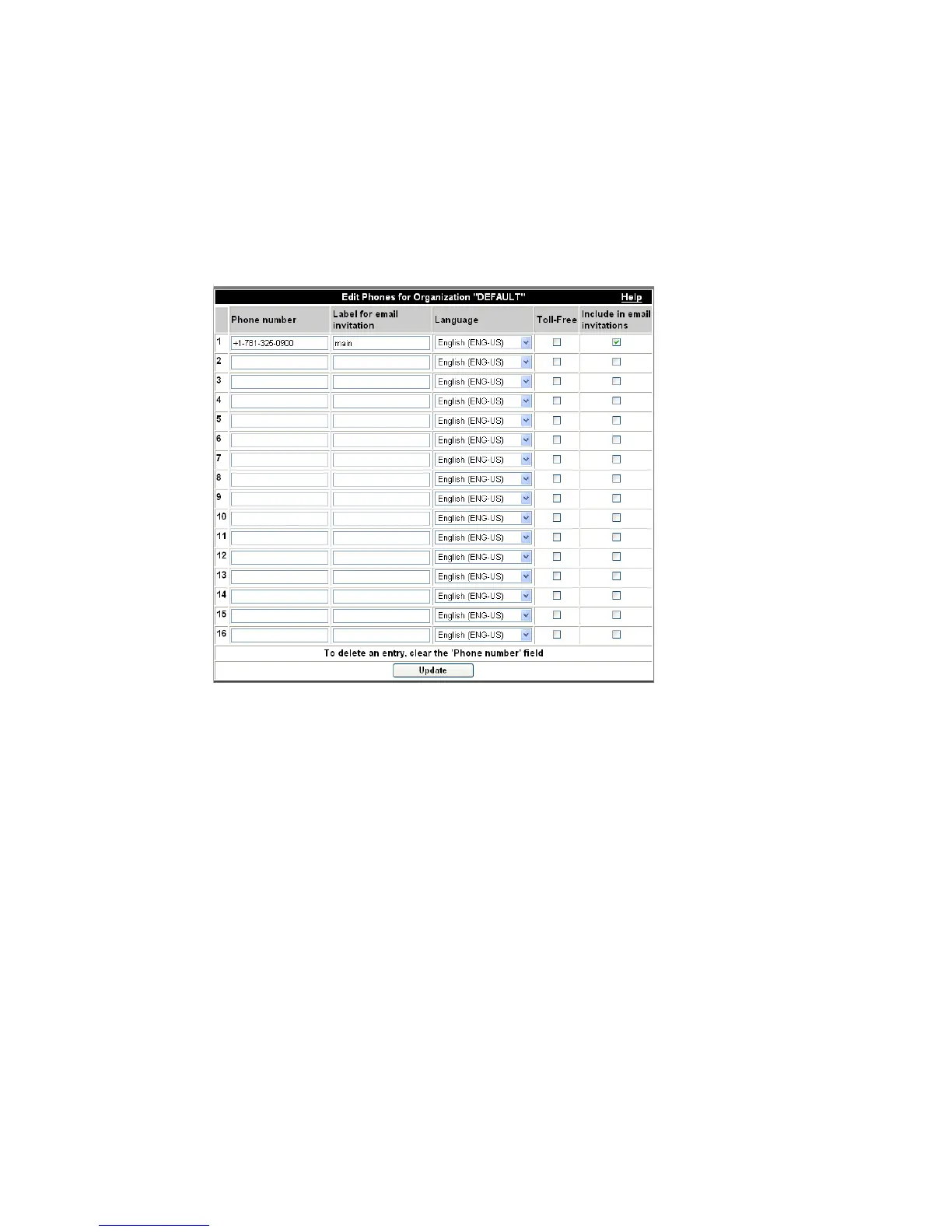
In this page, the Administrator can configure up to 16 phone numbers per organization.
This page is accessed through Provisioning–>Organizations.
Figure 4-5 Edit Phones
Table 4-3 Phone Settings: Organization
Phone Number This is the list of telephone numbers assigned to
an organization that users can dial to join
conferences. These can be DID (toll) telephone
numbers or toll free numbers (for example, an
800# telephone number).
Label for Email Invitation This is the label associated with the telephone
number. You may type any descriptive text here.
The Label appears on the Conference Invite.












 To Next Page