............................................................................................................................................................................................................................................................
To replicate the database from the Primary to the
Secondary server
Management Actions
3-20
8AL90208USAD ed01
November 20, 2008
............................................................................................................................................................................................................................................................
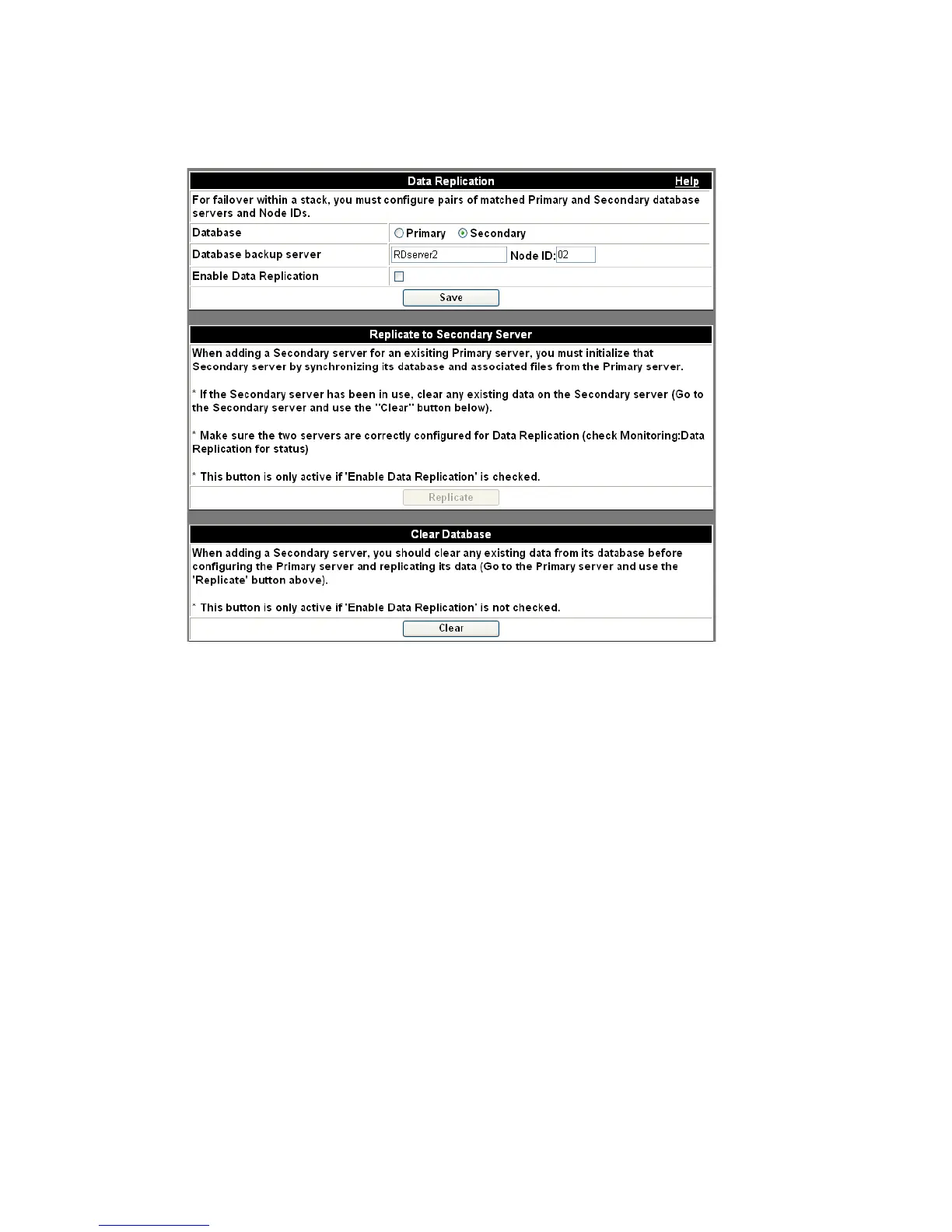
Figure 3-12 Check Secondary Server Configuration
........................................................................................................................................................................................................................
8 Wait for the server to reboot and log into the Web Administration page again.
........................................................................................................................................................................................................................
9 Re-enable replication on the Primary server.
a. Click the Configuration tab.
b. Click the Database Replication item.
c. Check the Enable Replication box.
d. Click the Save button.
........................................................................................................................................................................................................................
10 Replicate the database from the Primary to the Secondary. Make certain you are on the
Primary server.
a. Click Configuration.
b. Click the Database Replication item.
c. Click the Replicate button.












 To Next Page