To add a branding fileSystem Configuration
............................................................................................................................................................................................................................................................
8AL90208USAD ed01
November 20, 2008
2-57
............................................................................................................................................................................................................................................................
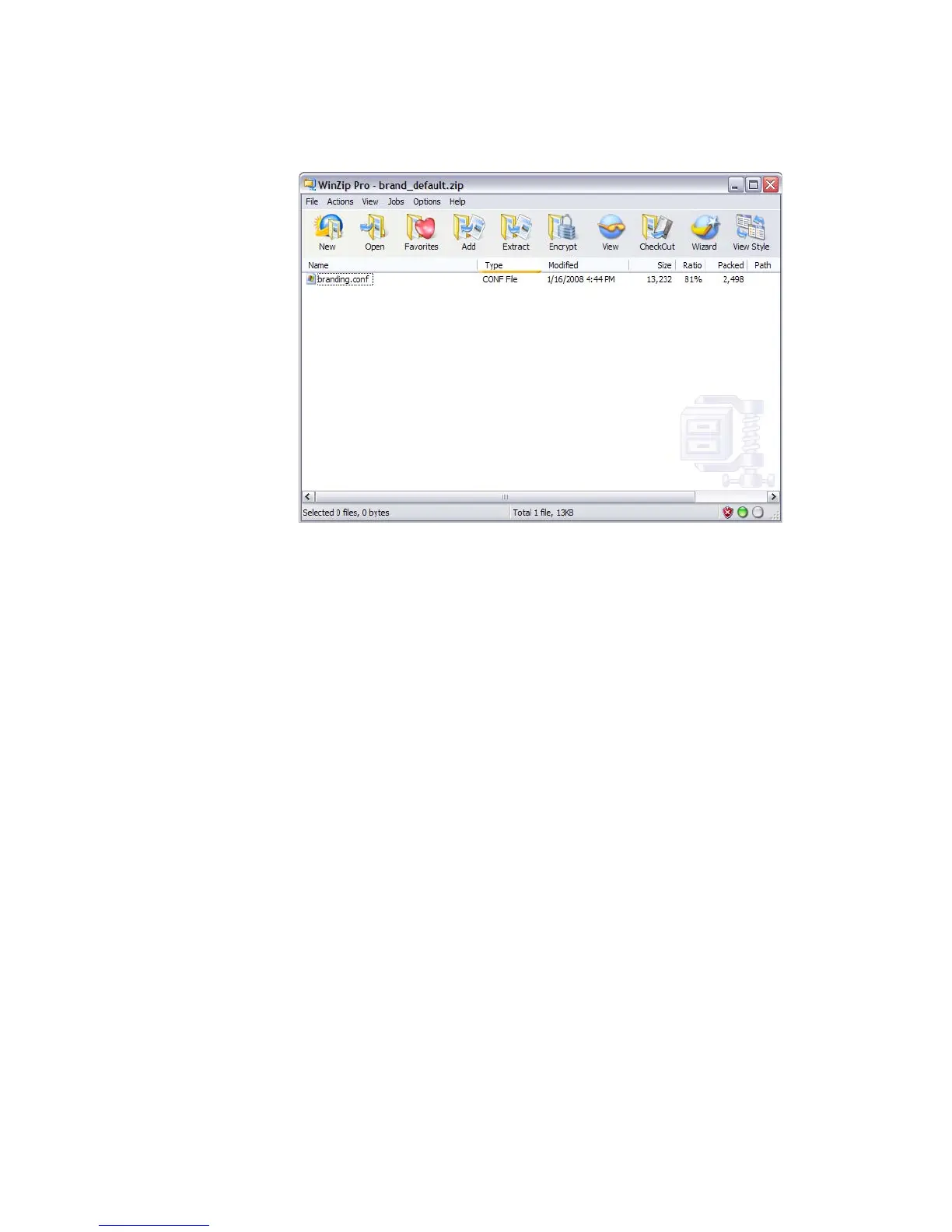
Figure 2-30 Branding File
........................................................................................................................................................
E ND OF STEPS
To add a branding file
........................................................................................................................................................................................................................
1 Click the Browse button to locate the ZIP file associated with your desired branding.
........................................................................................................................................................................................................................
2 Select the file and click Open.
The selected file name appears in the File box.
........................................................................................................................................................................................................................
3 Enter an appropriate Name and Description.
........................................................................................................................................................................................................................
4 Click the Add New button.
The branding file is added to the list.












 To Next Page