............................................................................................................................................................................................................................................................
To see media (calls; application sharing; video) that are
currently up on a particular server
Monitoring
5-6
8AL90208USAD ed01
November 20, 2008
............................................................................................................................................................................................................................................................
The administrator can select the refresh frequency rate by selecting one of the following:
• Refresh Once – This creates a ‘snapshot’ of the active calls at a moment in time. It is
helpful when you have a large group of users (more than 30) and are trying to locate
the activity of a specfic user.
• Refresh every 30 seconds
• Refresh every 60 seconds
• Refresh every 90 seconds
In addition, the System Administrator has the ability to:
• Drop individual legs (Drop Leg)
• End the entire call (End Call).
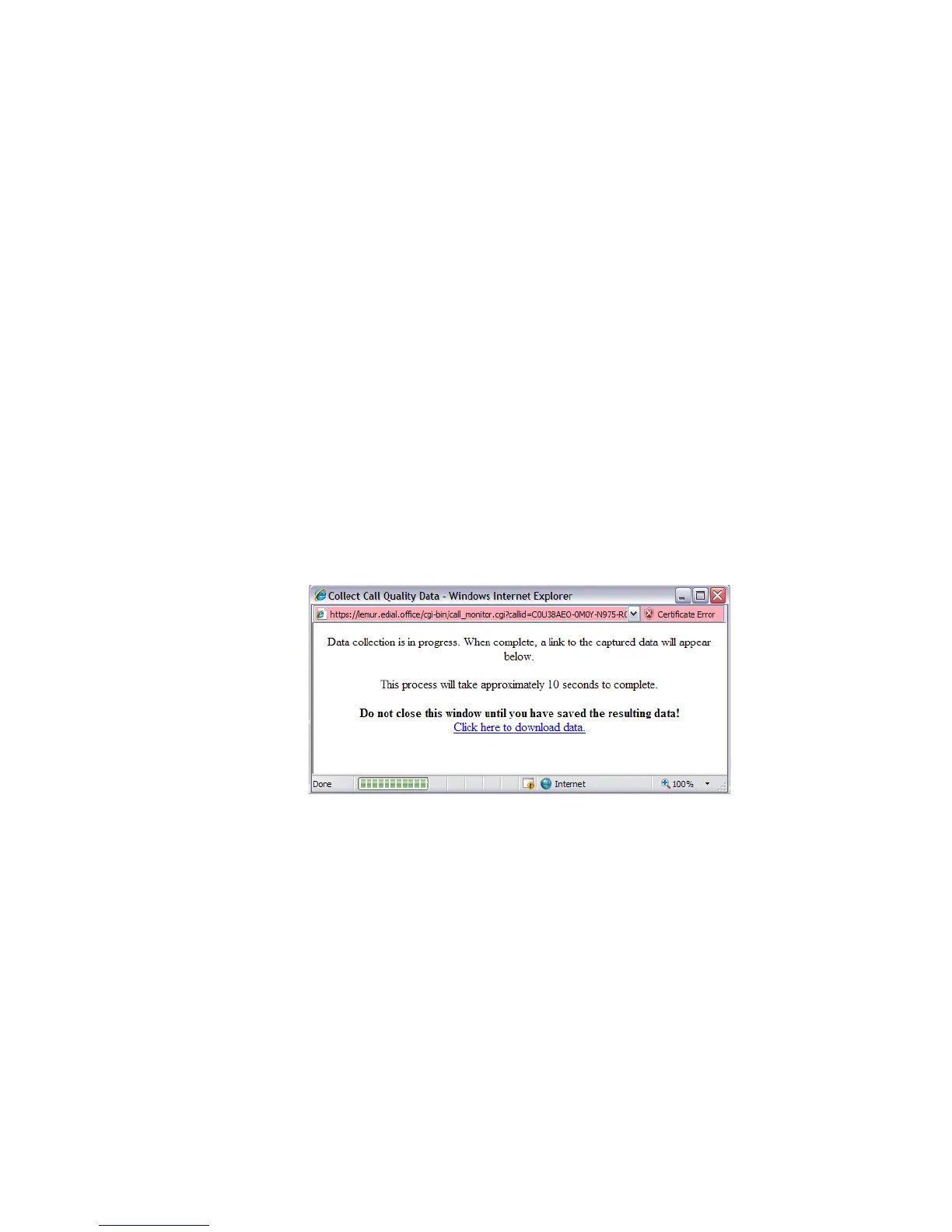
• Collect diagnostics data on a problematic call. Collect call quality data initiates a
collection of one minute’s worth of voice quality data, and downloads it to the System
Administrator’s PC. This feature should only be used when requested by your customer
support representative. The support representative will use this data when assisting
with the diagnosis of audio quality issues.
Figure 5-5 Collect Call Quality Data












 To Next Page