Configure bondingSystem Configuration
............................................................................................................................................................................................................................................................
8AL90208USAD ed01
November 20, 2008
2-101
............................................................................................................................................................................................................................................................
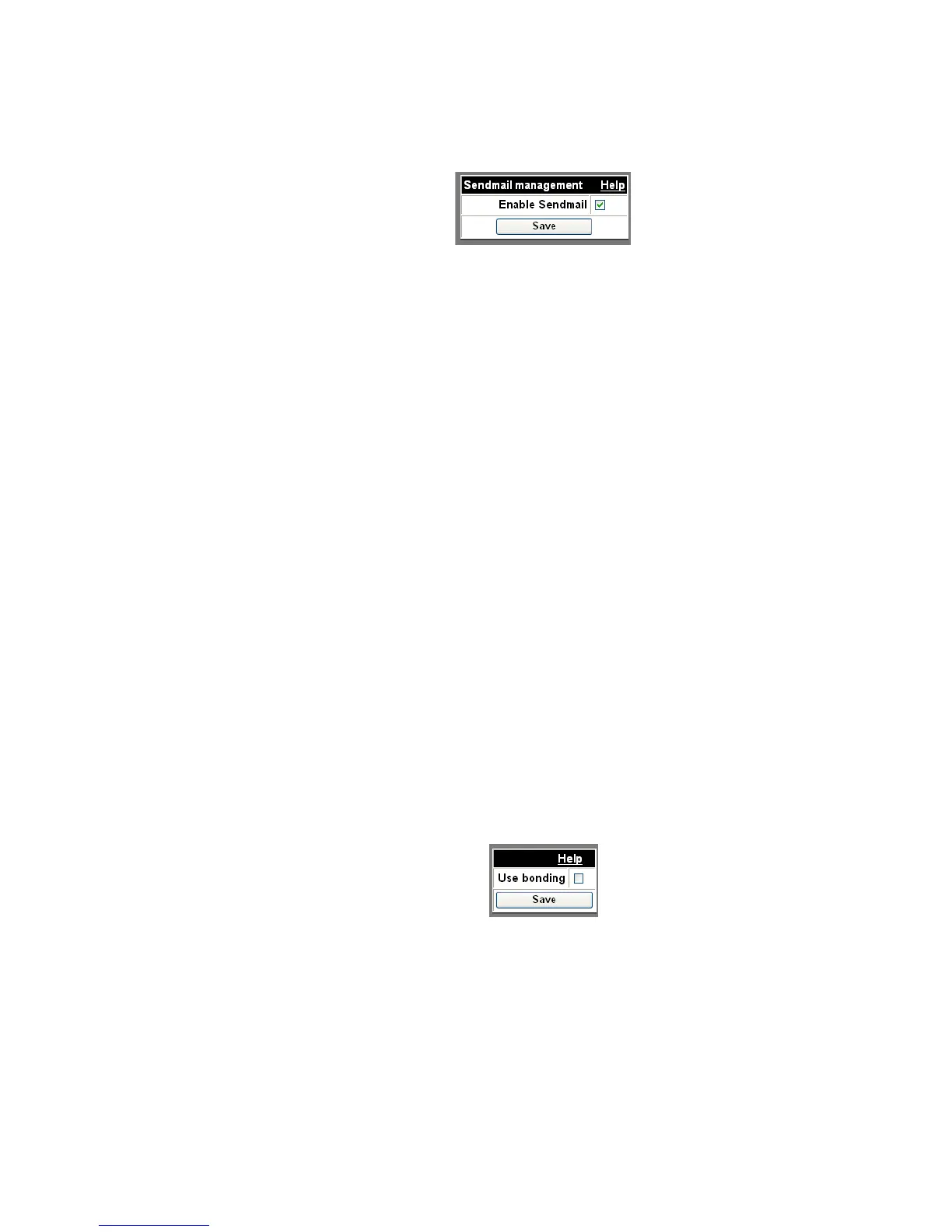
Figure 2-55 Sendmail
........................................................................................................................................................................................................................
5 Check the Enable Sendmail check box.
........................................................................................................................................................................................................................
6 Click Save.
........................................................................................................................................................
E ND OF STEPS
Configure bonding
Interface Bonding allows you to change your network configuration from two separate
interfaces (eth0 and eth1) to a single combined interface (bond0). The first network
address uses bond0 and the second network address uses bond0:1. All packets for both IP
addresses go out through eth0 if it is up, or through eth1 if eth0 is down. In bonding mode,
DHCP is disabled. You must have appropriately configured the switches carrying the
network traffic.
Note: The MAC Address of eth0 is used for both interfaces.
Figure 2-56 Use Bonding












 To Next Page