To correct Ethernet mappingManagement Actions
............................................................................................................................................................................................................................................................
8AL90208USAD ed01
November 20, 2008
3-7
............................................................................................................................................................................................................................................................
........................................................................................................................................................................................................................
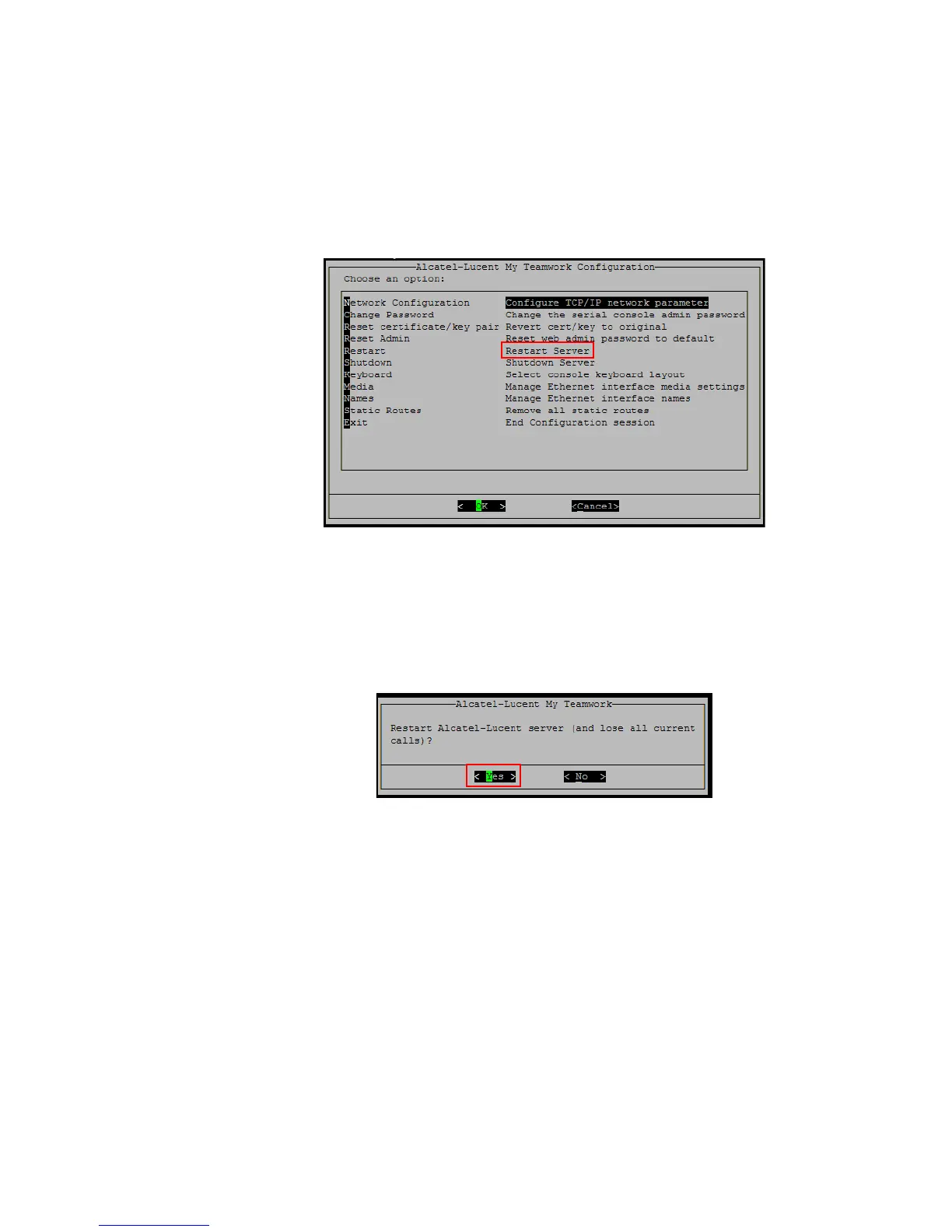
5 Select Restart–>Restart Server.
Figure 3-5 Restart Server
........................................................................................................................................................................................................................
6 Select OK. The Restart Alcatel-Lucent Server screen appears.
Figure 3-6 Restart Alcatel-Lucent Server
........................................................................................................................................................................................................................
7 Select Yes for the swap to take place.
All current calls will be lost.
........................................................................................................................................................
E ND OF STEPS












 To Next Page