Configure SNMPSystem Configuration
............................................................................................................................................................................................................................................................
8AL90208USAD ed01
November 20, 2008
2-95
............................................................................................................................................................................................................................................................
Configure SNMP
OmniTouch ACS can be configured to generate alerts and other messages using the
SNMP protocol. When enabled, these alerts are sent in addition to the SMTP messages
that are automatically enabled for all deployments (System Options).
To configure the server to generate SNMP traps
........................................................................................................................................................................................................................
1 Click the Configuration tab.
........................................................................................................................................................................................................................
2 Click the Advanced Settings item.
........................................................................................................................................................................................................................
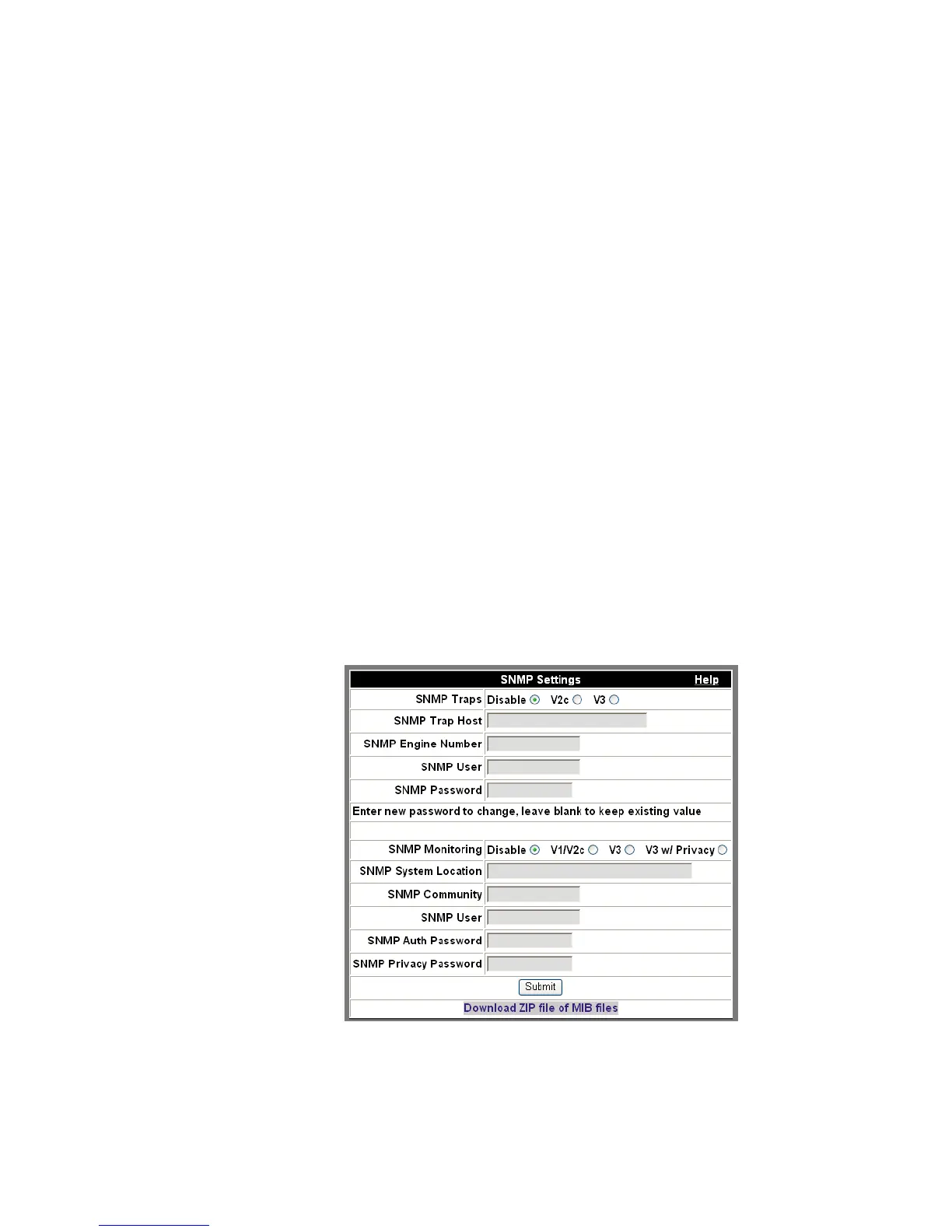
3 Click Configure SNMP.
The SNMP Settings dialog box appears.
Figure 2-52 SNMP Settings












 To Next Page