............................................................................................................................................................................................................................................................
To see the system disk statusMonitoring
5-10
8AL90208USAD ed01
November 20, 2008
............................................................................................................................................................................................................................................................
To see the system disk status
........................................................................................................................................................................................................................
1 Click the Monitoring tab.
........................................................................................................................................................................................................................
2 Click the System Status item.
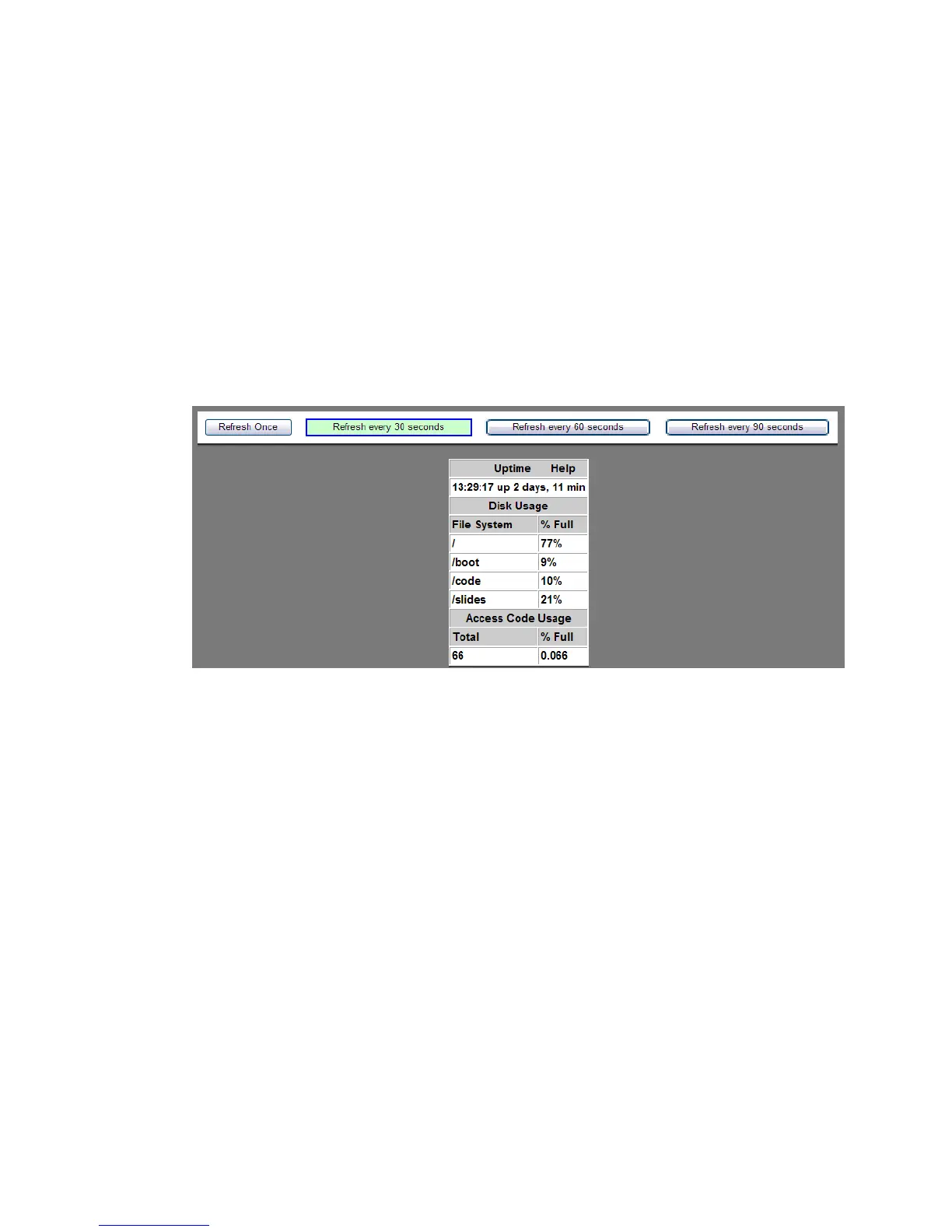
The following screen appears.
Figure 5-9 Viewing System Status
........................................................................................................................................................
E ND OF STEPS












 To Next Page