To add a new trusted certificate authoritySystem Configuration
............................................................................................................................................................................................................................................................
8AL90208USAD ed01
November 20, 2008
2-43
............................................................................................................................................................................................................................................................
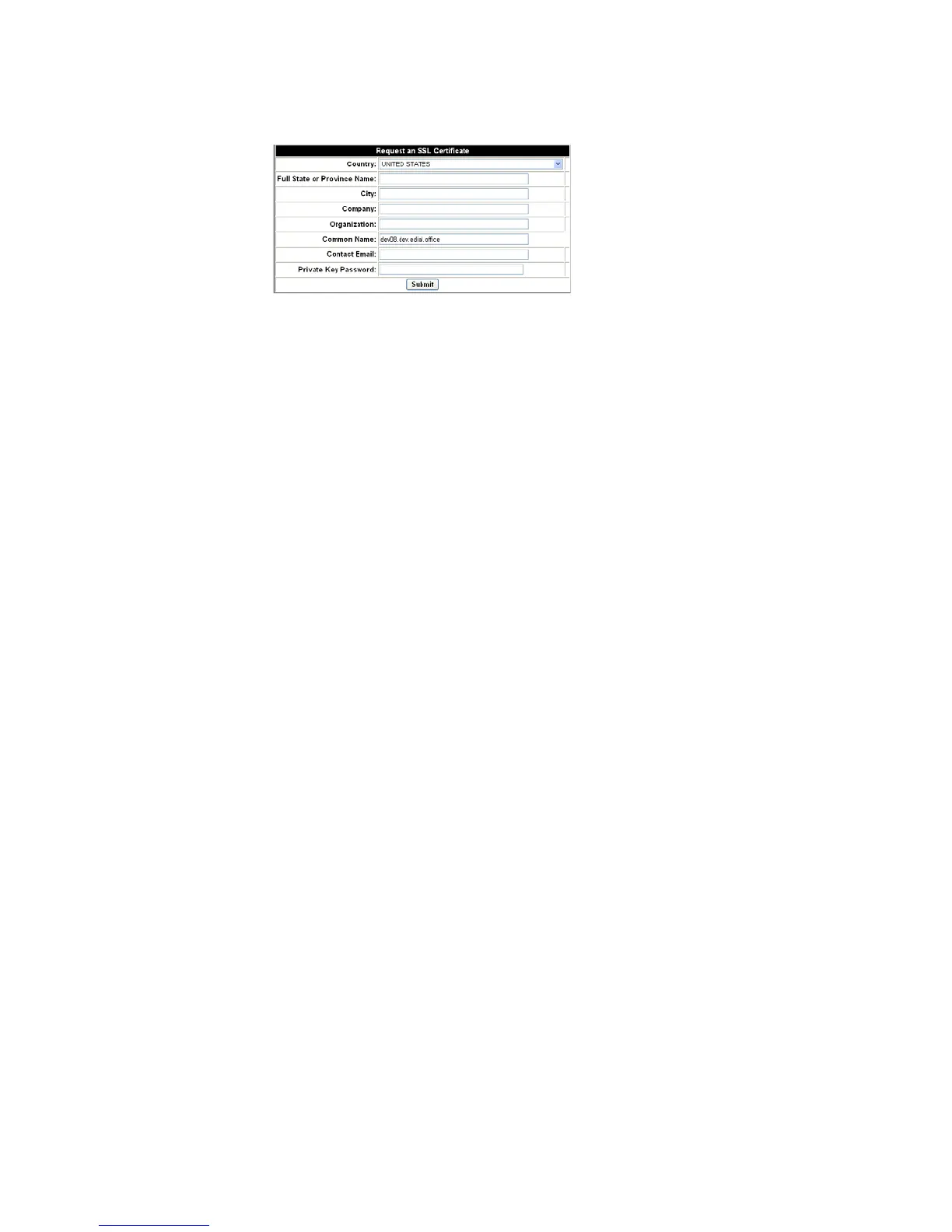
Figure 2-22 Request SSL Certificate
If you do not need a certificate signed by a certificate authority (authenticating the server
to the client is not important), click the Generate self-signed SSL cert link.
........................................................................................................................................................................................................................
5 After your certificate file is obtained and saved, enter the path name of the file containing
the certificate – optionally use the Browse button to locate the file.
........................................................................................................................................................................................................................
6 Enter the path name of the file containing the digital key corresponding to the certificate –
optionally, use the Browse button to find the file.
........................................................................................................................................................................................................................
7 If the key is password protected, enter the password.
Note: When searching for a Cluster Certificate, make certain the Certificate
matches the Cluster name.
To allow client/server applications to communicate with Mutually Authenticated
Transport Layer Security (TLS), check Use MTLS.
........................................................................................................................................................
E ND OF STEPS
To add a new trusted certificate authority
........................................................................................................................................................................................................................
1 Browse to locate the certificate in PEM (Privacy-Enhanced Mail) format.
........................................................................................................................................................................................................................
2 Click Submit.












 To Next Page