Removing static routesSystem Configuration
............................................................................................................................................................................................................................................................
8AL90208USAD ed01
November 20, 2008
2-111
............................................................................................................................................................................................................................................................
Removing static routes
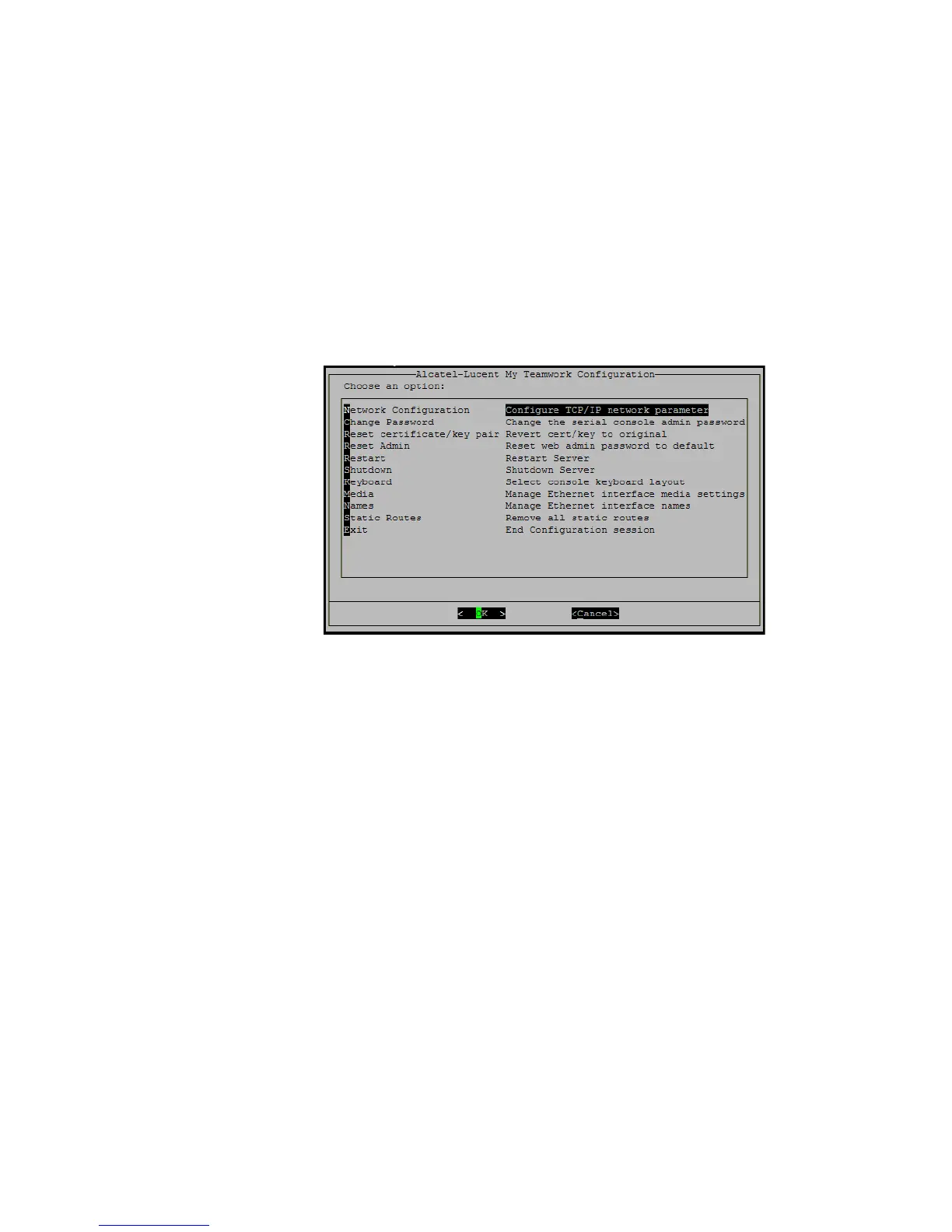
If you need to revise your network’s static routes, you can delete your static routing table
through the Serial Administration console. Selecting the Remove all static routes item
deletes the Static Routes Table and restarts networking without static routes. You can
then make changes and save them through Configuration–>Advanced Settings–>Route
Management
in the Web Administration console.
Figure 2-61 Remove All Static Routes
Edit TPDAS rules
You can configure Trunk Routing rules to have control over which PSTN trunk a specific
call, or calls, will go out on. To access the TPDAS interface, you must enter the following
URL in your browser:
https://<server>/cgi-bin/tpdasrules.cgi
These are the fields for the individual TPDAS rules. Sample rules are shown already filled
in.












 To Next Page