Send alerts to active usersMonitoring
............................................................................................................................................................................................................................................................
8AL90208USAD ed01
November 20, 2008
5-9
............................................................................................................................................................................................................................................................
Send alerts to active users
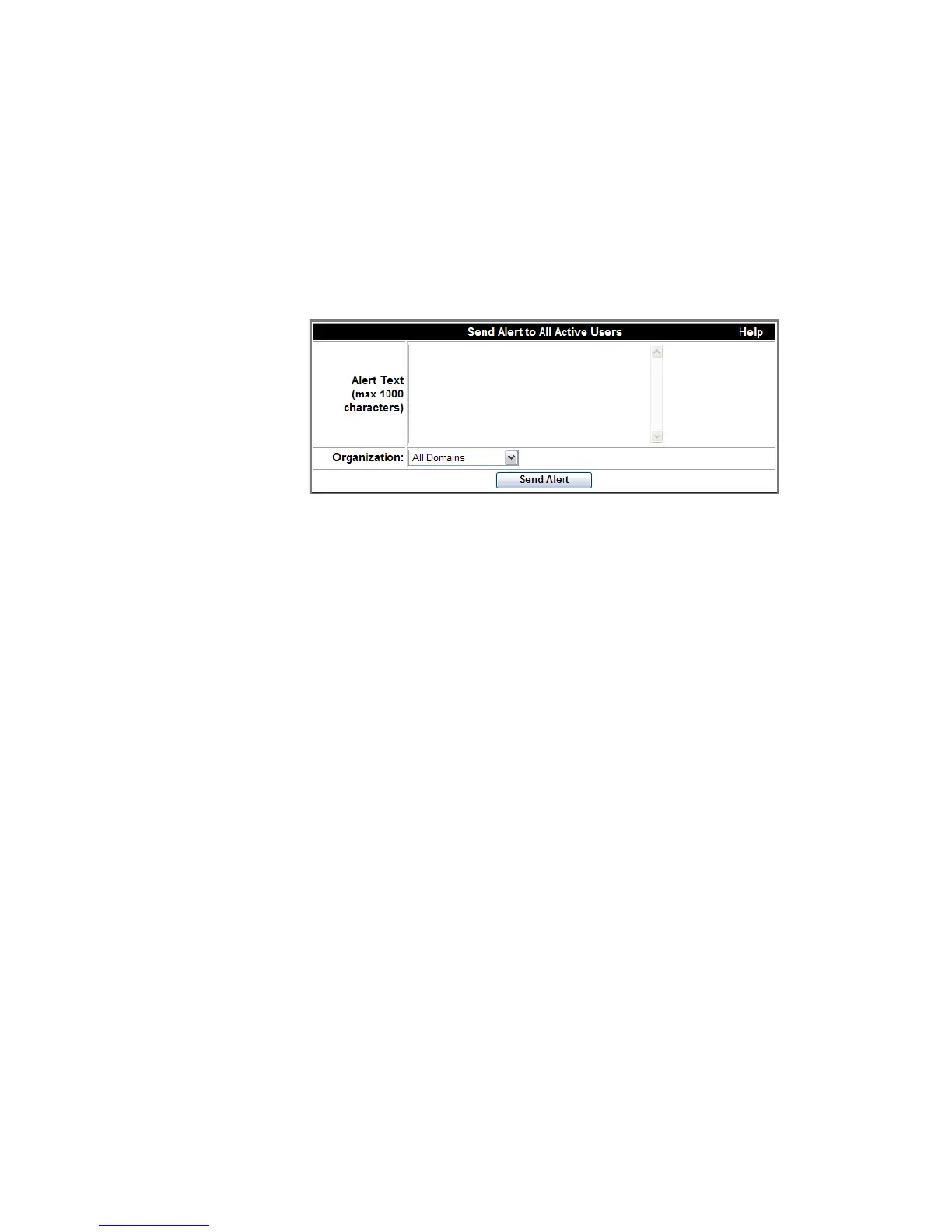
From this screen, the System Administrator can send alerts to all users in all domains or to
specific organizations within a domain (for example, “System will be rebooted in 10
minutes.”) The message appears in a pop-up on the user’s desktop.
Figure 5-8 Send Alerts
System status
System status shows the disk usage of Alcatel-Lucent OmniTouch ACS. The system
normally operates with disk usage well under 100%. If disk usage approaches 100%,
contact your support representative.
Access code usage indicates how many access codes are currently valid and in use. If
access code usage approaches 100%, contact your support representative.
The administrator can select the refresh frequency rate by selecting one of the following:
• Refresh Once – This creates a ‘snapshot’ of the system status at a moment in time. It is
helpful when you have a large group of users (more than 30).
• Refresh every 30 seconds
• Refresh every 60 seconds
• Refresh every 90 seconds












 To Next Page