To generate a call report for a particular userProvisioning and Account Management
............................................................................................................................................................................................................................................................
8AL90208USAD ed01
November 20, 2008
4-43
............................................................................................................................................................................................................................................................
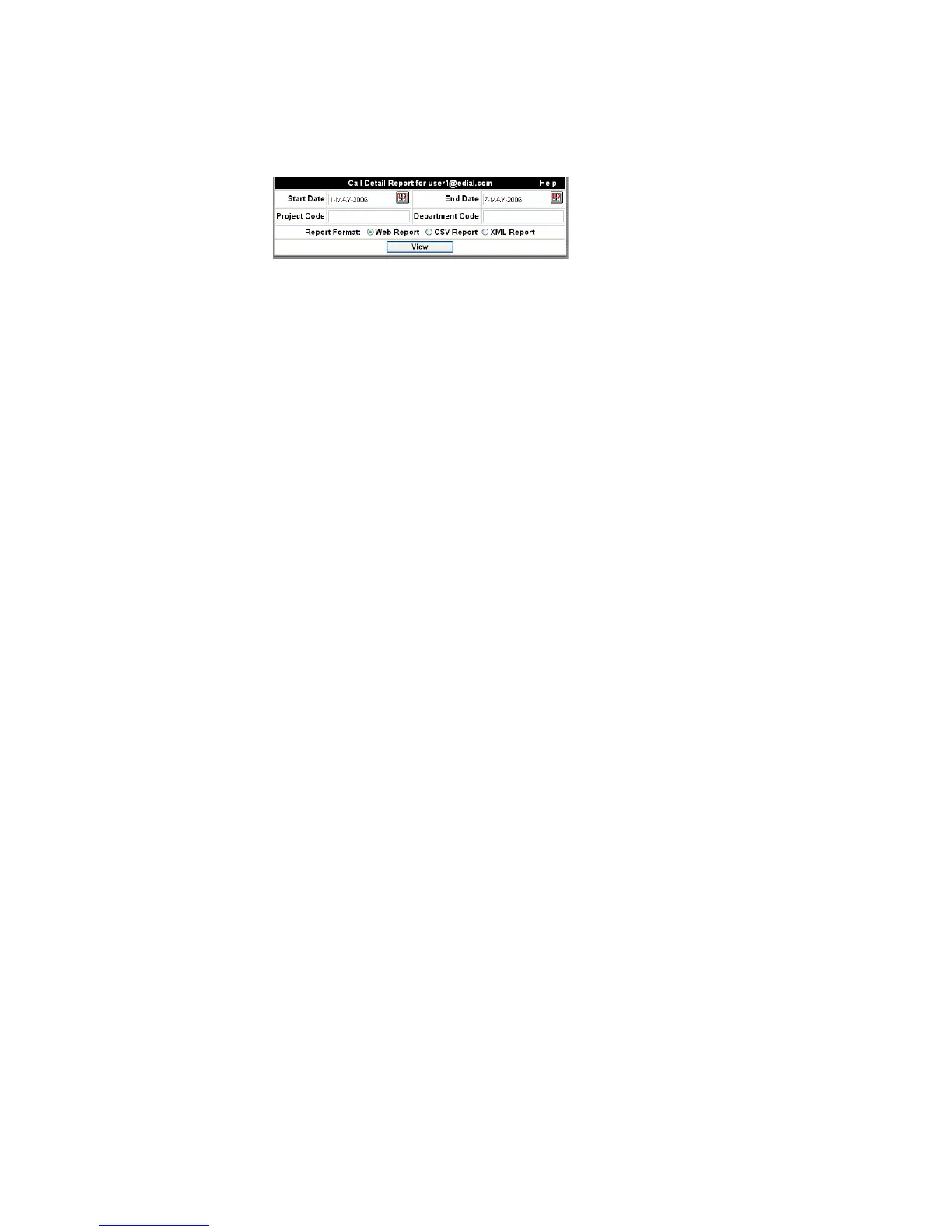
Figure 4-22 View Call Detail Report
........................................................................................................................................................................................................................
3 Enter a specific Project Code or Department Code if you want to filter the data based
upon those parameters.
........................................................................................................................................................................................................................
4 Select a report format.
Web Report – Generates a report in a new web browser window.
CSV Report – Generates a comma separated values file that you can save to your
computer and open in spreadsheet programs.
XML Report – Generates a report that can be imported into applications that
understand XML.
........................................................................................................................................................................................................................
5 Click View.
If you choose a Web Report, the result will be a detailed table of all call legs for that user
including date, time, phone number, whether the call was incoming or outgoing, the
conference ID, which specific server it was on, and which trunk and channel it was on for
that server. (You will download a file, if you choose CSV Report or XML Report.)
........................................................................................................................................................
E ND OF STEPS
Table 4-11 Call Detail Report Fields
Call Date Date on which the first person joined the call.
Call Start Time Time when the first person joined the call.












 To Next Page