To access a list of usersProvisioning and Account Management
............................................................................................................................................................................................................................................................
8AL90208USAD ed01
November 20, 2008
4-25
............................................................................................................................................................................................................................................................
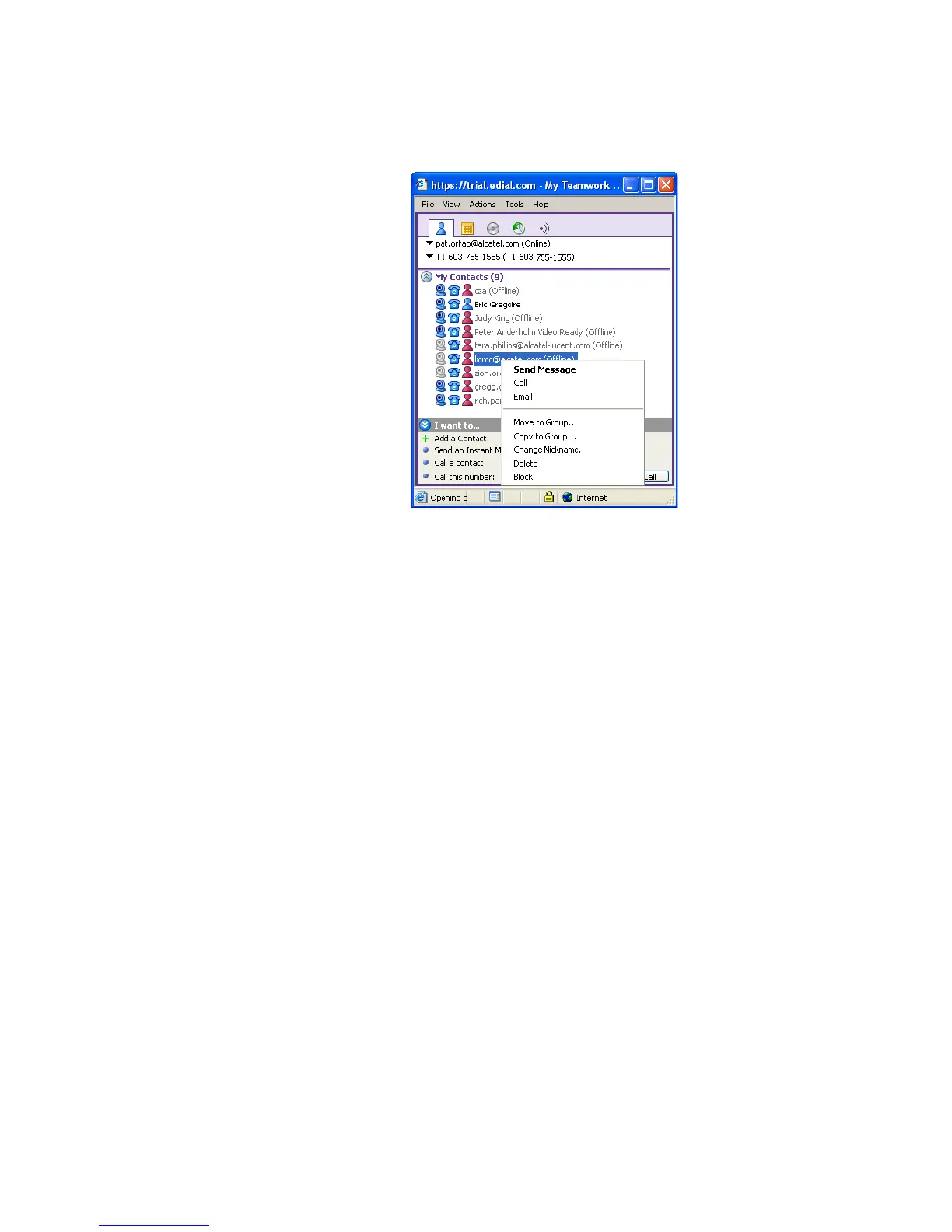
Figure 4-13 Click-to-Call LMRCC User
........................................................................................................................................................
E ND OF STEPS
To access a list of users
Note: You may also link to this page through Provisioning–>Organizations. (see
Provisioning organizations)
........................................................................................................................................................................................................................
1 Click the Provisioning tab.
........................................................................................................................................................................................................................
2 Click the List Users item.
A screen will appear that shows all of the currently configured users for this organization.
They will be listed in the table as shown below with their OmniTouch ACS user name and
description (if any).












 To Next Page