To locate a user through SearchProvisioning and Account Management
............................................................................................................................................................................................................................................................
8AL90208USAD ed01
November 20, 2008
4-27
............................................................................................................................................................................................................................................................
To locate a user through Search
........................................................................................................................................................................................................................
1 Enter all or part of a user name in the Search text box.
........................................................................................................................................................................................................................
2 Select the organization to be searched from the drop-down list. (You can also search all
organizations.)
Note: You can also check the Disk usage for a specific user (or all users) using the
Search functionality.
........................................................................................................................................................................................................................
3 Click Submit.
All user names that contain the substring you entered will appear in a list format.
........................................................................................................................................................
E ND OF STEPS
To modify or delete user accounts
........................................................................................................................................................................................................................
1 Find the user.(see To access a list of users)
........................................................................................................................................................................................................................
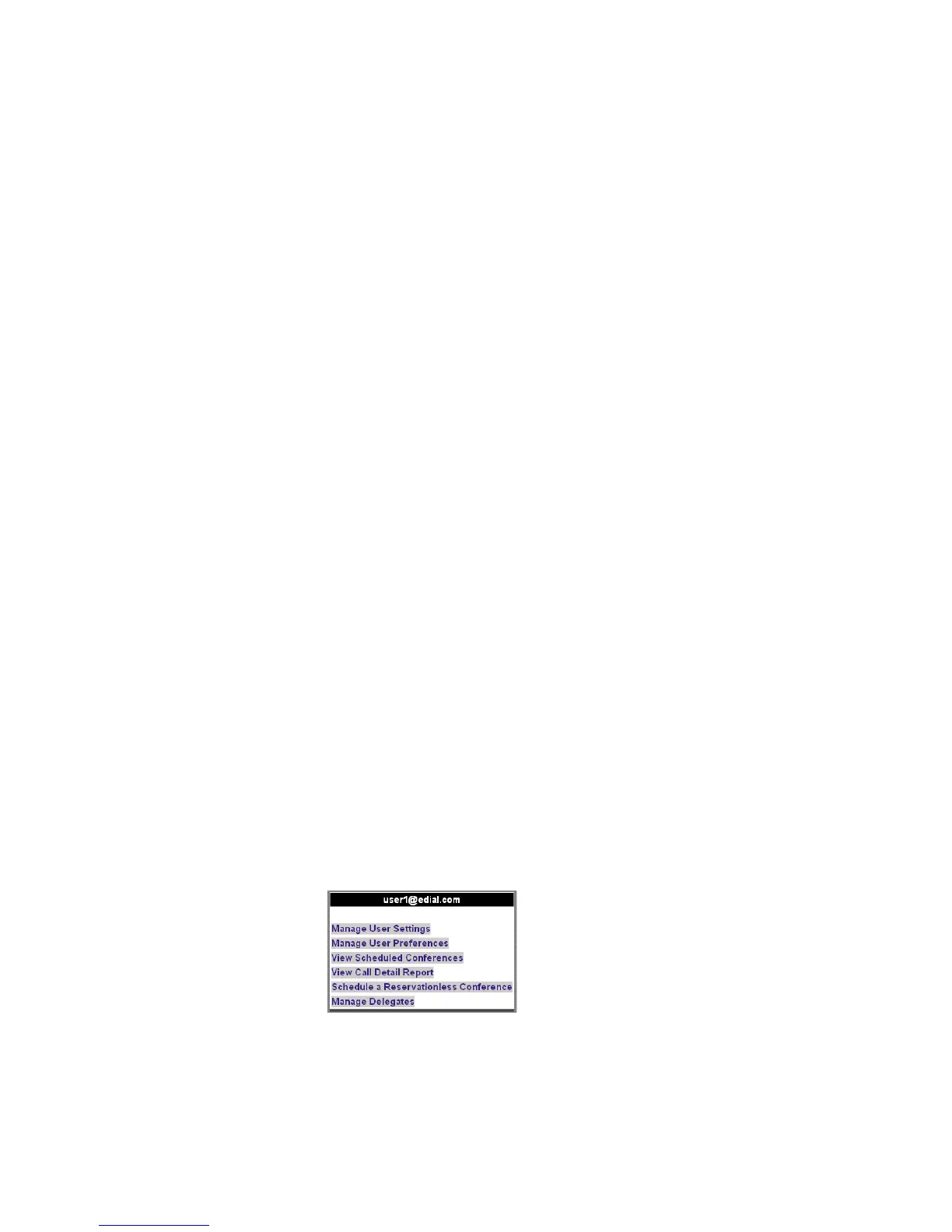
2 Click the user’s name to access the screen that allows access to that particular user’s
account.
Figure 4-15 View Options
........................................................................................................................................................................................................................
3 Click the setting you want to view or modify.












 To Next Page