Trunk statusMonitoring
............................................................................................................................................................................................................................................................
8AL90208USAD ed01
November 20, 2008
5-13
............................................................................................................................................................................................................................................................
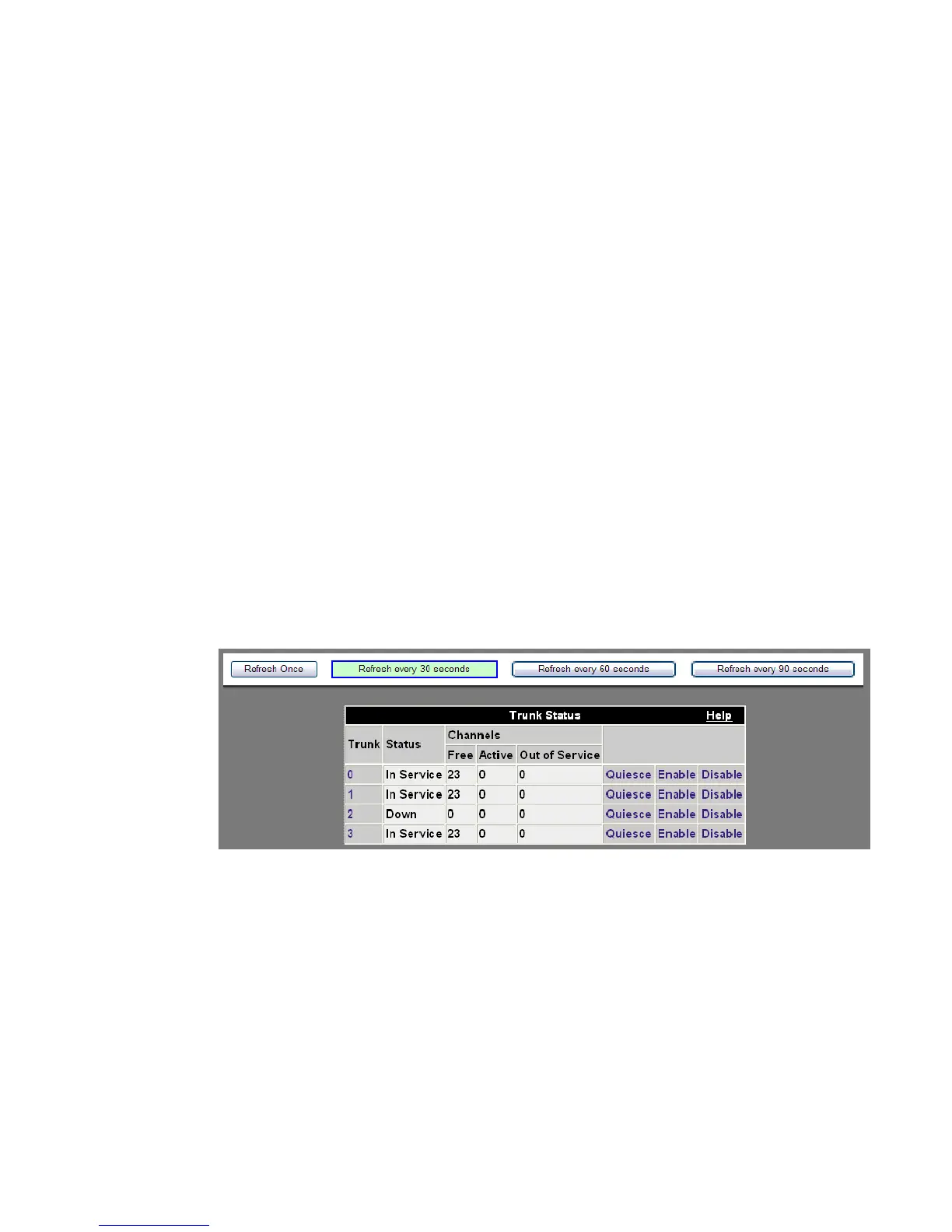
Trunk status
The trunk status screen shows the status (“in service” or “down”) and the number of
active channels for each PSTN trunk on the server. The menu option is hidden if there are
no trunks installed. Should a trunk need to be serviced, it can be quiesced and
subsequently restarted by clicking on the Enable button corresponding to that trunk.
Quiesce disables the trunk for additional users, but does not disconnect users who are
already on that trunk. Clicking Disable disconnects the users.
Clicking on the trunk number displays the active legs for that trunk.
Note: The number of available trunks displayed will vary according to your
configuration.
The administrator can select the refresh frequency rate by selecting one of the following:
• Refresh Once – This creates a ‘snapshot’ of the trunk status at a moment in time. It is
helpful when you have a large group of users.
• Refresh every 30 seconds
• Refresh every 60 seconds
• Refresh every 90 seconds
Figure 5-11 Viewing Trunk Status
Site connections
Alcatel-Lucent OmniTouch Advanced Communications Servers (ACS) may be deployed
in a distributed configuration of multiple sites. Each server in a site is configured with
information about other sites with which it can establish distributed conferences. The
names of the other sites with which a specific server is “federated” are shown in the
Remote Sites list, along with the number of registered users on this server.












 To Next Page