Change Administrator passwordProvisioning and Account Management
............................................................................................................................................................................................................................................................
8AL90208USAD ed01
November 20, 2008
4-75
............................................................................................................................................................................................................................................................
Change Administrator password
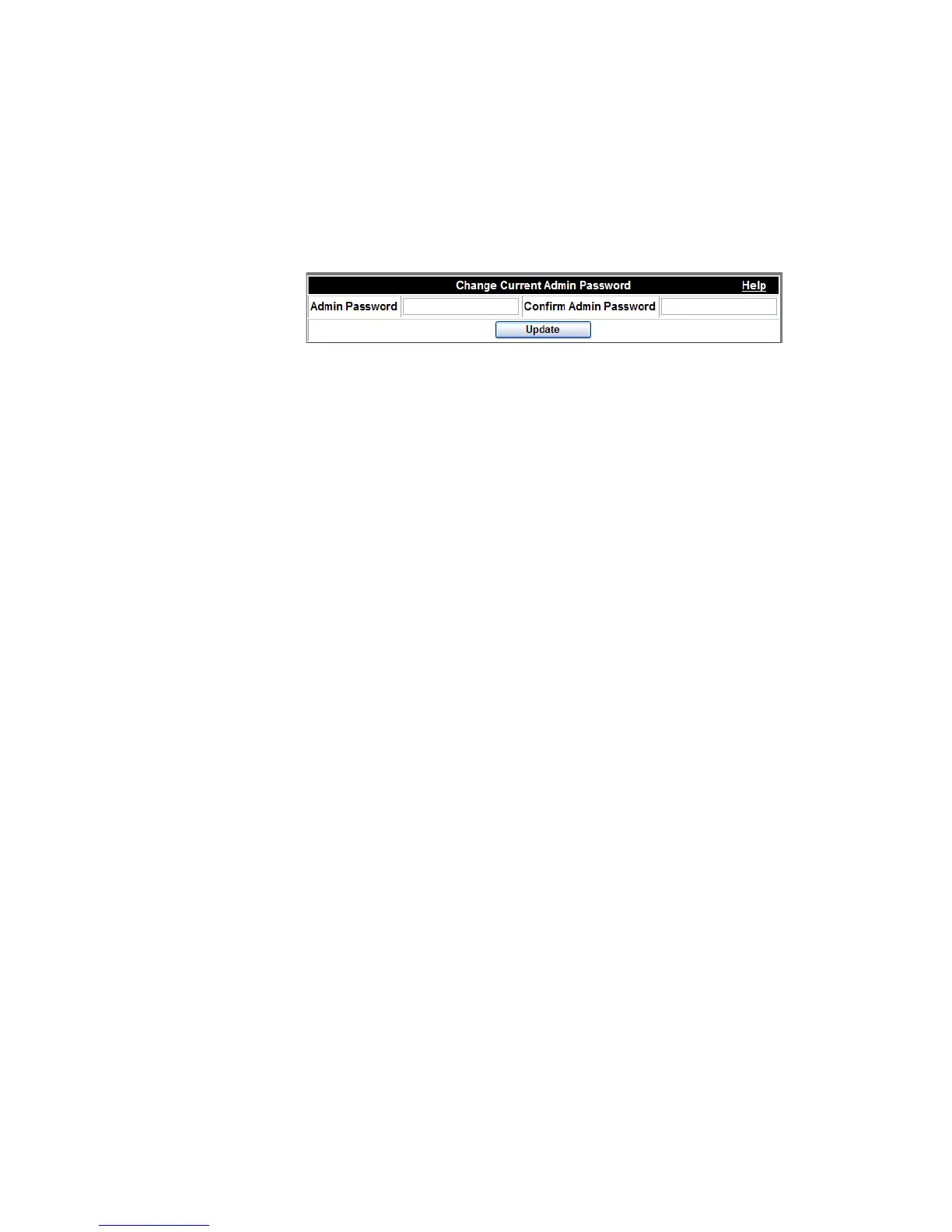
A system administrator can change his or her own password through this screen.
Figure 4-37 Changing an Administrator’s Password
To change the Adminstrator’s password
........................................................................................................................................................................................................................
1 Click the Provisioning tab.
........................................................................................................................................................................................................................
2 Click the Change Current Admin Password item.
........................................................................................................................................................................................................................
3 Enter the same new password in both boxes.
........................................................................................................................................................................................................................
4 Click the Update button.
........................................................................................................................................................
E ND OF STEPS












 To Next Page