............................................................................................................................................................................................................................................................
To determine which server processes may need to be
restarted and to check the server process status
Monitoring
5-18
8AL90208USAD ed01
November 20, 2008
............................................................................................................................................................................................................................................................
To determine which server processes may need to be
restarted and to check the server process status
........................................................................................................................................................................................................................
1 Click the Monitoring tab.
........................................................................................................................................................................................................................
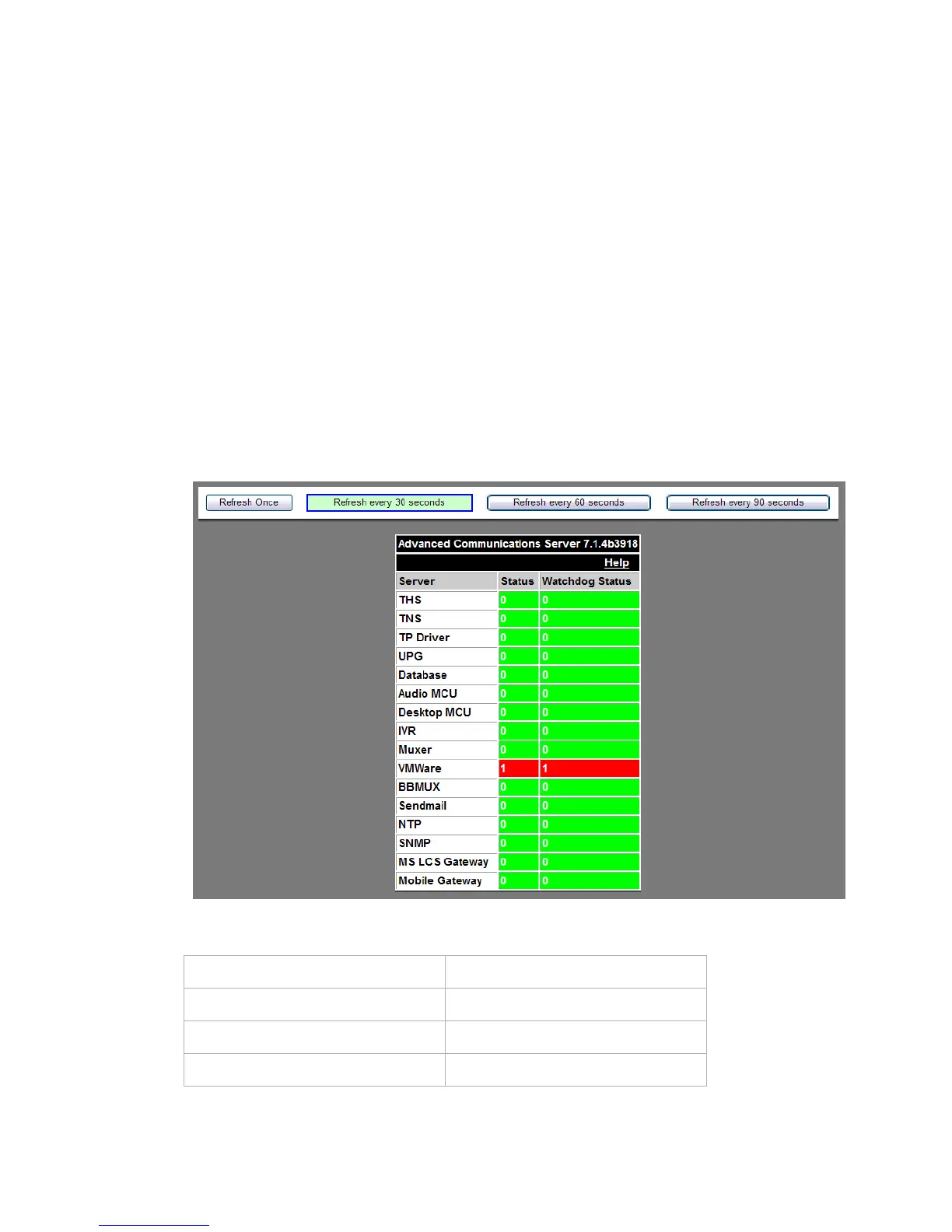
2 Click the Server Status button.
A screen similar to the following appears.
........................................................................................................................................................
E ND OF STEPS
Figure 5-14 Server Process Status
Table 5-4 Server Process Status Indicators
Color Text
Green – Normal 0 – Normal
Red – Disabled Services 1 – Disabled Services
Yellow – Informational Status X – Not Installed












 To Next Page